1
Installing and Connecting the Panel PC 670/870
11/01
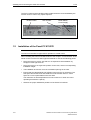
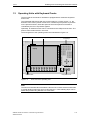
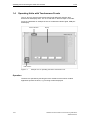
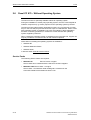
The SVP number and the MLFB number enable the device to be identified by the
service center in case of any repairs required.
MLFB number
Figure 1–1
1.2
SVP number
Model Edition,
Power Supply
Rating Plate
Installation of the Panel PC 670/870
Note
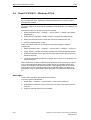
The Panel PC 670/870 is approved for operation in closed rooms.
When installing the Panel PC 670/870 observe the Chapter "Technical Data" of the
Panel PC 670 or Panel PC 870 Equipment Manual as well as the following points:
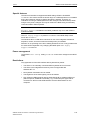
• Place the screen in such a way that it is not exposed to direct radiation by
sunlight or other light sources.
• Place the screen in an ergonomic position for the user; select a corresponding
installation height.
• The installation should not cover the ventilation openings in the case.
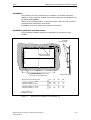
• Ensure that the cabinet/panel has sufficient volume for the air exchange. The
free space around the Panel PC 670/870 must be at least 100 mm. A free
space of 10 mm is permissible on the rear side.
The maximum air inlet temperature must not exceed 45 °C when the unit is
operating at maximum capacity.
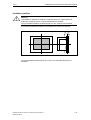
• Observe the proper installation positions of the Panel PC 670/870.
1–2
SIMATIC Panel PC 670/870 Commissioning Instructions
A5E00135748-01