1
Digital Cinema Delivery Tool
3.3.3 Source Type
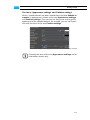
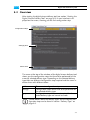
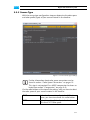
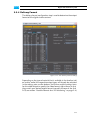
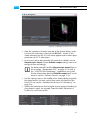
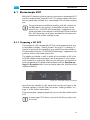
With the source type configuration step you determine the color space
and color profile (type) of your source material in the timeline:
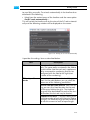
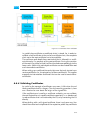
Figure 3-11: The source type settings
Further information about color space conversions can be
found in section “Color Space Conversions” on page 6-5.
This step is not required if an MPEG compression has been selected (see section “Compression” on page 3-9).
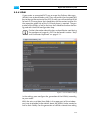
Via the radio buttons at the top of the settings area you have to select
the color space of your source material in the timeline:
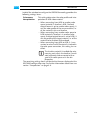
RGB
If the timeline contains clips in the RGB color
space, you have to activate this radio button.
XYZ
Select this setting if the clips in the timeline are
all in the X’Y’Z’ color space.
3-11