1
SRM9020plus ~ Trunked Operating Instructions
4.2.1
Completeing a Voice Call Connection
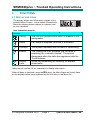
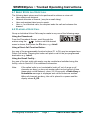
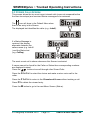
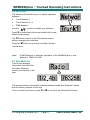
When the called radio is contacted, both radios will
produce a ring tone and the Alert message together
with the call progress icon will be displayed.
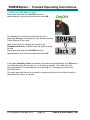
When the called person answers, refer to Section 4.3
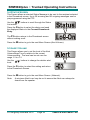
for information on how to accept a call, both radios
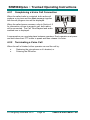
will be connected. The Call Time-Elapsed and audio
enabled icon is displayed.
A conversation can now take place between operators. Each operator must press
and hold down their PTT button to speak and then release it to listen.
4.2.2
Terminating a Voice Call
When the call is finished, either operator can end the call by:
•
Replacing the microphone on it’s bracket, or
•
Pressing the F3 button.
© Comgroup Australia 2010
Page 22
TNM-U-E-0085 Issue 1.0b