1
108
NET.CFG Parameters
NET.CFG Parameters
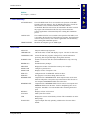
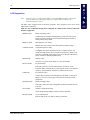
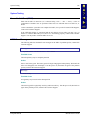
Lucent Parameters
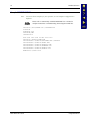
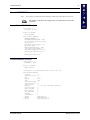
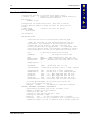
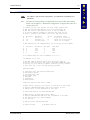
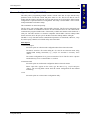
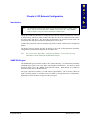
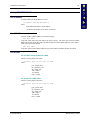
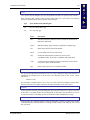
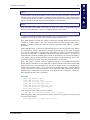
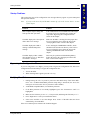
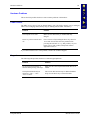
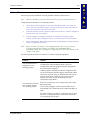
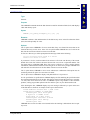
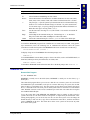
The following is a list of parameters that can be modified in the NET.CFG file for computers with
Lucent 2.4GHz radios. For additional information about the parameters in this file see the
WVLAN43.CFG file located in the PCTCP directory. To set the TCP/IP parameters see the
SOCKET.CFG file documentation.
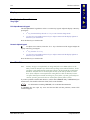
Link Support
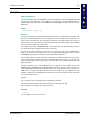
Parameter used to define resources for the LSL.COM file. Any modifications may cause resource
conflicts.
Protocol
Instructs TCP/IP stack to bind to radio driver.
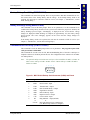
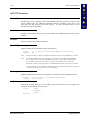
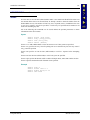
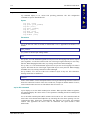
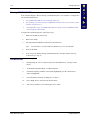
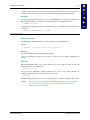
WaveLAN_Network_Name
Identifies the WaveLAN network the station will connect to.
Valid:
0 - 32 string of printable uppercase characters.
Default: ANY
Note:
Setting this value to ANY will enable the station to connect to any IEEE 802.11 network.
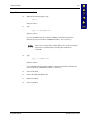
Note:
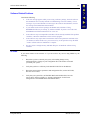
The string for WaveLAN_Network_Name is case-sensitive. The WaveLAN DOS ODI
driver requires the use of only UPPERCASE characters. If you have configured the
Access Points with lower-case names you will need to change your Access Point
WaveLAN_Network_Name parameter to UPPERCASE characters for proper operation.
Or, place double quotes around the WaveLAN_Network_Name to allow proper operation
with upper and lower case letters e.g. "NameofUnit".
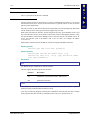
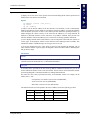
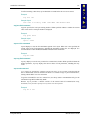
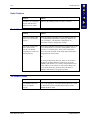
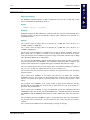
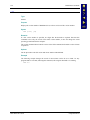
Station_Name
Identifies the stations on the network. This parameter is used when performing diagnostic tests.
Valid:
0 to 32 string of printable characters.
Default: station_name
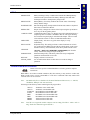
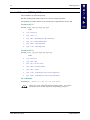
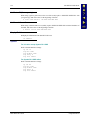
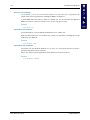
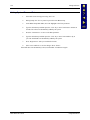
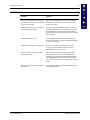
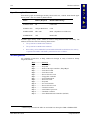
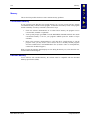
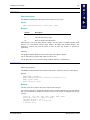
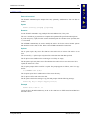
AP_Distance
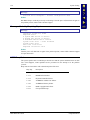
Controls the roaming sensitivity of your computer. This parameter must be set according to the
settings of the WavePOINT-II access points.
Valid:
Default:
MX1 Reference Guide
1=Low
2=Medium
3=High
1
E-EQ-MX1RG-D