1
Using Track
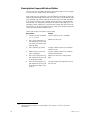
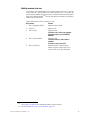
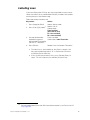
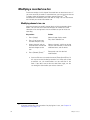
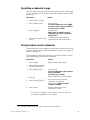
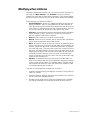
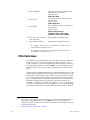
When you insert a cue with Track, new channels track through the
following cues until the console encounters a cue with a level previously
recorded for that channel.
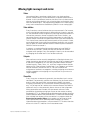
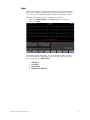
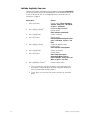
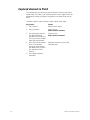
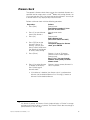
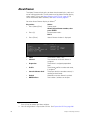
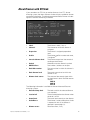
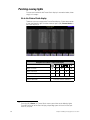
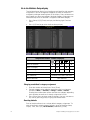
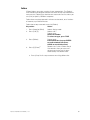
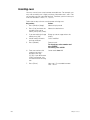
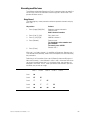
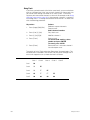
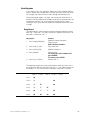
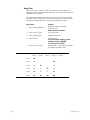
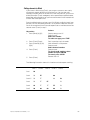
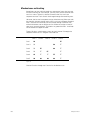
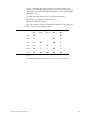
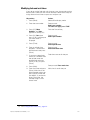
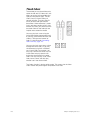
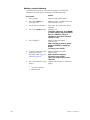
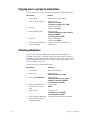
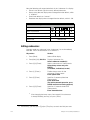
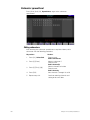
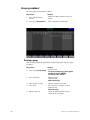
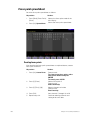
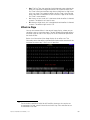
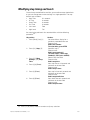
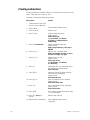
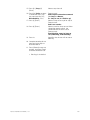
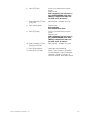
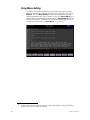
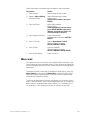
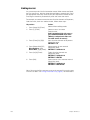
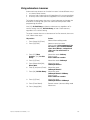
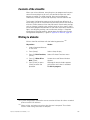
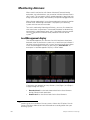
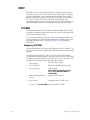
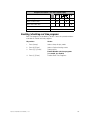
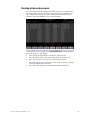
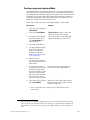
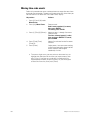
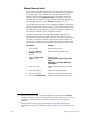
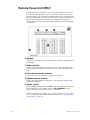
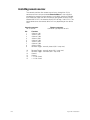
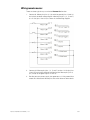
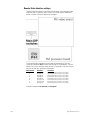
The following procedure illustrates this use of Track, and the following
illustration shows what results. Note that the channel in the new cue is
tracked into subsequent cues until a pre-recorded level stops it.
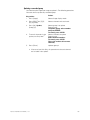
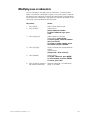
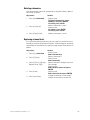
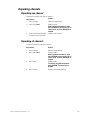
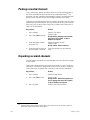
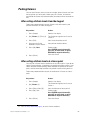
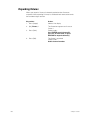
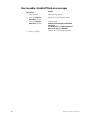
Keystrokes:
Actions:
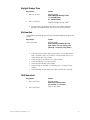
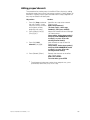
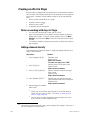
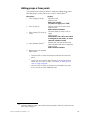
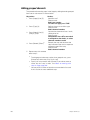
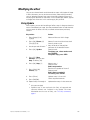
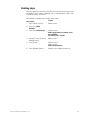
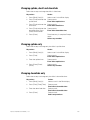
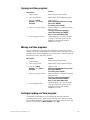
1. Press [Stage] [Rel] [Rel].
Releases captured channels
Prompt reads:
Select channel numbers
2. Press [Cue] [1] [Go].
Plays back cue 1
3. Press [4] [At] [5][0].
Modifies channel 4
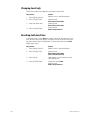
4. Press [Track].
Prompt reads:
To record cue & tracking, select
number and press ENTER
To cancel, press CLEAR
5. Press [1][.][1] [Enter].
Records cue 1.1 and tracks for channel
4 through subsequent cues
Chan 1
106
Chan 2
Chan 3
Chan 4
Cue 1
50
Cue 1.1
50
Cue 2
50
FF
Cue 3
50
FF
FF
50
Cue 4
25
FF
FF
FF
Cue 5
00
00
00
00
Chan 5
50
50
Chapter 8 Track