1
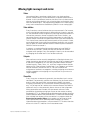
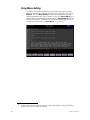
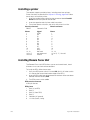
Set grandmaster type
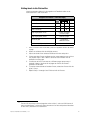
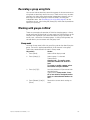
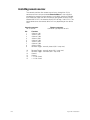
You may set the Master slider to one of three control options.
•
Disabled
Master slider does nothing.
•
Grandmaster
Master slider controls all levels on stage
except parked channels and independent
channels.
•
Sub Grandmaster
Master slider controls all levels on stage
set by submasters.
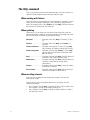
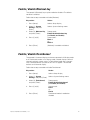
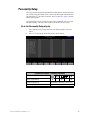
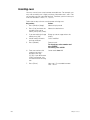
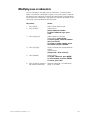
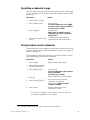
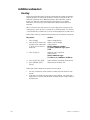
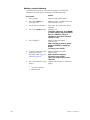
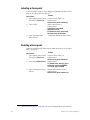
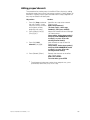
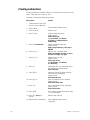
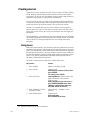
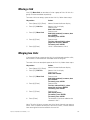
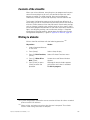
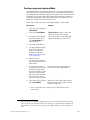
To configure your Grandmaster, follow these steps:
Keystrokes:
Action:
1. Press [Setup].
Displays Setup menu
2. Press [1], System Settings,
[Enter].
Displays System Settings
menu
3. Press [1][0], Master Type,
[Enter].
Prompt reads:
Select master type and
press ENTER (0 = Disabled,
1 = Grandmaster,
2 = Sub Grandmaster)
4. Press [1] [Enter].
Master is set as Grandmaster
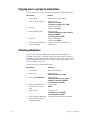
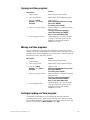
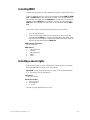
Set channels / submasters 1-to-1
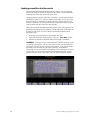
Set Channels / Submasters 1-to-1 sets your console’s channels to a oneto-one match with your submasters. Thus, channel 1 is patched to
submaster 1, channel 2 to submaster 2, and so on. Channel levels are set
to Full and up/dwell/down times are set to 0/Manual/0.
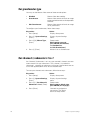
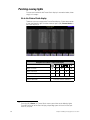
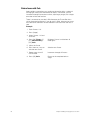
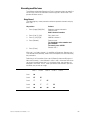
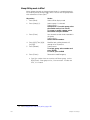
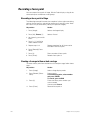
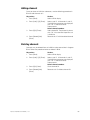
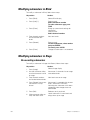
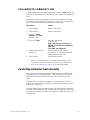
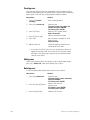
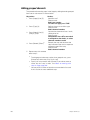
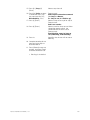
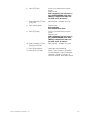
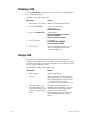
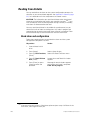
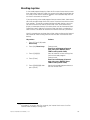
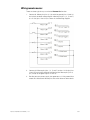
To reset your channels and submasters, follow these steps:
Keystrokes:
28
Action:
1. Press [Setup].
Displays Setup menu
2. Press [1], System Settings,
[Enter].
Displays System Settings
menu
3. Press [1][1], Set Channels/
Submasters 1-to-1, [Enter].
Prompt reads:
Select page to default, then
press ENTER (0 = All pages)
4. Press [Enter].
Channels are assigned to
submasters. The display
returns to Setup menu
Chapter 3 System settings