1
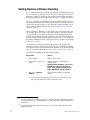
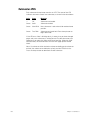
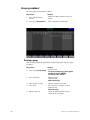
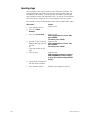
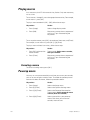
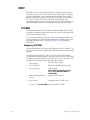
Parking fixtures
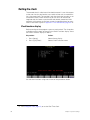
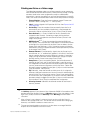
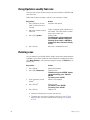
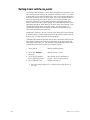
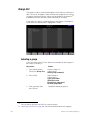
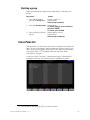
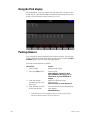
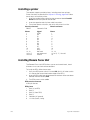
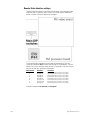
You can park fixtures, one at a time or in ranges, either at levels set from
the keypad or at a focus point. When you park a fixture, all channels
patched to the fixture are parked whether you select them to set levels or
not.
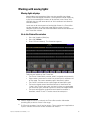
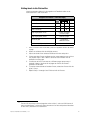
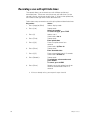
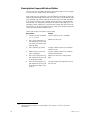
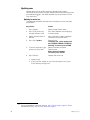
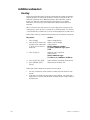
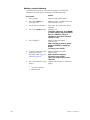
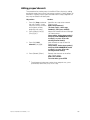
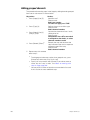
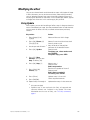
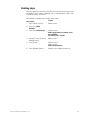
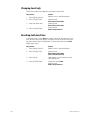
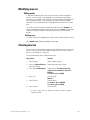
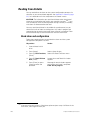
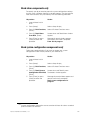
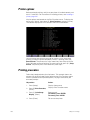
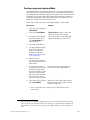
After setting attribute levels from the keypad
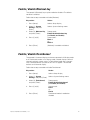
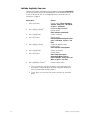
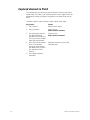
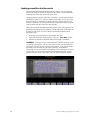
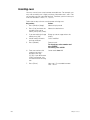
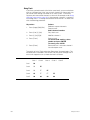
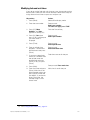
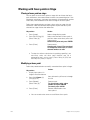
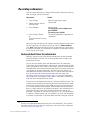
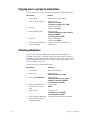
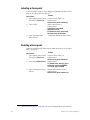
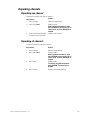
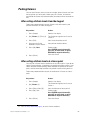
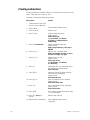
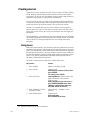
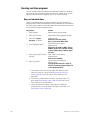
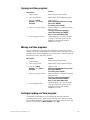
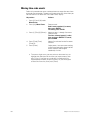
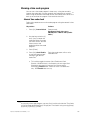
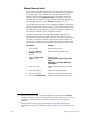
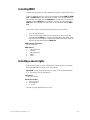
Follow the procedure below to park fixtures with their intensity and
position attributes set from the keypad.
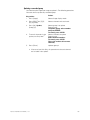
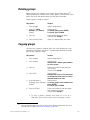
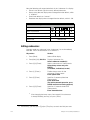
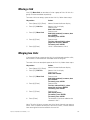
Keystrokes:
Action:
1. Press [Stage].
Selects Live display
2. [S8], Fixture, [1] [Thru] [3].
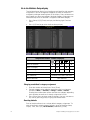
The fixture box appears and is set to
fixture 3
3. Press [Full].
Sets fixture intensities to full
4. Set pan and tilt with
encoders or your mouse.
Sets position attribute levels
5. Press [S6], Park.
Prompt reads:
Press ENTER to park channel(s),
press AT to select level, or press
RELEASE to unpark channel(s)
6. Press [Enter].
Parks the fixture
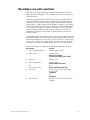
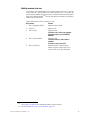
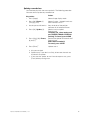
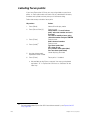
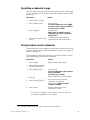
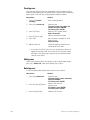
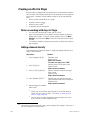
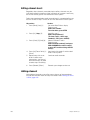
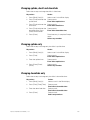
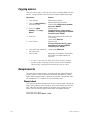
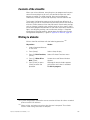
After setting attribute levels at a focus point
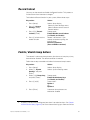
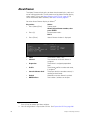
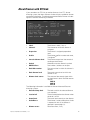
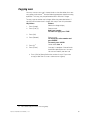
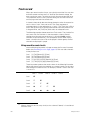
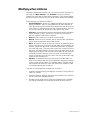
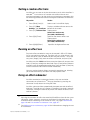
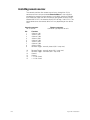
You can park a fixture that has attributes set at a focus point. If you do not
select fixture attributes, all attributes are parked at the focus point. If you
select attributes before parking, those selected are parked at the focus
point, and the remaining attributes are parked at their existing levels.83
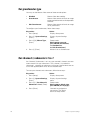
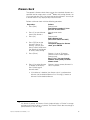
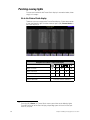
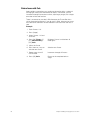
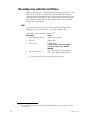
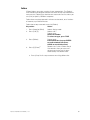
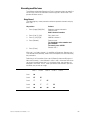
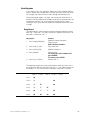
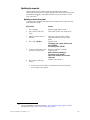
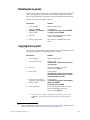
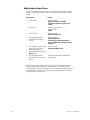
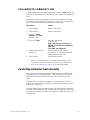
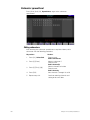
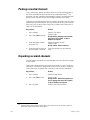
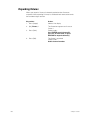
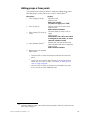
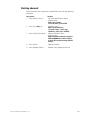
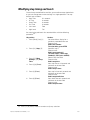
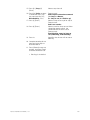
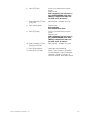
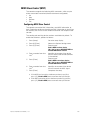
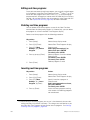
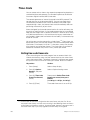
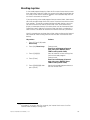
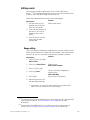
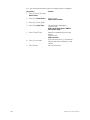
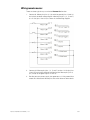
Follow the procedure below to park all attributes of a fixture at a focus
point.
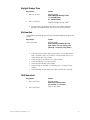
83.
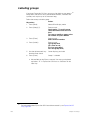
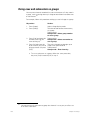
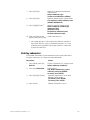
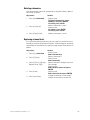
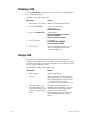
Keystrokes:
Action:
1. Press [Stage].
Selects Live display
2. [S8], Fixture, [1].
The fixture box appears and is set to
fixture 1
3. Press [Focus Point] [5].
Sets all attributes at focus point 5
4. Press [S6], Park.
Prompt reads:
Press ENTER to park channel(s),
press AT to select level, or press
RELEASE to unpark channel(s)
5. Press [Enter].
Parks the fixture
See The Only command, page 8, to select fixture attributes.
Express 125/250 User Manual, v.3.1
195