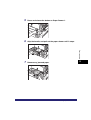
1
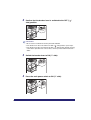
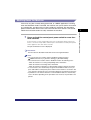
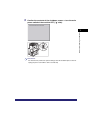
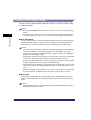
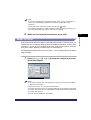
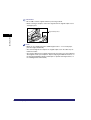
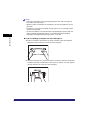
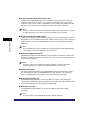
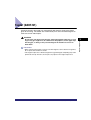
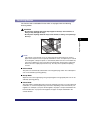
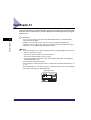
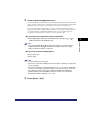
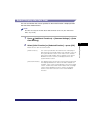
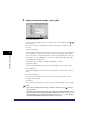
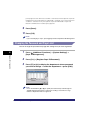
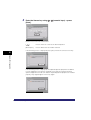
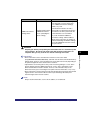
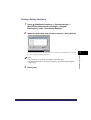
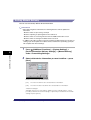
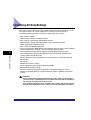
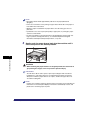
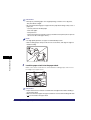
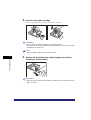
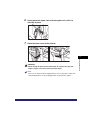
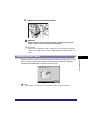
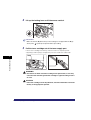
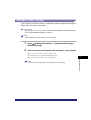
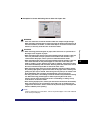
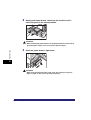
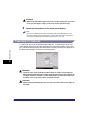
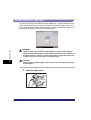
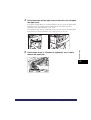
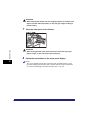
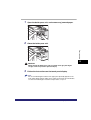
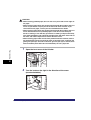
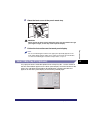
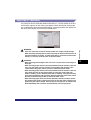
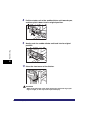
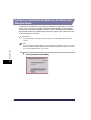
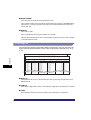
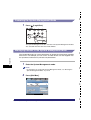
IMPORTANT
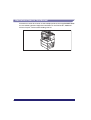
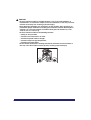
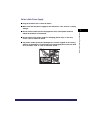
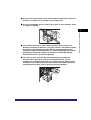
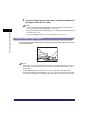
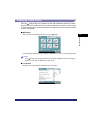
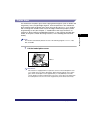
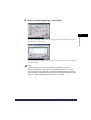
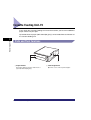
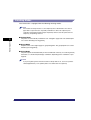
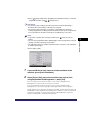
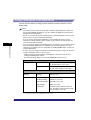
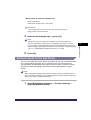
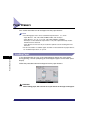
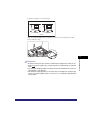
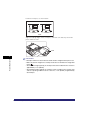
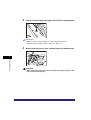
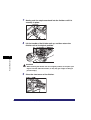
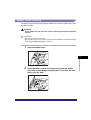
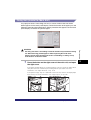
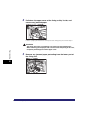
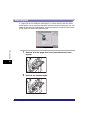
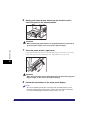
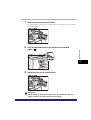
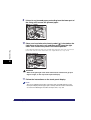
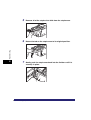
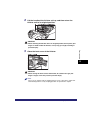
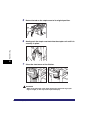
• Do not add or remove originals while they are being scanned.
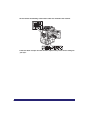
• When scanning is complete, remove the originals from the original output area to
avoid paper jams.
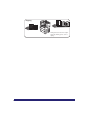
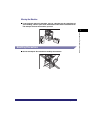
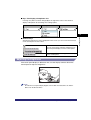
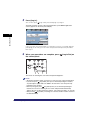
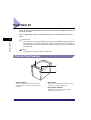
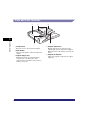
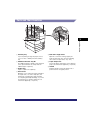
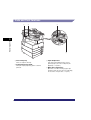
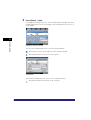
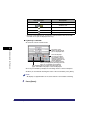
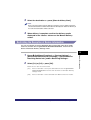
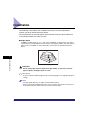
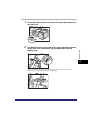
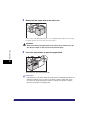
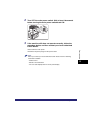
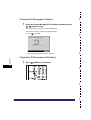
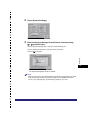
Original Output Area
Basic Operations
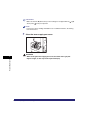
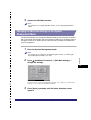
2
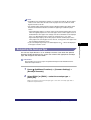
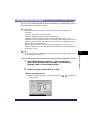
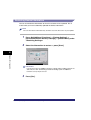
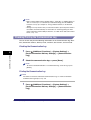
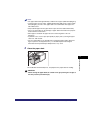
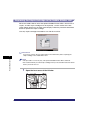
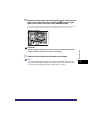
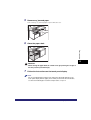
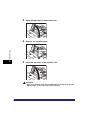
NOTE
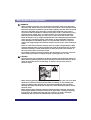
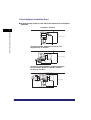
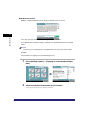
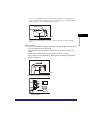
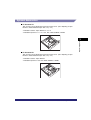
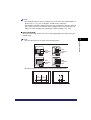
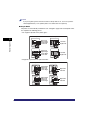
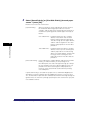
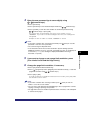
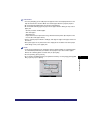
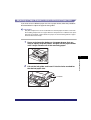
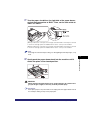
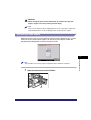
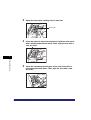
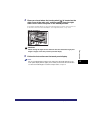
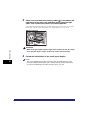
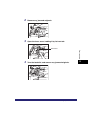
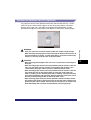
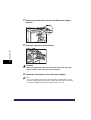
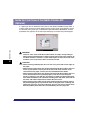
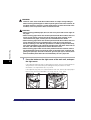
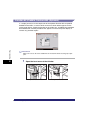
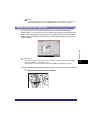
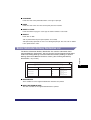
• When you are enlarging an LTR or STMT original onto 11" x 17" or LGL paper,
place the original horizontally.
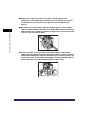
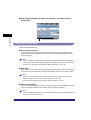
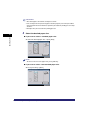
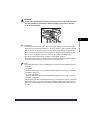
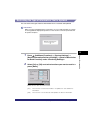
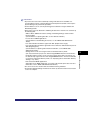
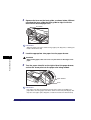
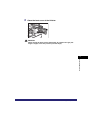
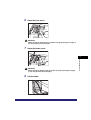
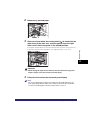
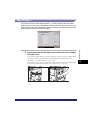
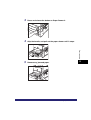
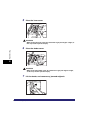
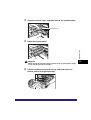
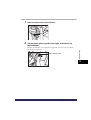
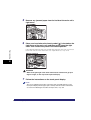
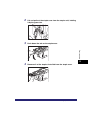
• The scanned originals are output to the original output area in the order they are
fed into the feeder.
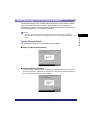
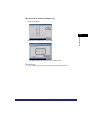
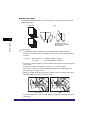
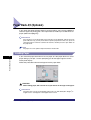
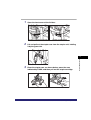
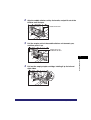
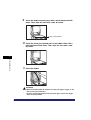
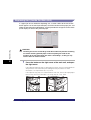
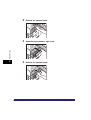
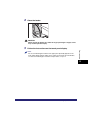
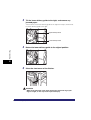
• You can place different size originals together into the feeder if you set the Different
Size Originals mode. (See Chapter 4, "Special Copying and Mail Box Features," in
the Copying and Mail Box Guide, and Chapter 4, "Special Scanning Features," in
the Sending and Facsimile Guide.)
2-38
Placing Originals