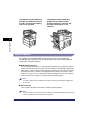
1
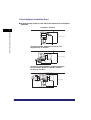
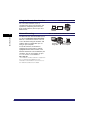
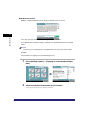
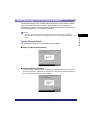
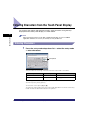
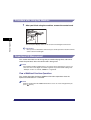
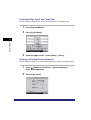
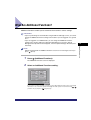
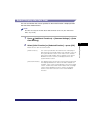
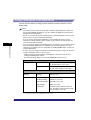
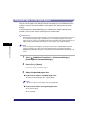
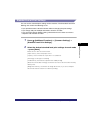
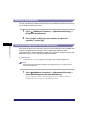
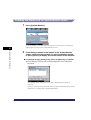
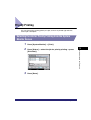
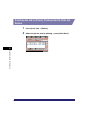
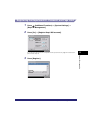
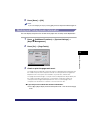
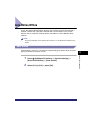
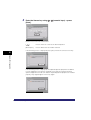
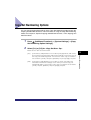
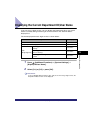
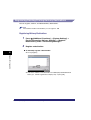
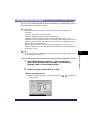
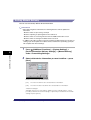
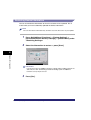
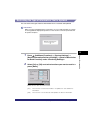
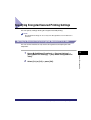
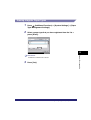
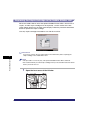
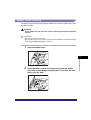
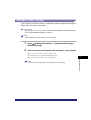
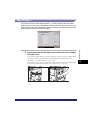
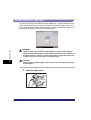
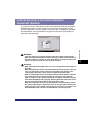
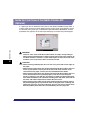
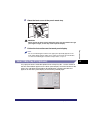
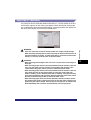
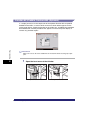
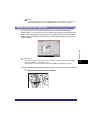
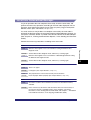
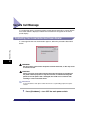
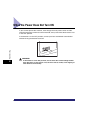
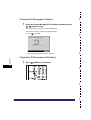
Checking Job Status from the Print Job Screen
1
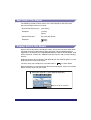
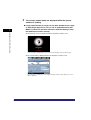
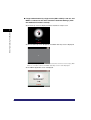
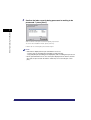
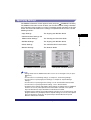
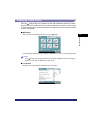
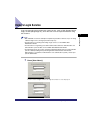
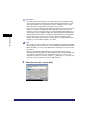
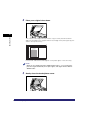
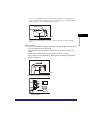
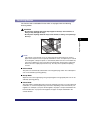
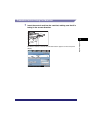
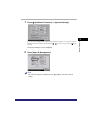
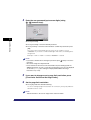
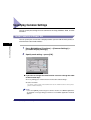
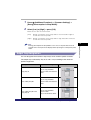
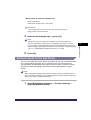
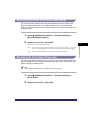
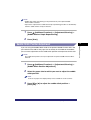
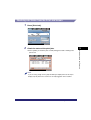
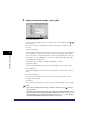
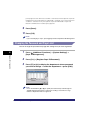
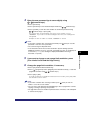
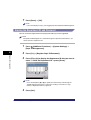
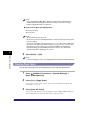
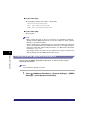
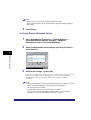
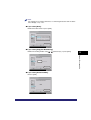
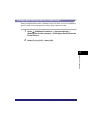
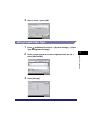
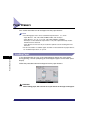
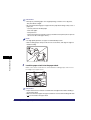
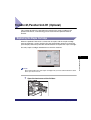
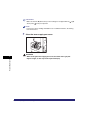
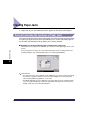
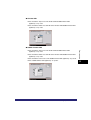
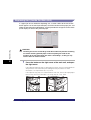
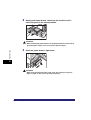
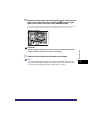
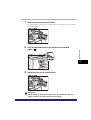
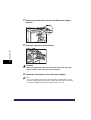
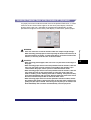
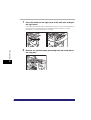
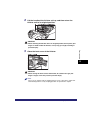
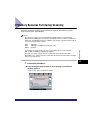
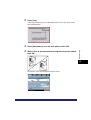
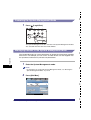
Press [Print Job].
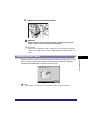
2
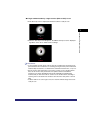
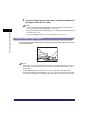
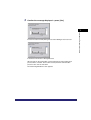
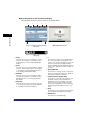
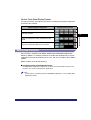
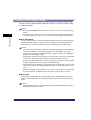
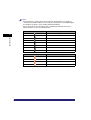
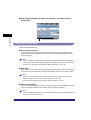
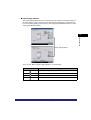
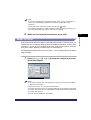
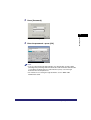
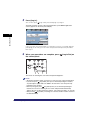
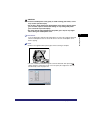
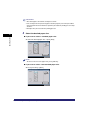
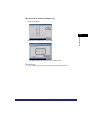
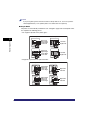
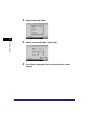
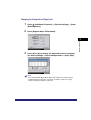
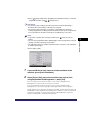
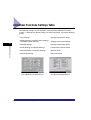
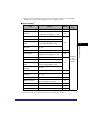
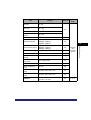
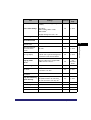
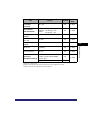
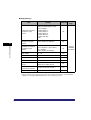
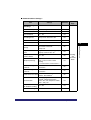
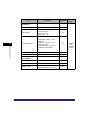
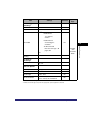
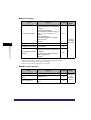
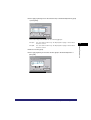
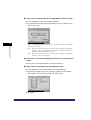
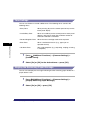
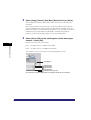
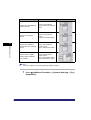
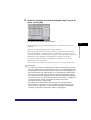
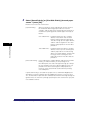
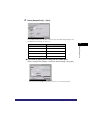
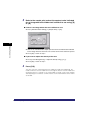
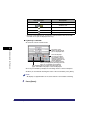
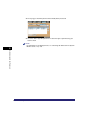
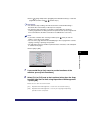
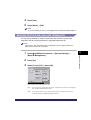
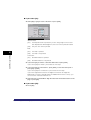
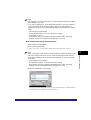
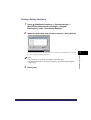
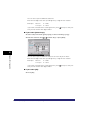
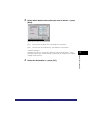
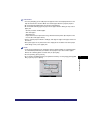
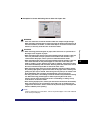
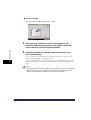
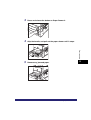
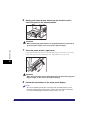
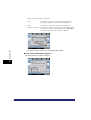
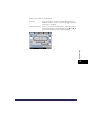
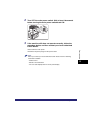
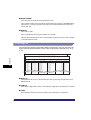
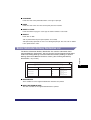
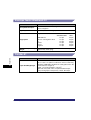
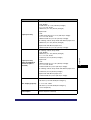
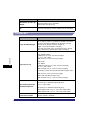
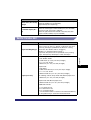
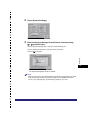
Check the status of the print jobs.
5
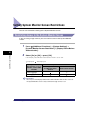
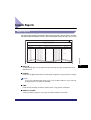
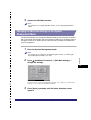
Checking Job and Device Status
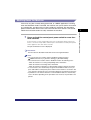
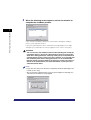
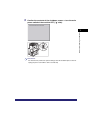
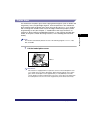
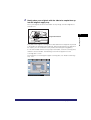
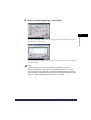
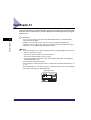
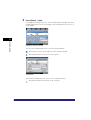
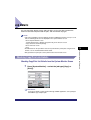
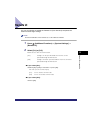
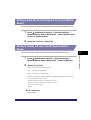
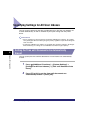
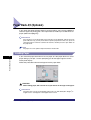
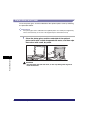
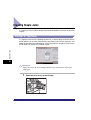
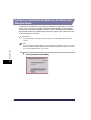
❑ Press [Status] to check the jobs currently being processed or waiting to be
processed.
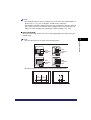
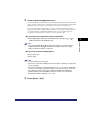
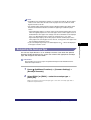
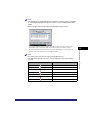
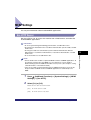
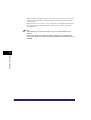
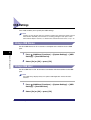
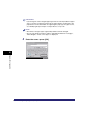
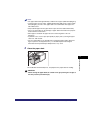
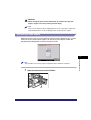
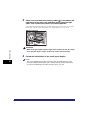
NOTE
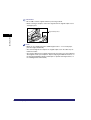
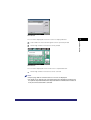
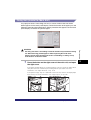
If you are using a login service, [My Job Status] is displayed. Press this key to
display only the jobs for the user that is currently logged on to the machine.
Checking Job Status
5-9