1
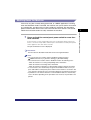
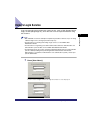
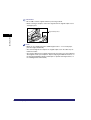
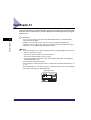
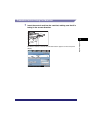
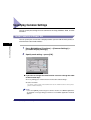
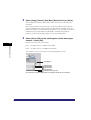
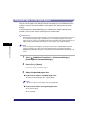
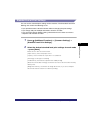
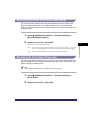
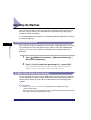
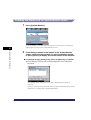
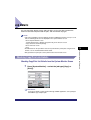
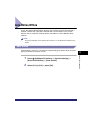
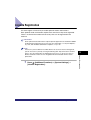
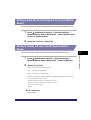
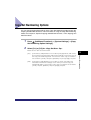
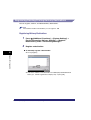
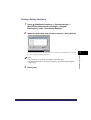
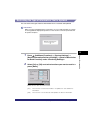
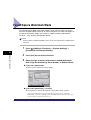
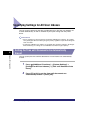
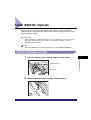
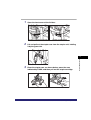
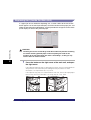
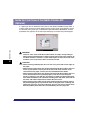
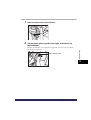
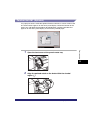
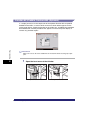
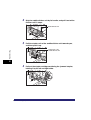
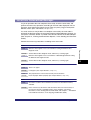
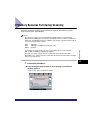
Deleting a Delivery Destination
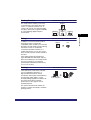
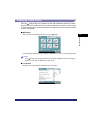
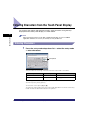
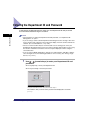
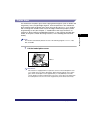
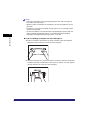
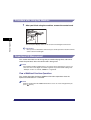
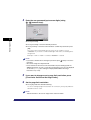
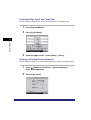
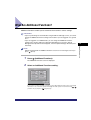
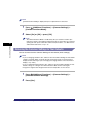
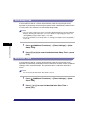
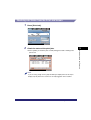
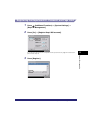
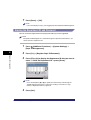
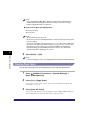
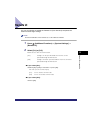
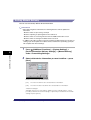
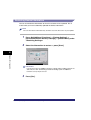
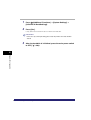
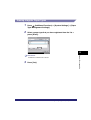
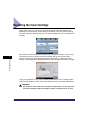
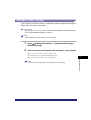
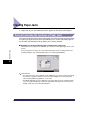
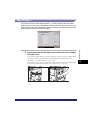
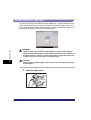
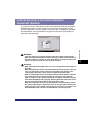
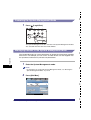
Press
(Additional Functions) ➞ [System Settings] ➞
[Device Information Delivery Settings] ➞ [Register
Destinations] under <Transmitting Settings>.
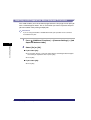
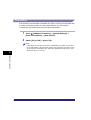
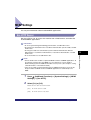
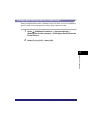
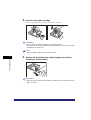
2
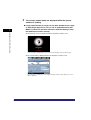
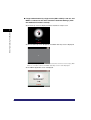
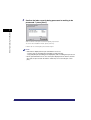
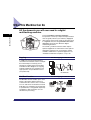
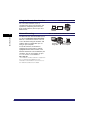
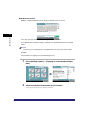
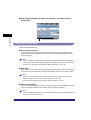
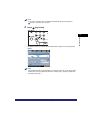
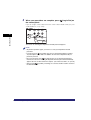
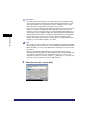
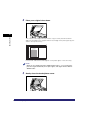
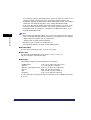
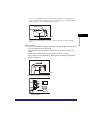
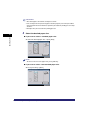
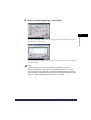
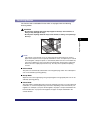
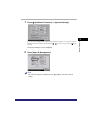
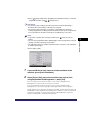
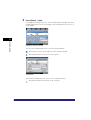
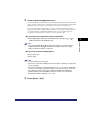
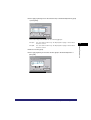
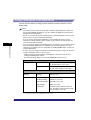
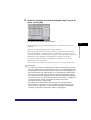
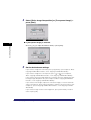
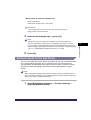
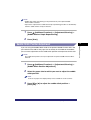
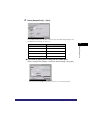
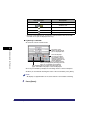
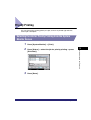
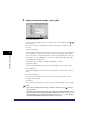
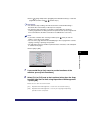
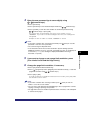
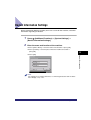
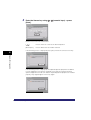
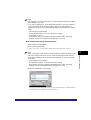
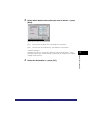
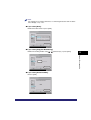
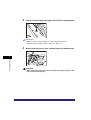
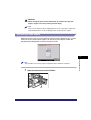
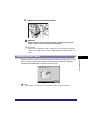
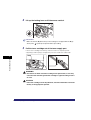
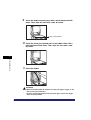
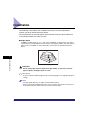
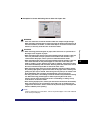
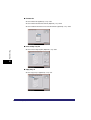
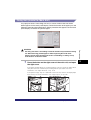
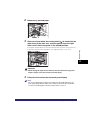
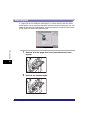
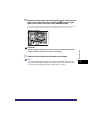
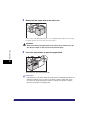
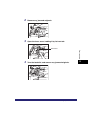
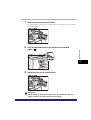
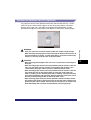
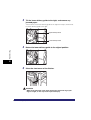
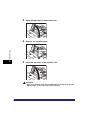
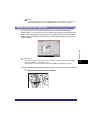
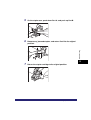
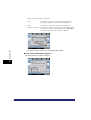
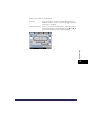
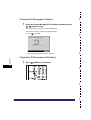
Select the destination that you want to erase ➞ press [Erase].
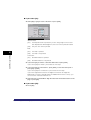
To select all destinations, press [Select All]. However, if a destination is selected,
this key changes to [Clear Selection].
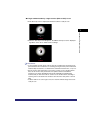
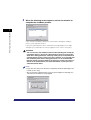
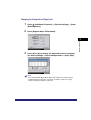
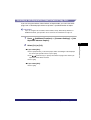
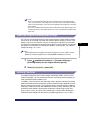
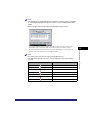
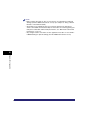
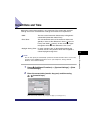
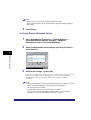
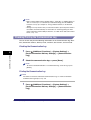
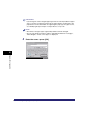
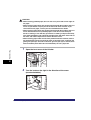
NOTE
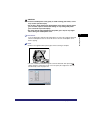
• You can cancel a selection by selecting the destination again.
• To cancel all destinations, press [Clear Selection]. ([Clear Selection] changes to
[Select All].)
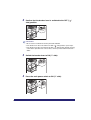
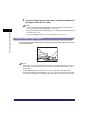
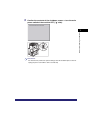
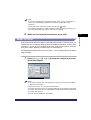
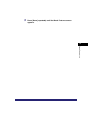
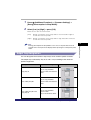
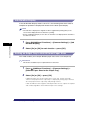
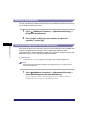
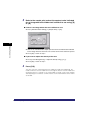
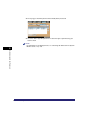
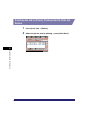
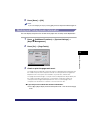
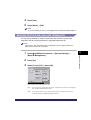
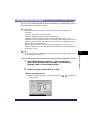
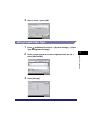
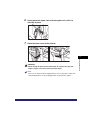
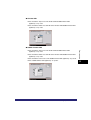
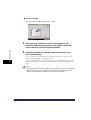
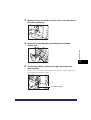
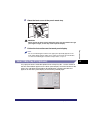
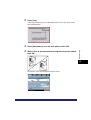
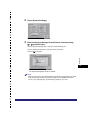
3
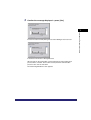
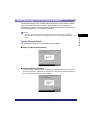
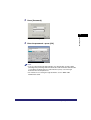
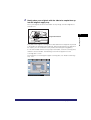
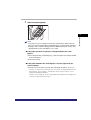
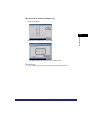
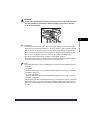
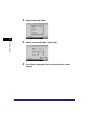
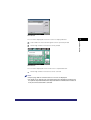
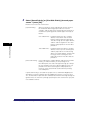
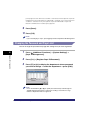
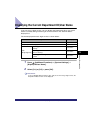
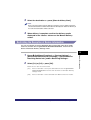
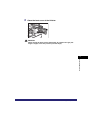
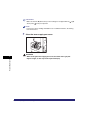
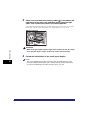
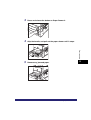
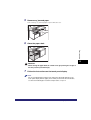
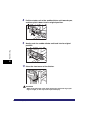
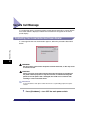
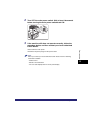
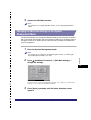
Press [Yes].
Specifying Device Information Delivery Settings
6-45
6
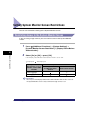
System Manager Settings
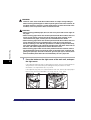
1