1
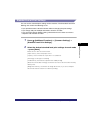
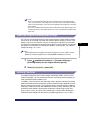
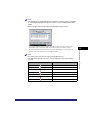
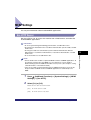
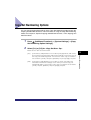
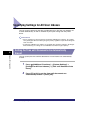
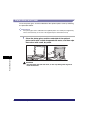
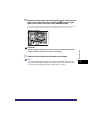
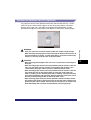
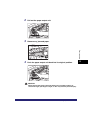
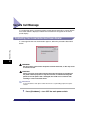
NOTE
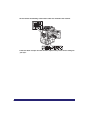
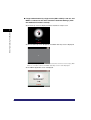
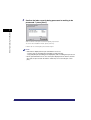
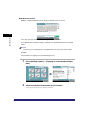
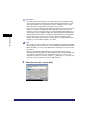
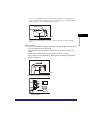
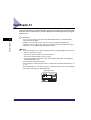
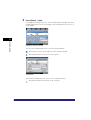
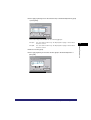
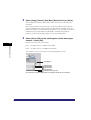
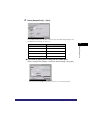
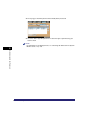
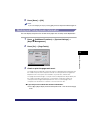
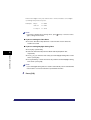
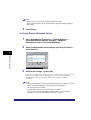
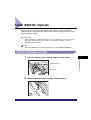
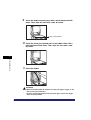
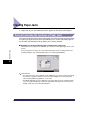
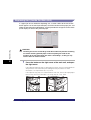
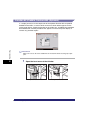
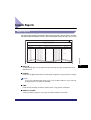
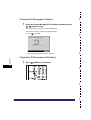
The serial number that is displayed in the Job/Print Status Display Area when you
press (Counter Check) on the control panel is printed.
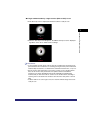
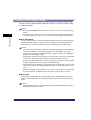
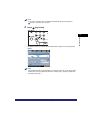
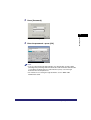
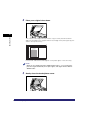
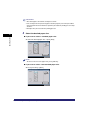
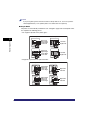
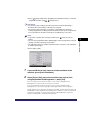
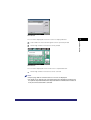
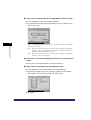
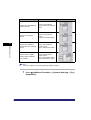
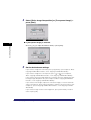
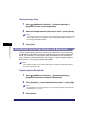
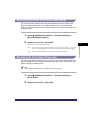
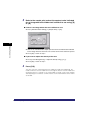
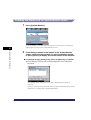
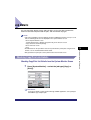
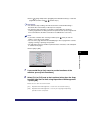
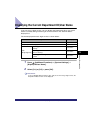
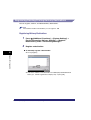
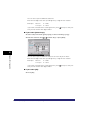
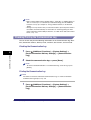
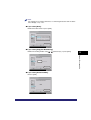
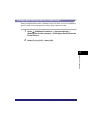
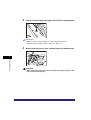
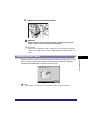
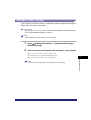
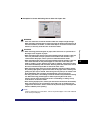
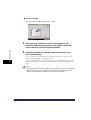
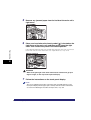
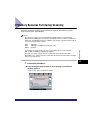
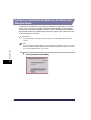
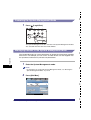
● If you select [ID/User Name]:
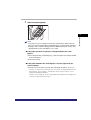
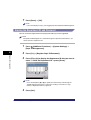
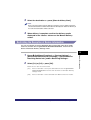
❑ Press [Next].
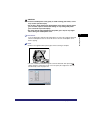
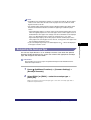
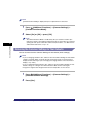
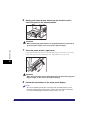
NOTE
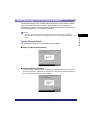
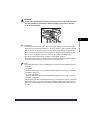
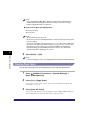
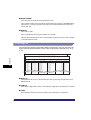
• The ID or User Name of the user printing the document is printed.
• The watermark "COPY" is printed if a login service is not set.
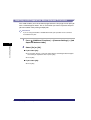
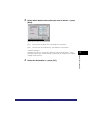
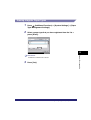
4
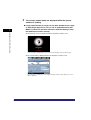
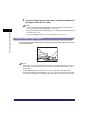
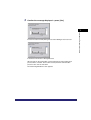
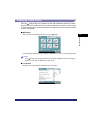
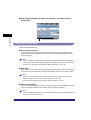
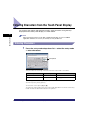
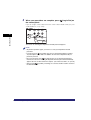
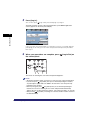
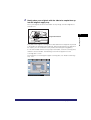
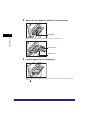
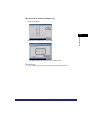
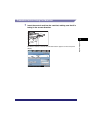
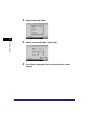
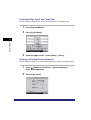
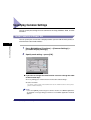
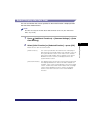
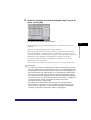
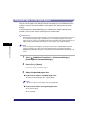
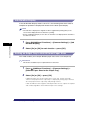
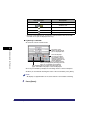
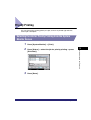
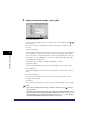
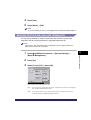
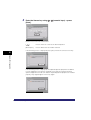
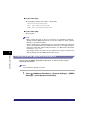
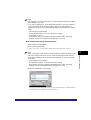
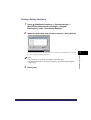
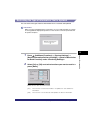
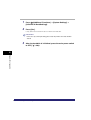
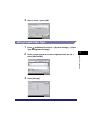
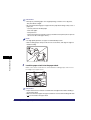
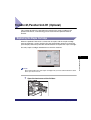
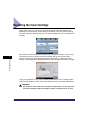
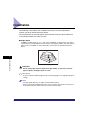
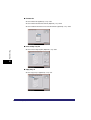
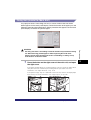
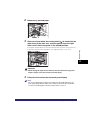
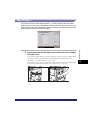
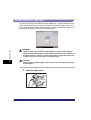
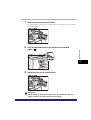
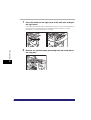
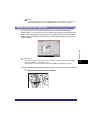
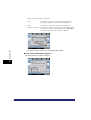
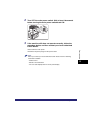
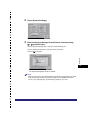
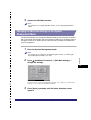
Select the background pattern ➞ select the size of the text ➞
press [OK].
System Manager Settings
6
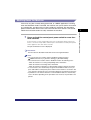
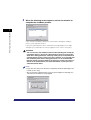
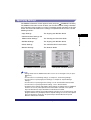
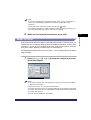
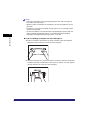
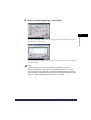
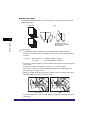
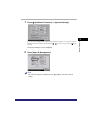
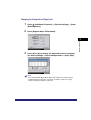
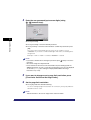
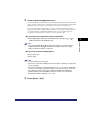
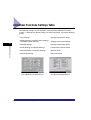
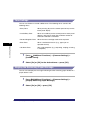
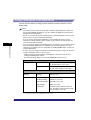
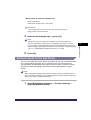
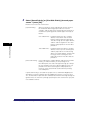
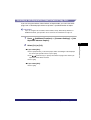
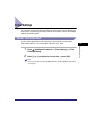
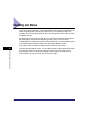
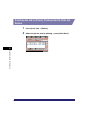
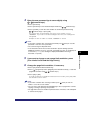
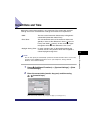
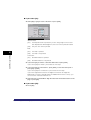
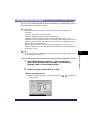
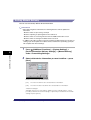
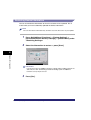
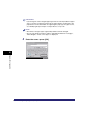
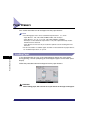
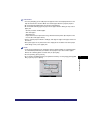
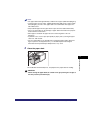
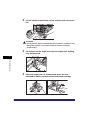
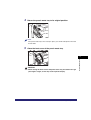
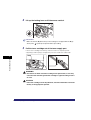
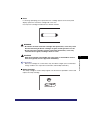
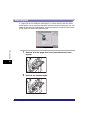
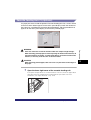
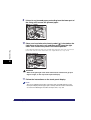
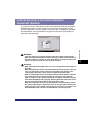
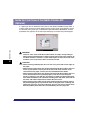
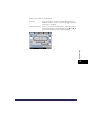
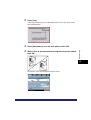
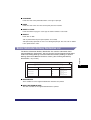
To print pattern on the background of copy, select the background pattern from
the Background Pattern drop-down list.
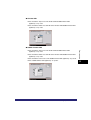
You can select [Small] (36 pt.), [Medium] (54 pt.), or [Large] (72 pt.) for the size
of the text.
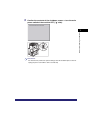
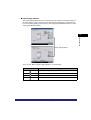
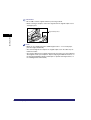
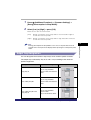
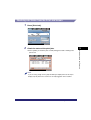
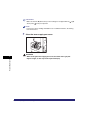
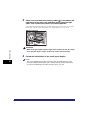
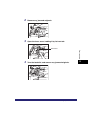
To print the characters vertically across the page, press [Print Characters
Vertically].
To use white letters on a colored background, press [White Letters on Colored
Backgnd].
6-62
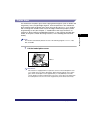
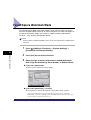
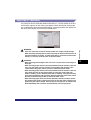
Forced Secure Watermark Mode