1
A758 Owner’s Guide
Chapter 3: Using the Printer
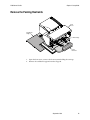
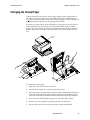
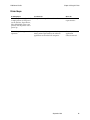
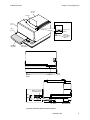
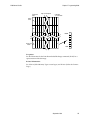
Printer Controls
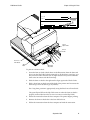
Receipt
Cover
Receipt
Front
Cover
Slip or
Check
Paper Feed
Button
On-Line,
Paper Status,
Error LED
(Green)
Extended
Slip Table
Slip In
LED (Green)
Reset
Button
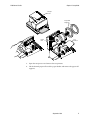
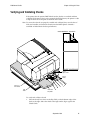
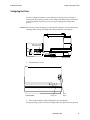
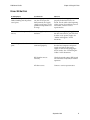
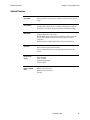
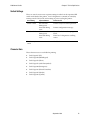
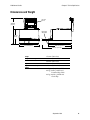
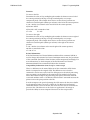
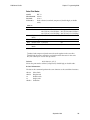
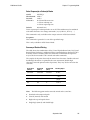
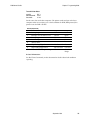
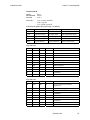
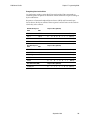
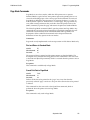
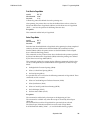
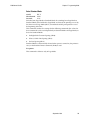
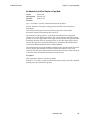
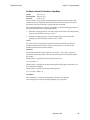
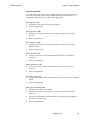
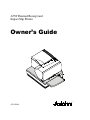
The printer has the following controls:
♦
The Paper Feed Button advances the receipt paper.
♦
The On Line, Paper Status, Error LED shows the printer status by shining or
flashing.
♦
The Slip-in LED indicates that a form is inserted properly.
♦
The Reset Button clears the printer’s memory or begins special modes.
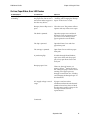
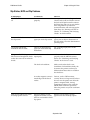
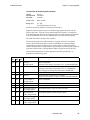
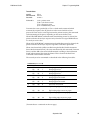
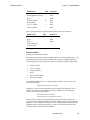
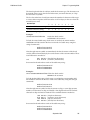
The printer also indicates its status when it is first turned on, or after it has been
reset, by beeping. A single beep indicates the printer has successfully completed
its startup routine. But if the printer beeps in a single, double, or triple pattern at
first power on, please call your service representative.
September 1999
19