1
Chapter 7— IPL Command Reference
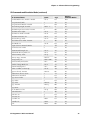
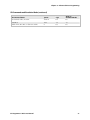
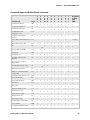
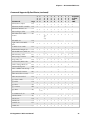
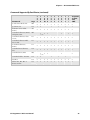
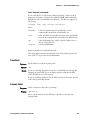
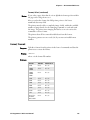
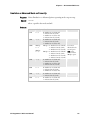
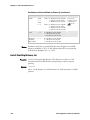
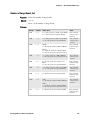
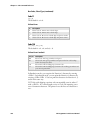
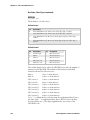
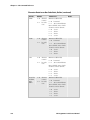
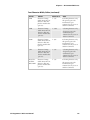
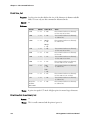
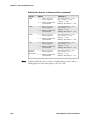
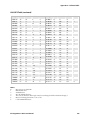
Field Data, Define Source (continued)
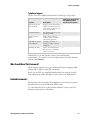
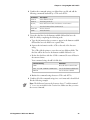
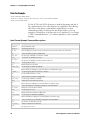
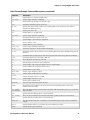
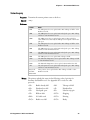
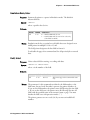
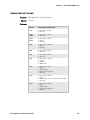
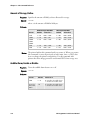
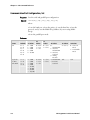
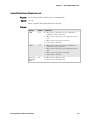
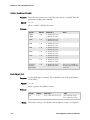
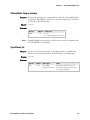
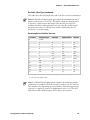
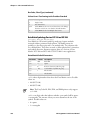
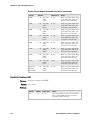
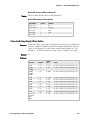
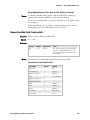
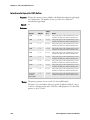
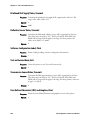
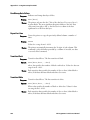
Values for m1
(d0 or d1)
Printer
Default
Values for n
44X0
0,20,0 Bar code
fields
0 = Data entered in Print mode
1 = Data entered in Print mode
2 = Data comes from field ,m1
3 = Fixed data
0 - 3550
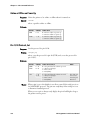
0 = Data entered in Print mode
1 = Data entered in Print mode
2 = Data comes from field ,m1
3 = Fixed data
0 - 3550
0 = Data entered in Print mode
1 = Data entered in Print mode
2 = Data comes from field ,m1
3 = Fixed data
0 - 3550
0 = Data entered in Print mode
1 = Data entered in Print mode
2 = Data comes from field ,m1
3 = Fixed data
0 - 3550
0,30,0 Humanreadable
fields
4X30
0,20,0 Bar code
fields
0,30,0 Humanreadable
fields
7421
0,20,0 Bar code
fields
0,30,0 Humanreadable
fields
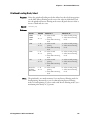
EasyCoder
F4, PF2i,
PF4i, PM4i
0,20,0 Bar code
fields
0,30,0 Humanreadable
fields
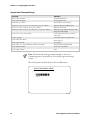
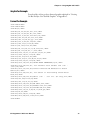
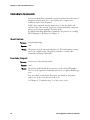
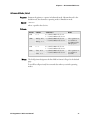
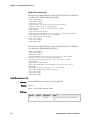
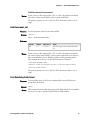
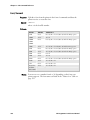
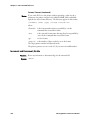
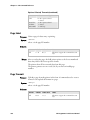
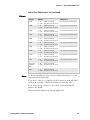
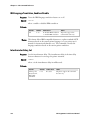
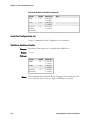
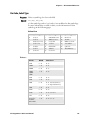
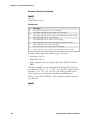
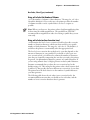
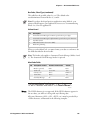
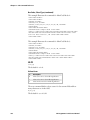
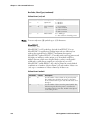
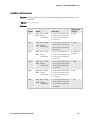
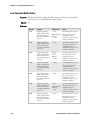
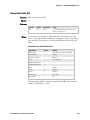
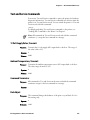
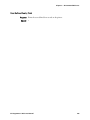
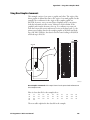
The syntax for this command is illustrated in these examples.
d0[,m1]
d1[,m1];
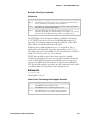
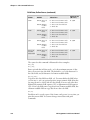
Enter optional data in Print mode. ,m1 is the maximum amount of data
that you can enter into this field. The default for ,m1 is 20 characters for
bar code fields, and 30 characters for human-readable fields.
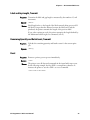
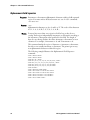
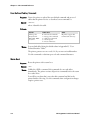
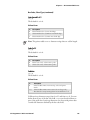
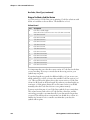
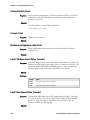
d2,m1[,m2];
Copy data into this field from field ,m1. You must define the field before
you can use it. ,m2 is an optional positive integer numeric field offset that
can range from 0 to 9999, with 0 as the default. You can only offset data
delimited by numeric field separator (FS) or alphanumeric field separator
(GS). A bar code field cannot copy data from a human-readable field, but
a human-readable field can copy data from a bar code field.
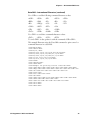
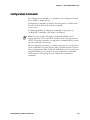
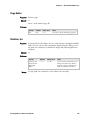
d3,m1;
Fixed data m1 is stored as part of the format, and you use it every time you
print the current field. You cannot change entered data with print
commands.
174
IPL Programmer’s Reference Manual