1
Chapter 3— Designing Bar Code Labels
Editing Existing Fields
If you make a mistake in a label format, you may not have to download
the entire format again depending on the severity of the mistake. You can
change a specific field in a format by sending a command in Program
mode. You can modify just the incorrect format fields instead of having to
download the entire format again.
When the printer is in Program mode, it uses a field pointer to point to
the field to be modified. The pointer continues to point to the most
recently selected field until you select a different format or field.
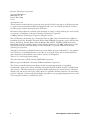
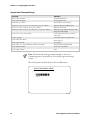
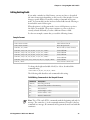
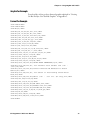
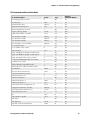
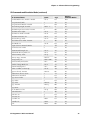
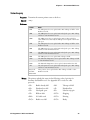
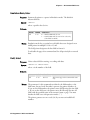
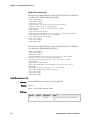
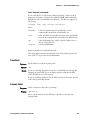
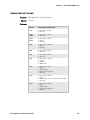
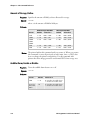
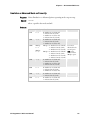
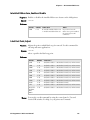
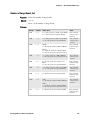
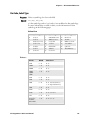
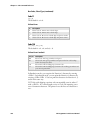
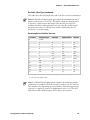
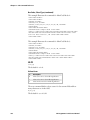
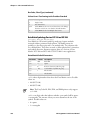
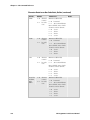
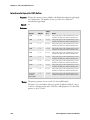
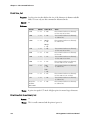
For the next example, assume that you used the following format:
Sample Format
Command
<STX><ESC>C<ETX>
Description
Selects Advanced mode
<STX><ESC>P<ETX>
Enters Program mode
<STX>E3;F3;<ETX>
Erases format 3, Creates format 3
<STX>H0;o80,100;f0;c0;d0,16;h1;w1;<ETX>
Creates field H0
<STX>H1;o80,120;f0;c0;d0,16;h1;w1;<ETX>
Creates field H1
<STX>H2;o80,150;f0;c2;d0,14;h1;w1;<ETX>
Creates field H2
<STX>H3;o80,190;f0;c2;d0,16;h1;w1;<ETX>
Creates field H3
<STX>B4;o80,0;f0;c0,1;h50;w1;d0,11;i0;p@;<ETX>
Creates field B3
<STX>R;<ETX>
Saves and exits to Print mode
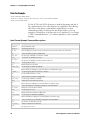
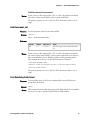
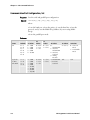
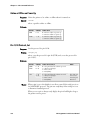
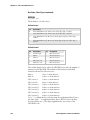
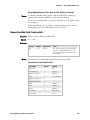
To change the height and width of field 3 to 2 dots, download this
command string:
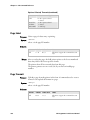
<STX><ESC>P;F3;H3;h2;w2;R;<ETX>
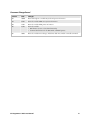
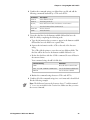
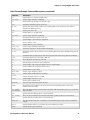
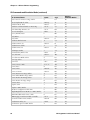
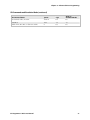
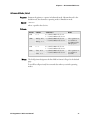
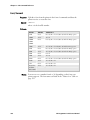
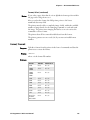
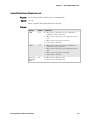
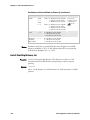
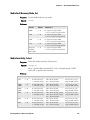
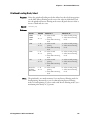
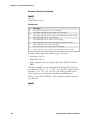
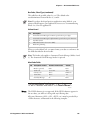
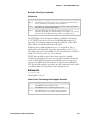
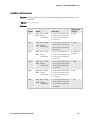
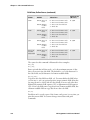
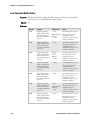
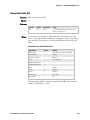
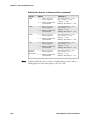
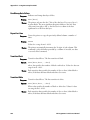
The following table describes each command in this string:
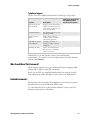
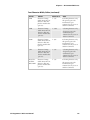
Field Editing Commands in the Sample Format
Command
<ESC>P;
Description
Enters Program mode
F3;
Accesses format number 3 from memory
H3;
Accesses field 3
h2;
Sets the height to 2 dots
w2;
Sets the width to 2 dots
R;
Returns to Print mode
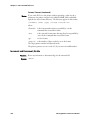
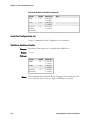
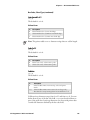
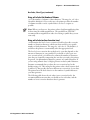
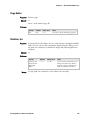
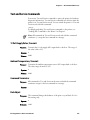
Note: The <STX> and <ETX> commands mark the beginning and end of a
message. The semicolon (;) is the command terminator. Except for the last
command in a message, all commands in Program mode must end with this
terminator.
IPL Programmer’s Reference Manual
33