1
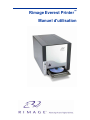
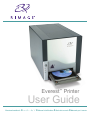
Rimage Everest Printer
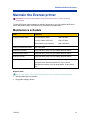
Clean the air filter
Before you begin:
Power off the printer.
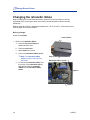
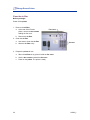
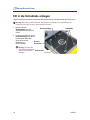
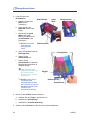
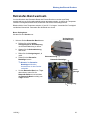
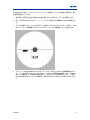
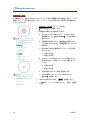
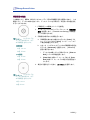
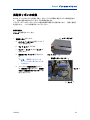
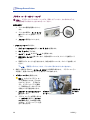
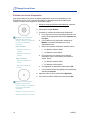
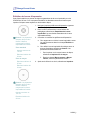
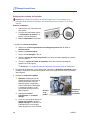
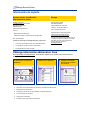
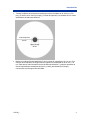
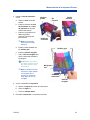
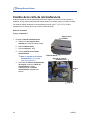
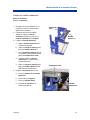
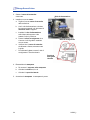
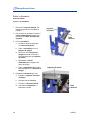
1. Remove the air filter.
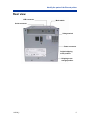
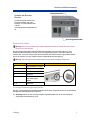
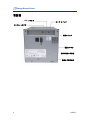
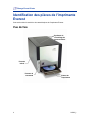
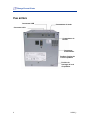
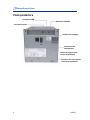
a. At the rear of the Everest
printer, remove the two screws
holding the fan cover.
Fan cover
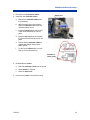
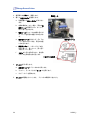
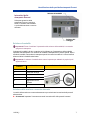
b. Remove the air filter.
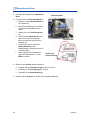
2. Clean the air filter.
a. Use water to clean the air filter.
Screws
b. Allow the air filter to dry.
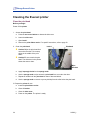
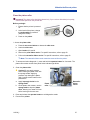
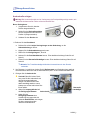
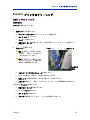
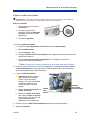
3. Prepare the printer for use.
a. When the air filter is dry, place it inside the fan cover.
b. Use the two screws to attach the fan cover.
c.
26
Power on the printer. The printer is ready.
110632_L