1
LU Eircom 8010R_D66.book Page 7 Vendredi, 28. novembre 2008 10:05 10
GETTING STARTED
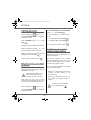
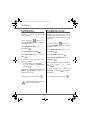
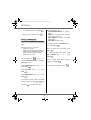
Call transfer
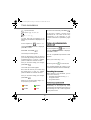
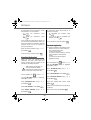
Receiving a second call whilst on line
This function is only accessible when two
handsets or more are registered to the same
base. You can now transfer the call in
progress to another hand set.
During the call, a beep is transmitted to your
telephone by your service provider to let you
know that you have a second call waiting.
During communication, press Menu
Press ACCEPT
.
Your other caller is then put on hold and you
can talk with your second caller.
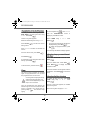
Select INTERNAL CALL using or .
Press Valid.
.
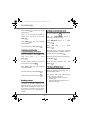
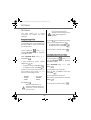
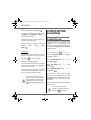
Making a second call whilst on line.
Select the handset you want to call using or . Press Call
During a call, you can put your contact on
hold and call a second one by pressing
.
The handset called rings, once someone
picks up transfer the call by pressing the red
key
to take this new call.
Menu
.
Select SECOND CALL using or . Press
.
Valid.
To retake the call before it is picked up by the
handset called, press Menu
.
Select your contact's telephone number in
.
the phonebook by pressing
Select HANGING UP using or . Press
Valid.
Valid.
keypad and press Call
.
and press
or dial the number using the
.
The second call is then launched, with the
first call still on hold.
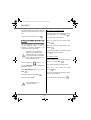
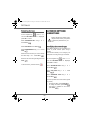
During a call
During a call, you can receive a second
incoming call or place a call to a second
contact. You can then switch from one
contact to the other.
You may also set a three party conference if
the second call has been set from your
terminal (depending on your subscription).
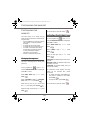
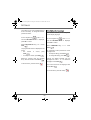
To alternate from one call to the other
Press Menu
.
Select SWITCH using or . Press
Valid.
.
The call in progress is put on hold, and you
can then take the second call.
7