1
OmniJoin Meeting
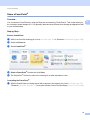
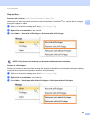
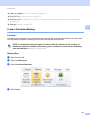
Float Entire Video Window
2
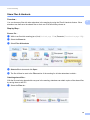
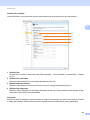
Really useful for those who have dual or multiple monitors; you can float (or un-dock) the entire video window
containing all live videos. The entire video window can then be dragged around the screen - even onto a
different monitor!
a
b
c
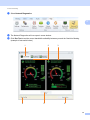
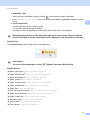
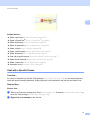
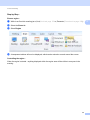
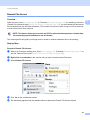
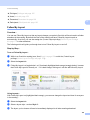
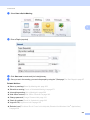
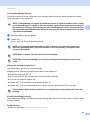
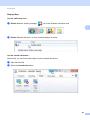
While in an OmniJoin meeting (as a [Host]Hosts uu page 159)...
d
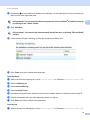
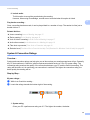
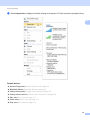
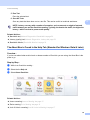
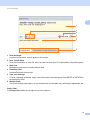
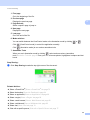
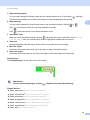
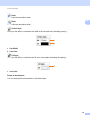
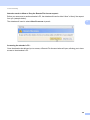
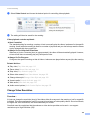
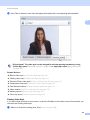
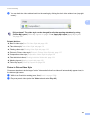
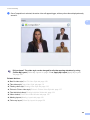
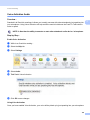
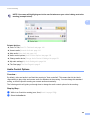
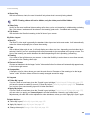
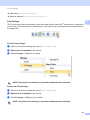
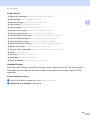
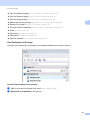
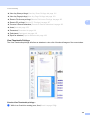
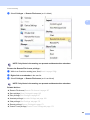
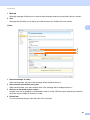
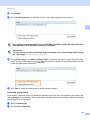
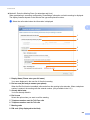
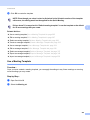
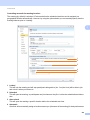
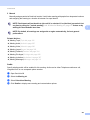
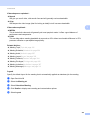
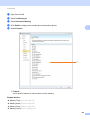
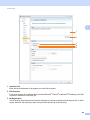
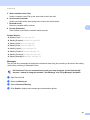
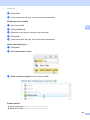
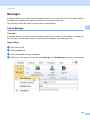
The video window (containing the videos) will now be floating, and can now be dragged around the
screen and easily re-sized.
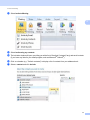
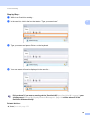
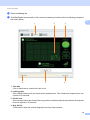
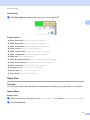
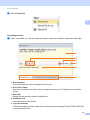
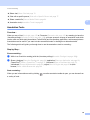
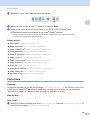
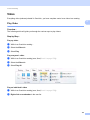
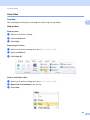
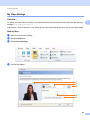
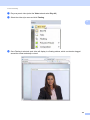
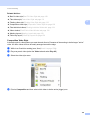
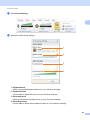
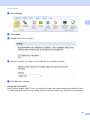
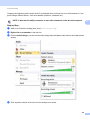
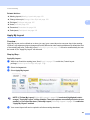
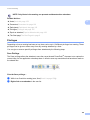
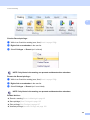
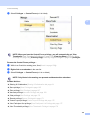
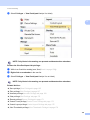
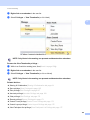
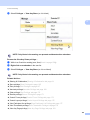
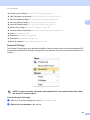
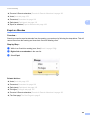
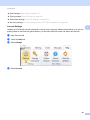
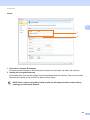
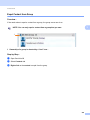
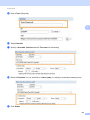
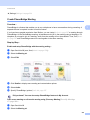
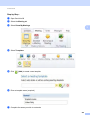
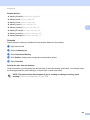
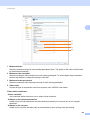
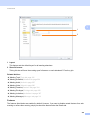
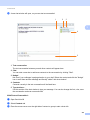
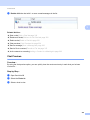
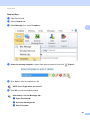
Play everyone's video (select the Video tab and select Play All)
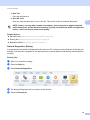
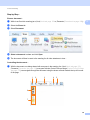
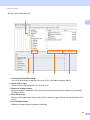
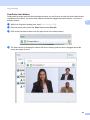
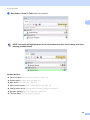
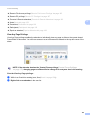
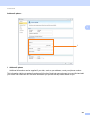
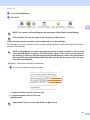
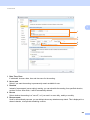
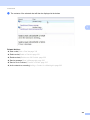
Click on the float video window icon (top-right corner of the video window)...
136
2