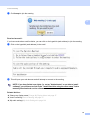
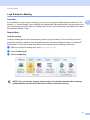
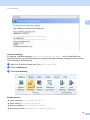
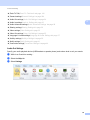
1
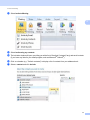
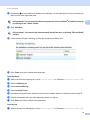
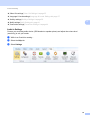
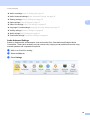
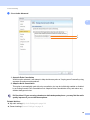
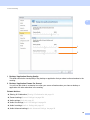
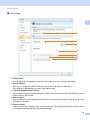
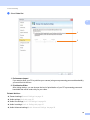
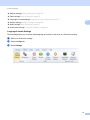
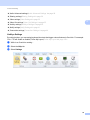
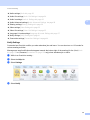
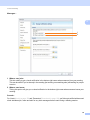
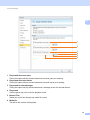
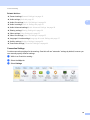
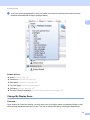
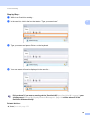
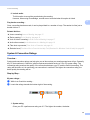
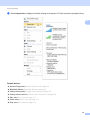
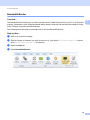
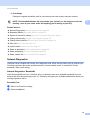
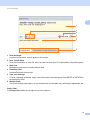
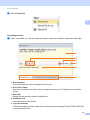
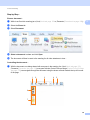
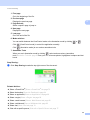
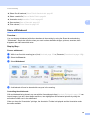
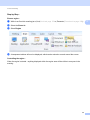
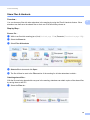
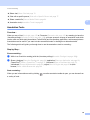
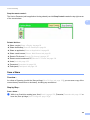
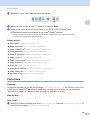
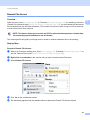
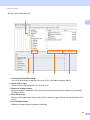
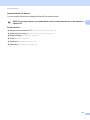
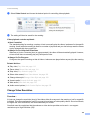
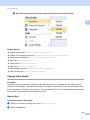
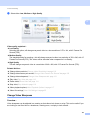
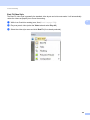
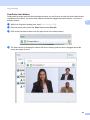
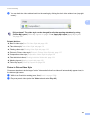
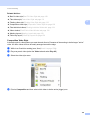
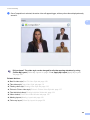
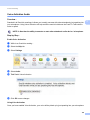
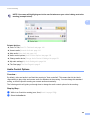
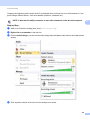
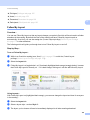
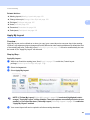
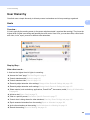
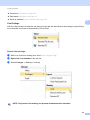
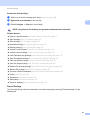
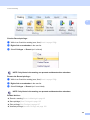
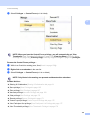
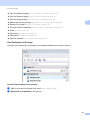
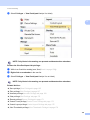
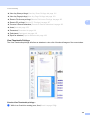
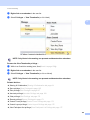
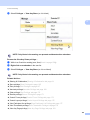
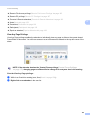
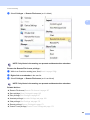
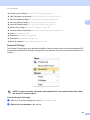
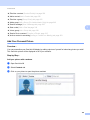
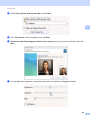
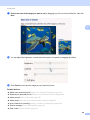
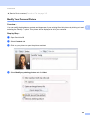
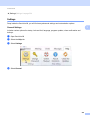
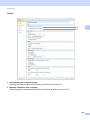
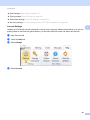
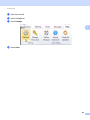
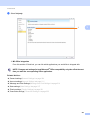
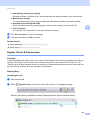
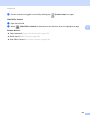
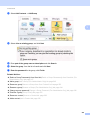
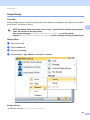
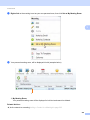
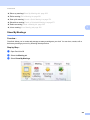
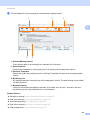
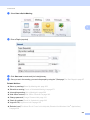
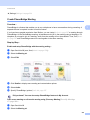
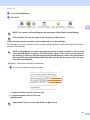
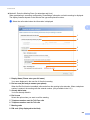
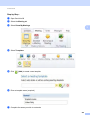
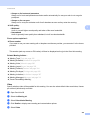
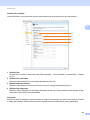
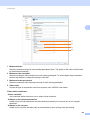
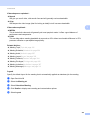
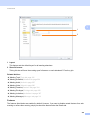
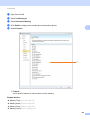
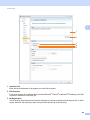
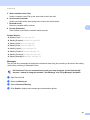
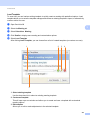
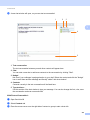
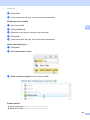
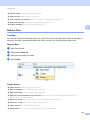
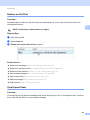
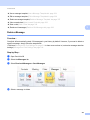
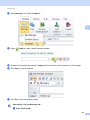
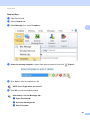
OmniJoin Meeting [Audio Advanced settings]Audio Advanced Settings uu page 28 [Sharing settings]Sharing Settings uu page 30 [Video settings]Video Settings uu page 33 2 [Video Out settings]Video Out Settings uu page 35 [HotKey settings]HotKeys Settings uu page 39 [Notify settings]Notify Settings uu page 41 [Connection settings]Connection Settings uu page 44 HotKeys Settings 2 By setting hotkeys, you can assign keyboard shortcuts that trigger various features in OmniJoin. For example: Ctrl + F10 will enable or disable [Follow My Layout]Follow My Layout uu page 156... a b c While in an OmniJoin meeting... Select the Help tab Select Settings 39