1
OmniJoin IM
Groups
3
Groups allow you to keep your contact list organized. Groups can be useful to manage different departments,
different sites and offices, even different customers. Groups are also password protected so that only
authorized people can join them.
The following contents will guide you through how to add, set priorties, remove and manage groups.
3
Add a Group (For Administrator Only)
3
Overview...
3
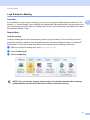
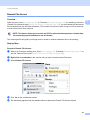
Groups allow you to keep your OmniJoin IM organized. Groups can be useful to manage different
departments, different sites and offices, even different customers. Groups are also password protected so
that only authorized people can join them.
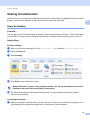
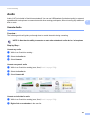
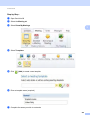
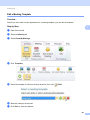
Step-by-Step...
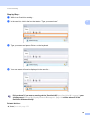
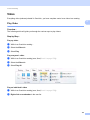
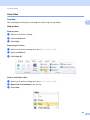
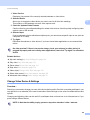
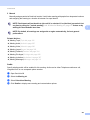
a
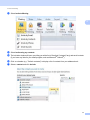
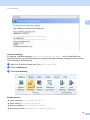
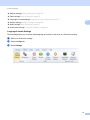
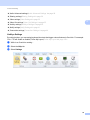
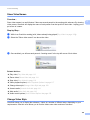
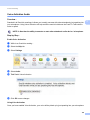
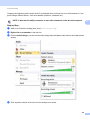
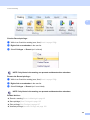
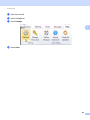
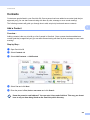
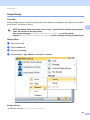
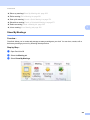
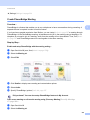
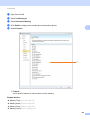
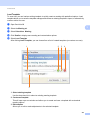
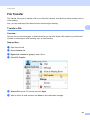
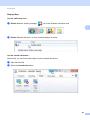
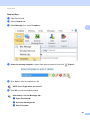
Open OmniJoin IM
b
c
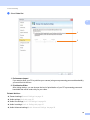
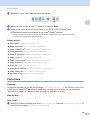
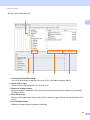
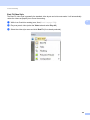
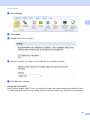
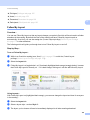
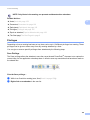
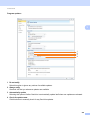
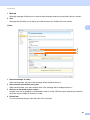
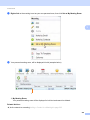
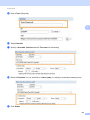
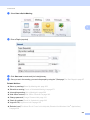
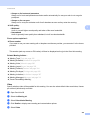
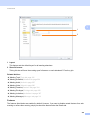
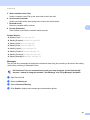
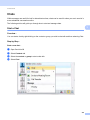
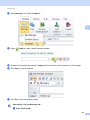
Select Contacts tab
d
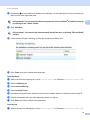
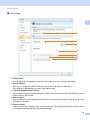
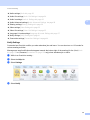
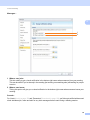
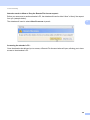
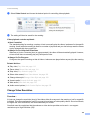
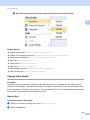
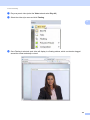
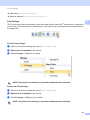
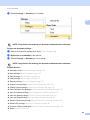
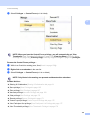
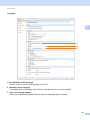
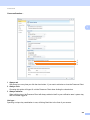
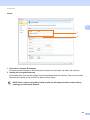
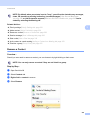
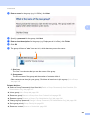
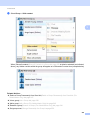
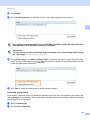
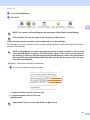
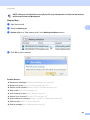
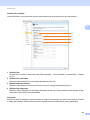
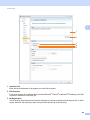
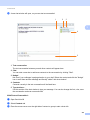
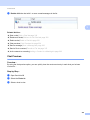
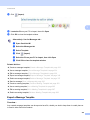
Select Create a new group and click Next
3
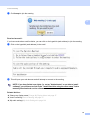
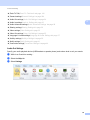
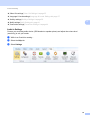
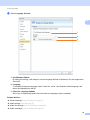
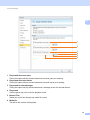
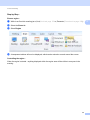
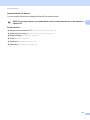
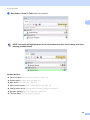
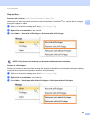
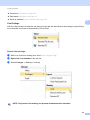
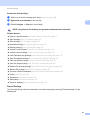
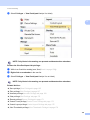
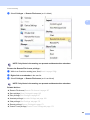
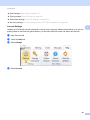
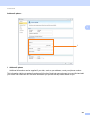
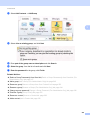
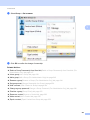
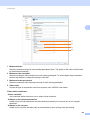
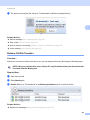
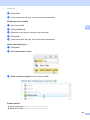
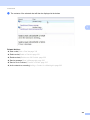
Select Add Contacts -> Add Group
242