1
Chapter 4. Accounts Receivable
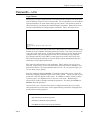
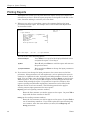
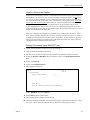
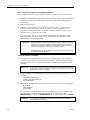
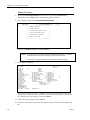
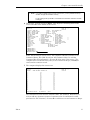
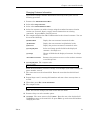
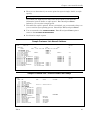
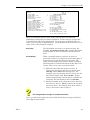
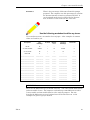
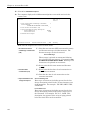
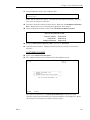
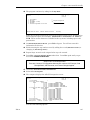
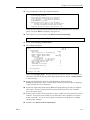
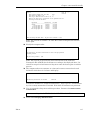
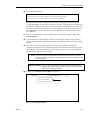
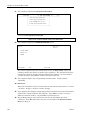
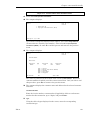
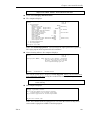
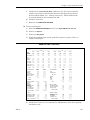
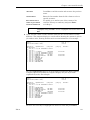
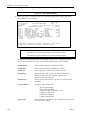
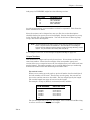
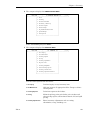
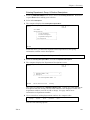
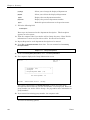
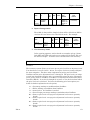
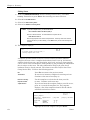
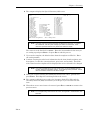
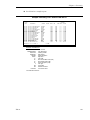
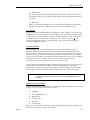
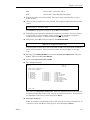
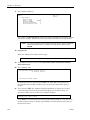
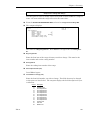
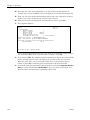
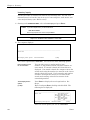
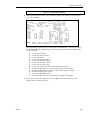
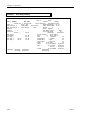
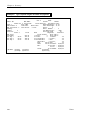
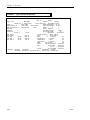
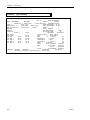
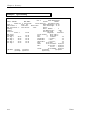
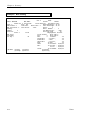
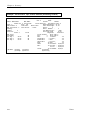
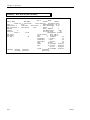
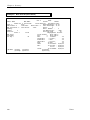
F. Print the Daily Report again but this time change the Period to Print to include
year-to-date figures. Check that all YTD sales figures are also zero and the
YTD A/R Summary shows the beginning A/R balance only.
F NOTE:
F NOTE:
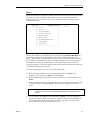
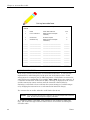
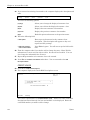
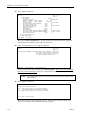
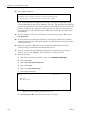
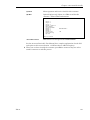
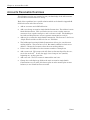
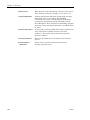
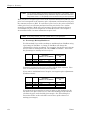
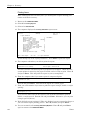
If there are sales figures, they will need to be cleared out. Contact your installer or a
support analyst to clear T2ssyy.D totals and enter the beginning A/R balances again.
This report must be correct before beginning A/R processing.
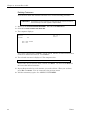
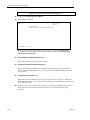
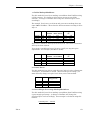
You may wish to put a message on your first run of statements telling your customers
about your new computer system and to check the information on the statements to make
sure it is correct--spelling, address, phone numbers, account balances, etc.
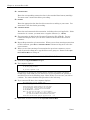
*************************
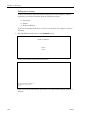
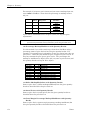
Congratulations! You have completed the A/R cutover process. Now
you can begin processing invoices, returns, cash receipts, and doing
the other tasks of Accounts Receivable.
************************
128
Dim11