1
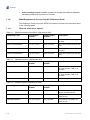
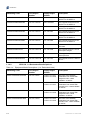
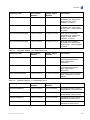
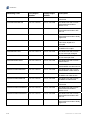
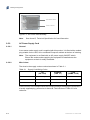
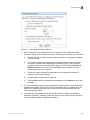
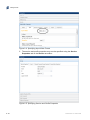
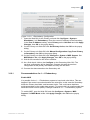
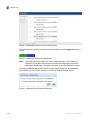
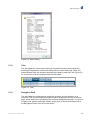
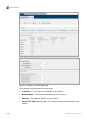
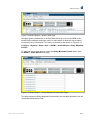
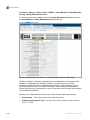
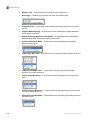
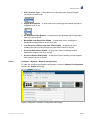
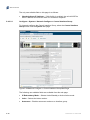
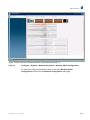
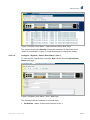
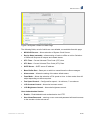
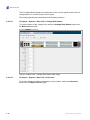
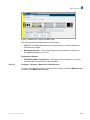
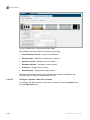
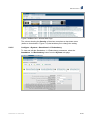
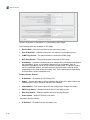
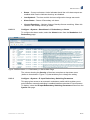
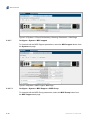
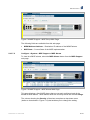
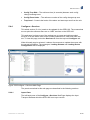
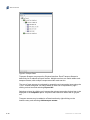
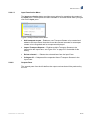
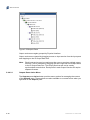
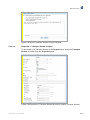
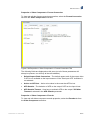
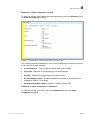
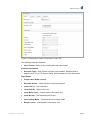
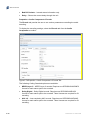
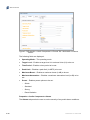
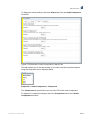
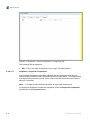
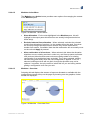
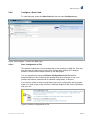
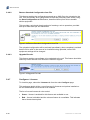
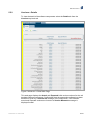
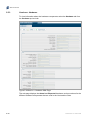
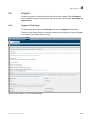
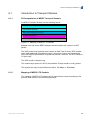
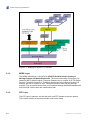
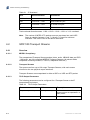
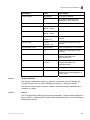
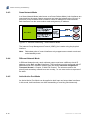
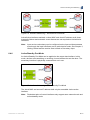
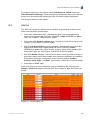
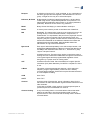
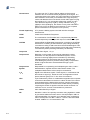
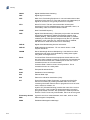
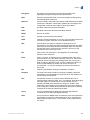
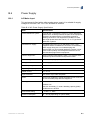
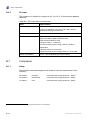
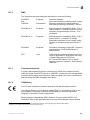
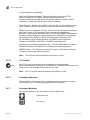
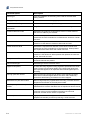
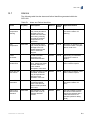
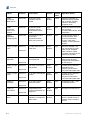
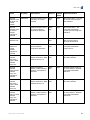
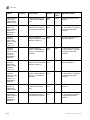
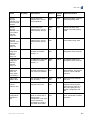
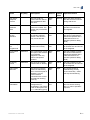
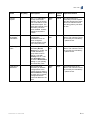
Web GUI Control Properties > Video Component > Format Conversion To view and edit the format conversion properties, select the Format Conversion tab from the Video Component accordion. Figure 5.69 Properties > Video Component > Format Conversion Tab The following fields are displayed on this pane (not all of these parameters will always be present, nor will they all be user-editable): Default Aspect Ratio Conversion – The default aspect ratio of the output video if AFD is not available on the input stream or if the "Use Input AFD" checkbox is not selected.. Action on AFD lost – Action to be taken in the event that AFD is lost. AFD Sustain – The behavior of AFD on the output if AFD on the input is lost. AFD Sustain Timeout – How long to maintain AFD on the output if Off After Timeout is selected in the AFD Sustain parameter. Properties > Video Component > Encode To view and edit video component encode properties, select the Encode tab from the Video Component accordion. 2/1553-FGC 101 1400 Uen B 5-61