1
Setting Up Your LAN Administrator Station
3-15
Uninstalling BreezeNET
Software
If you wish to remove the BreezeNET software from the LAN administrator
station you can use the “Add/Remove” function of your Windows operating
system.
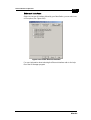
To uninstall BreezeNET software:
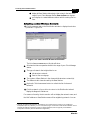
1. On the Windows taskbar, click the Start button.
2. Click on Settings and then Control Panel.
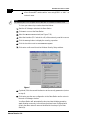
3. On the Control Panel window, double-click the Add/Remove Programs icon.
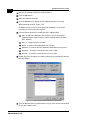
4. Select the program that you wish to uninstall, and click the Add/Remove
button.
The Add/Remove option will remove program files only. If you have stored log
files in the program files directory, these files will not be removed.
Alvarion