1
Contents
Preface
1.0 Product Overview ...........................................................................1
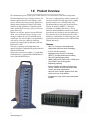
Features
Fibre Channel model
SCSI model
2.0 Technical Overview ........................................................................3
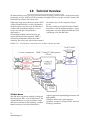
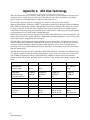
ATA disk drives
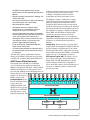
ADXT Powers ATA to New Levels
3.0 Installation Instructions .................................................................5
Three major steps are required to set up the Diamond Storage Array
Step 1: physical setup
Step 2a: set up the Ethernet connection
Step 2b: connect to Ethernet
If the Diamond Storage Array is attached to a DHCP server
If the Diamond Storage Array is not attached to a DHCP server and you wish to change the
defaults
Step 3: configure drives
3.1 Components .........................................................................7
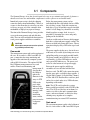
Floor model
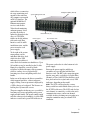
Rack mount
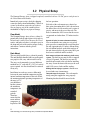
3.2 Physical Setup ......................................................................9
Floor Model
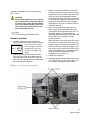
Rack Mount
General Instructions
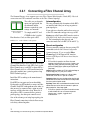
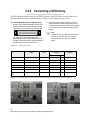
3.2.1 Connecting a Fibre Channel Array .............................11
Autoconfiguration
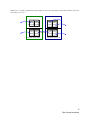
Manual configuration
3.2.2 Connecting a SCSI Array ............................................13
To connect the SCSI Diamond Storage Array
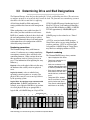
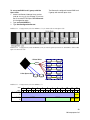
3.3 Determining Drive and Sled Designations .........................15
Numbering conventions
Physical numbering
Logical Numbering
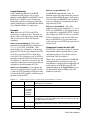
Examples
Unique serial number for each LUN
ATTO Technology Inc.