1
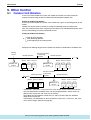
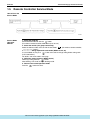
Other Control
Si38-304
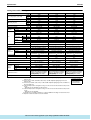
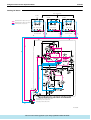
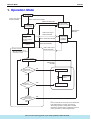
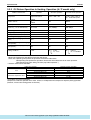
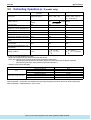
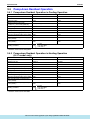
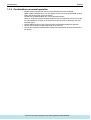
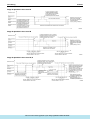
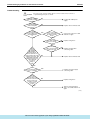
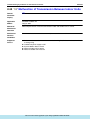
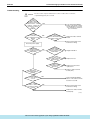
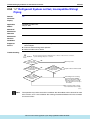
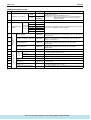
• With RX(Y)14M and 16M, if INV compressor is inhibited from operating, only 1 STD
compressor can operate for reasons of oil equalization.
• With RX(Y)14M and 16M, STD1 compressor cannot be inhibited from operating for reasons of
oil equalization.
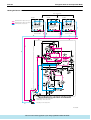
• When 1 outdoor unit is installed (with RX (Y) 8M to 16M), automatic backup operation cannot
be performed.
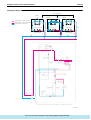
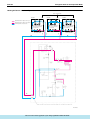
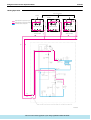
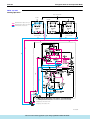
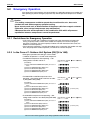
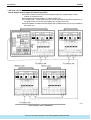
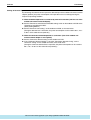
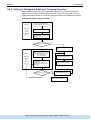
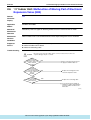
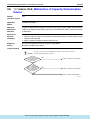
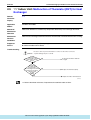
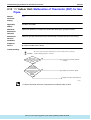
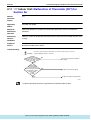
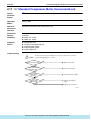
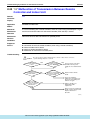
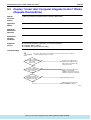
5.2.3 In The Case of Multi-Outdoor-Unit System (RX(Y)18 to 48M)
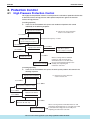
Automatic backup operation
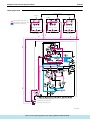
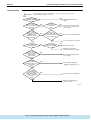
With multi-outdoor-unit system, if a certain outdoor unit system malfunctions (i.e., the system
stops and indoor unit remote controller displays the malfunction), by resetting the system with
the indoor unit remote controller, the applicable outdoor unit is inhibited from operating for 8
hours, thus making it possible to perform emergency operation automatically.
However, in the event any of the following malfunctions occurs, automatic backup operation
can be performed.
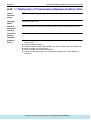
Malfunctions under which automatic backup operation can be performed:
• E3, E4, E5, E7
• F3
• H7, H9
• J2, J3, J5, J6, J7, J9, JA, JC
• L3, L4, L5, L8, L9, LC
• U2, UJ
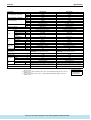
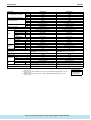
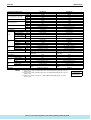
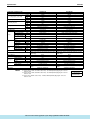
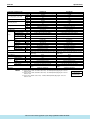
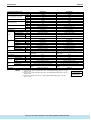
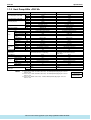
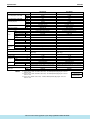
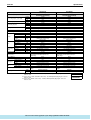
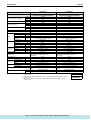
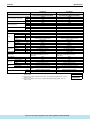
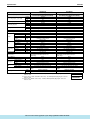
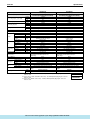
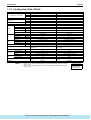
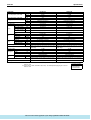
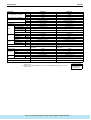
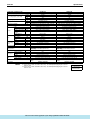
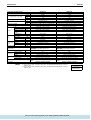
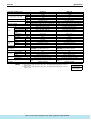
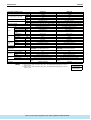
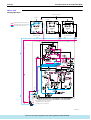
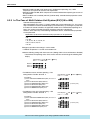
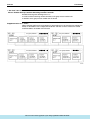
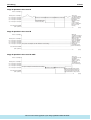
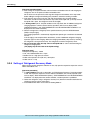
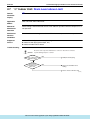
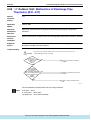
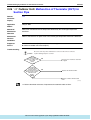
Emergency operation with settings in service mode
∗ “Inhibition of operation” is set with each outdoor unit.
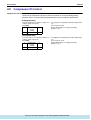
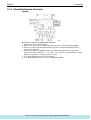
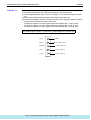
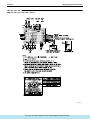
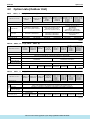
Make the following settings with the master unit. (Setting with the slave unit becomes disabled.)
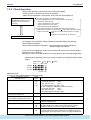
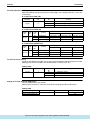
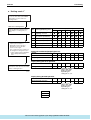
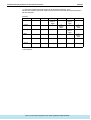
∗ Discriminate the operating status of the master unit/slave units through the following LED
display.
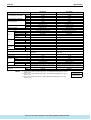
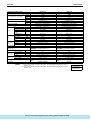
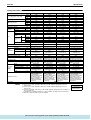
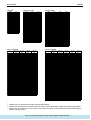
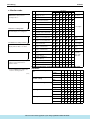
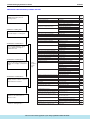
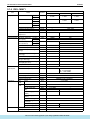
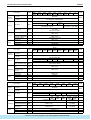
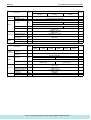
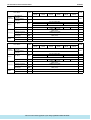
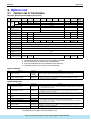
LED display (7:ON 7:OFF 9:Blink)
H1P---H7P H8P
7777777
7777 7
Master: 77
Slave 1: 7777777 9
Slave 2: 7777777 7
(Factory set)
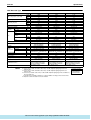
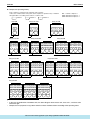
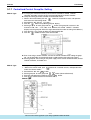
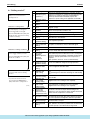
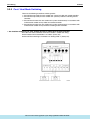
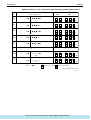
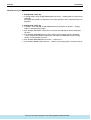
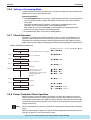
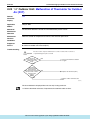
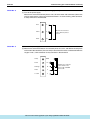
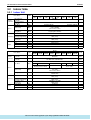
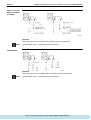
• To inhibit the master unit from operating → Set
setting mode 2 from No. 38 to No. 2.
(Procedure)
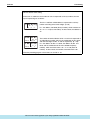
(1) Press and hold the MODE button (BS1) for 5 sec. or
more.
(2) Press the SET button (BS2) 38 times.
(3) Press the RETURN button (BS3) once.
(4) Press the SET button (BS2) once.
(5) Press the RETURN button (BS3) twice.
(6) Press the MODE button (BS1) once.
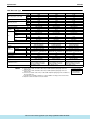
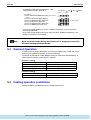
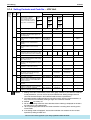
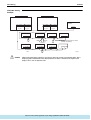
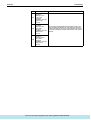
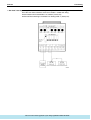
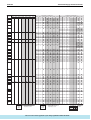
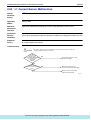
• To inhibit the slave unit 1 from operating → Set
setting mode 2 from No. 39 to No. 2.
(Procedure)
(1) Press and hold the MODE button (BS1) for 5 sec. or
more.
(2) Press the SET button (BS2) 39 times.
(3) Press the RETURN button (BS3) once.
(4) Press the SET button (BS2) once.
(5) Press the RETURN button (BS3) twice.
(6) Press the MODE button (BS1) once.
112
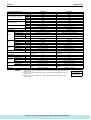
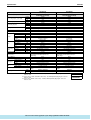
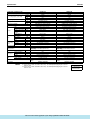
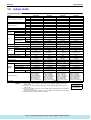
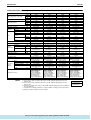
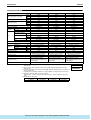
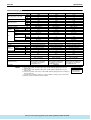
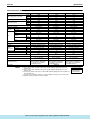
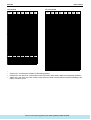
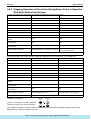
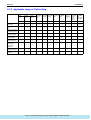
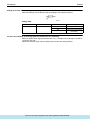
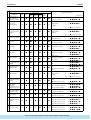
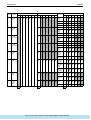
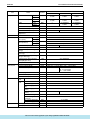
LED display (7:ON 7:OFF 9:Blink)
H1P---H7P
7777777
777777
7777
77777
7
777777
777779
9 (Factory set)
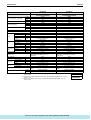
77777
77779
97
7777777
777777
7777777
77
7777
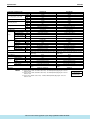
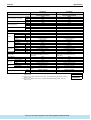
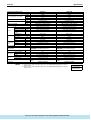
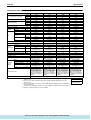
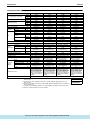
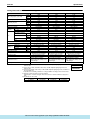
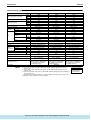
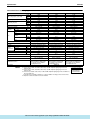
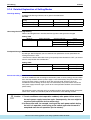
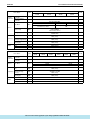
LED display (7:ON 7:OFF 9:Blink)
H1P---H7P
7777777
777777
7777
77777
777777
777779
9 (Factory set)
77777
77779
97
7777777
777777
7777777
77
7777
: http://splitoff.ru/tehn-doc.html
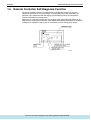
Function