1
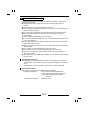
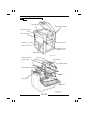
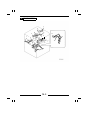
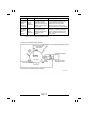
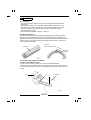
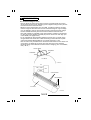
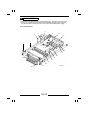
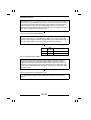
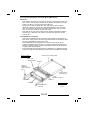
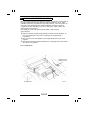
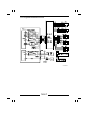
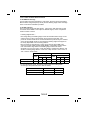
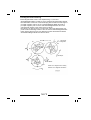
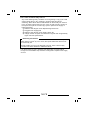
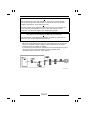
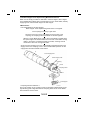
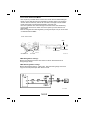
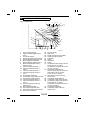
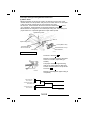
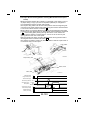
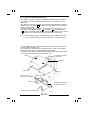
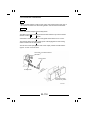
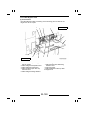
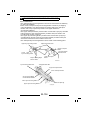
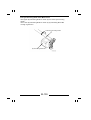
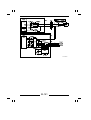
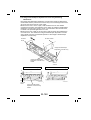
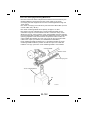
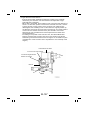
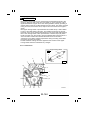
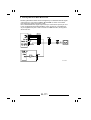
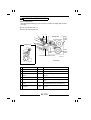
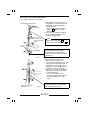
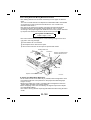
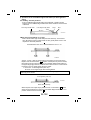
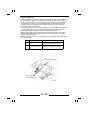
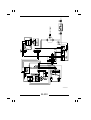
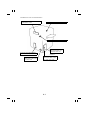
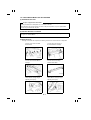
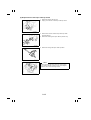
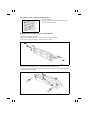
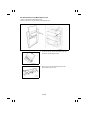
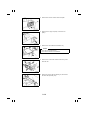
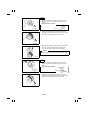
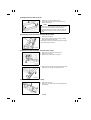
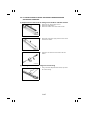
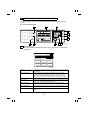
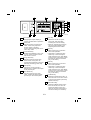
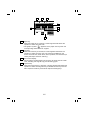
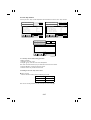
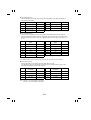
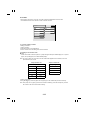
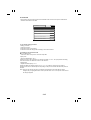
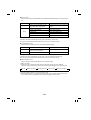
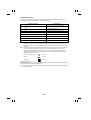
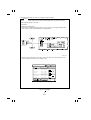
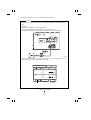
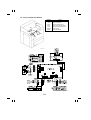
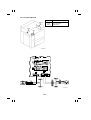
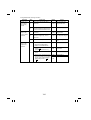
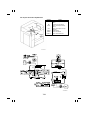
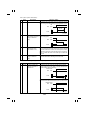
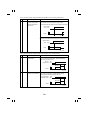
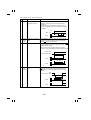
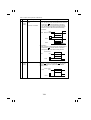
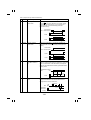
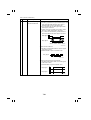
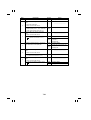
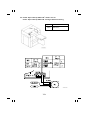
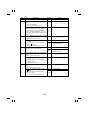
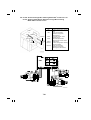
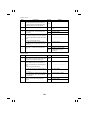
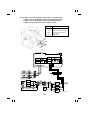
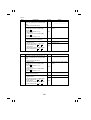
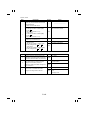
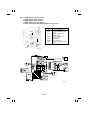
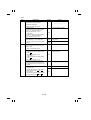
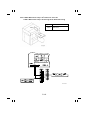
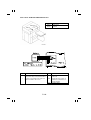
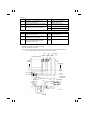
(6) Cleaning of the 1st, 2nd, and 3rd Mirrors and Original Size Detecting
Sensors
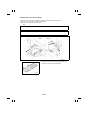
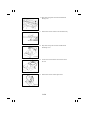
1. Remove the Original Glass.
2. Wipe clean the 1st Mirror with a soft cloth.
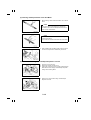
3. Wipe clean the 2nd and 3rd Mirrors with a soft cloth.
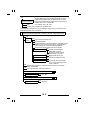
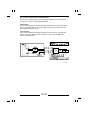
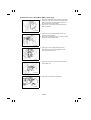
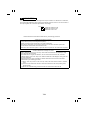
NOTE
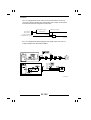
After the 1st, 2nd, and 3rd Mirrors have been
cleaned, make the "adjustment of exposure level in
the Auto Exposure mode." (See p. D-90.)
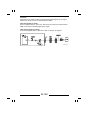
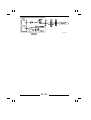
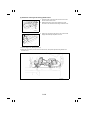
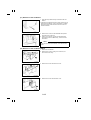
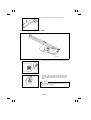
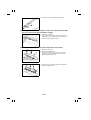
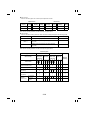
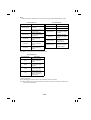
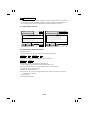
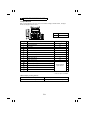
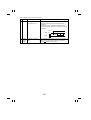
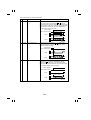
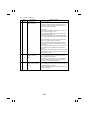
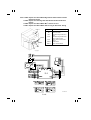
4. Clean the Original Size Detecting Sensors with a soft
cloth.
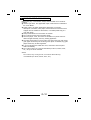
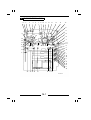
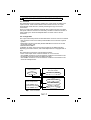
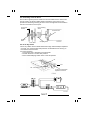
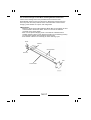
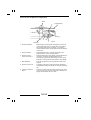
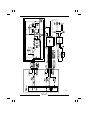
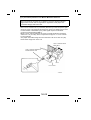
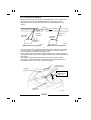
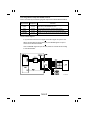
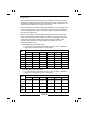
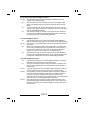
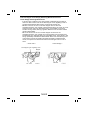
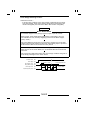
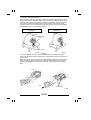
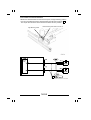
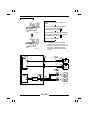
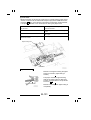
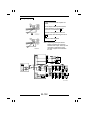
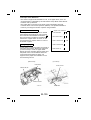
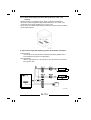
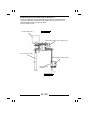
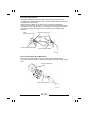
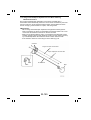
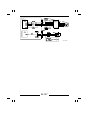
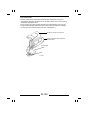
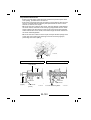
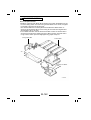
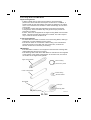
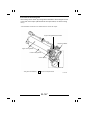
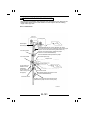
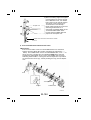
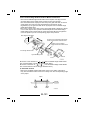
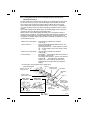
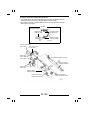
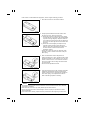
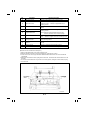
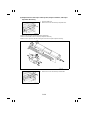
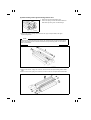
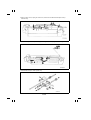
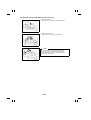
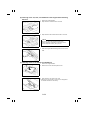
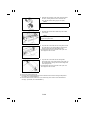
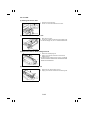
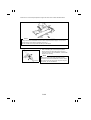
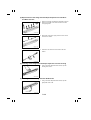
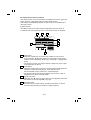
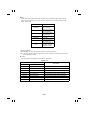
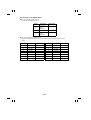
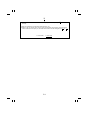
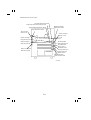
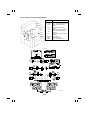
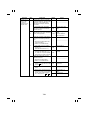
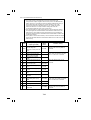
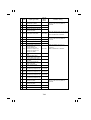
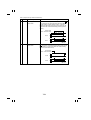
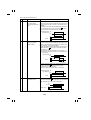
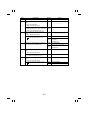
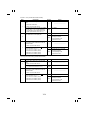
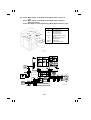
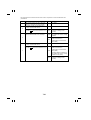
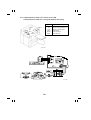
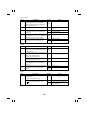
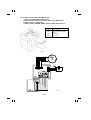
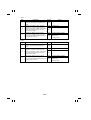
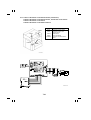
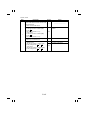
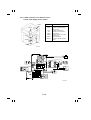
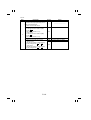
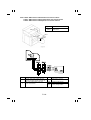
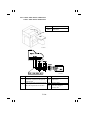
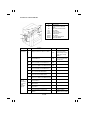
(7) Cleaning of the Lens and 4th and 5th Mirrors
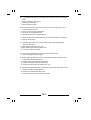
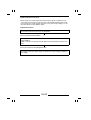
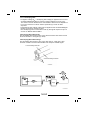
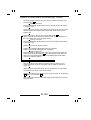
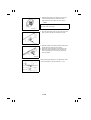
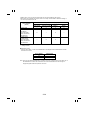
1. Remove the Original Glass.
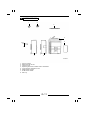
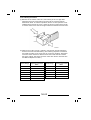
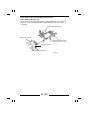
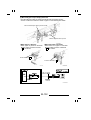
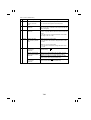
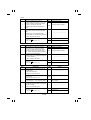
2. Remove two screws and the Optical Cover.
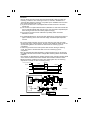
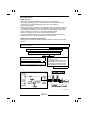
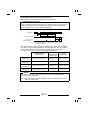
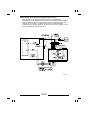
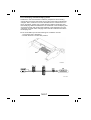
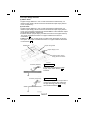
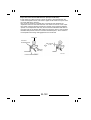
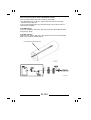
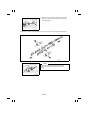
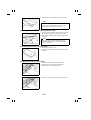
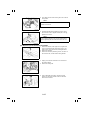
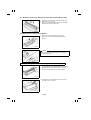
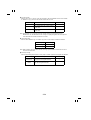
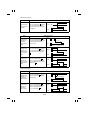
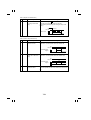
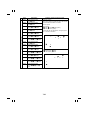
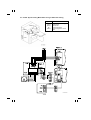
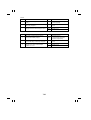
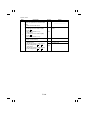
3. Wipe clean the Lens with a soft cloth.
∗ If the Lens is hard to clean, move it in the enlargement
or reduction direction as necessary.
1075D052AA
D-31