1
■
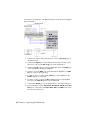
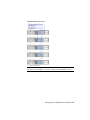
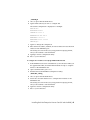
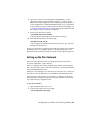
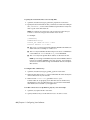
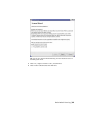
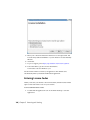
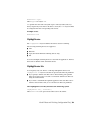
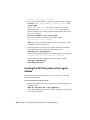
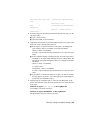
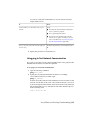
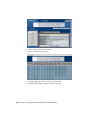
Click the Timezones tab, and select the city closest to you from the
list of locations.
■
Click Apply to save the new settings, and then click OK to close the
window.
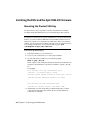
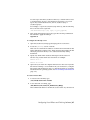
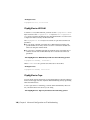
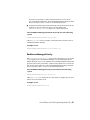
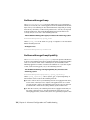
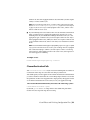
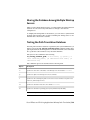
3 Configure the network settings for your system to match the ones used
in your facility. The automated Linux installation sets a default IP address
and hostname for your system, which may not be suitable for your facility
network. See Configuring Basic Network Settings (page 37).
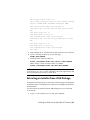
4 Install the Discreet Kernel Utilities (DKU), and upgrade the firmware of
your AJA card.
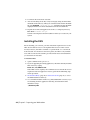
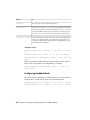
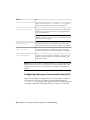
Configuring Basic Network Settings
This section provides instructions on configuring your system network settings
to match those of your facility.
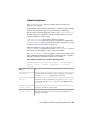
Before configuring your network settings, gather the following information
from your network administrator:
■ An available IP address on your network, to assign to your system. The IP
must not change over time, and must not be used by any other system on
your network.
■
A unique host name for your system.
■
The IP address of the gateway system on your network.
■
The subnet mask of your network.
■
The IP addresses of one or more DNS servers.
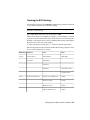
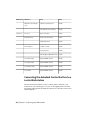
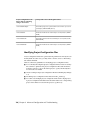
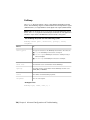
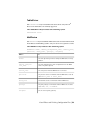
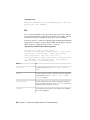
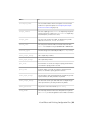
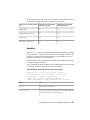
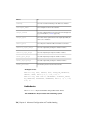
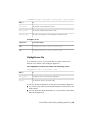
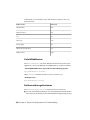
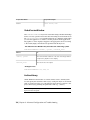
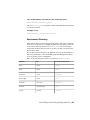
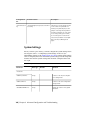
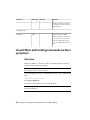
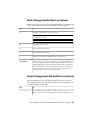
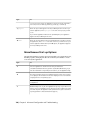
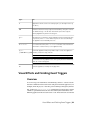
The following files contain the network settings of your Linux system.
Networking Configuration File
Description
/etc/sysconfig/network
Contains global networking settings, such as the
system host name, Gateway IP address, and NIS
domain name, if applicable.
/etc/resolv.conf
Contains DNS server information.
/etc/hosts
Contains IP/host name pairs for host name resolution.
Installing Red Hat Enterprise Linux or CentOS and the DKU | 37