1
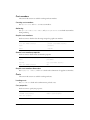
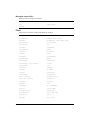
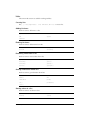
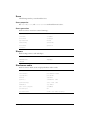
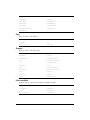
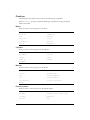
Mesh deform modifier
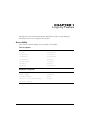
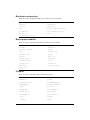
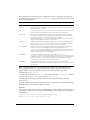
Use these terms to control the functionality of the mesh deform modifier:
add (3D texture)
normalList
face
textureCoordinateList
mesh (property)
textureLayer
meshDeform (modifier)
vertexList (mesh deform)
neighbor
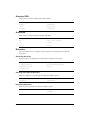
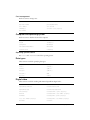
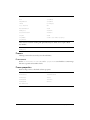
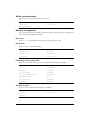
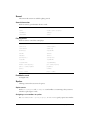
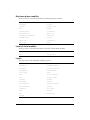
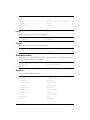
Miscellaneous
clearAtRender
resetWorld
clearValue
revertToWorldDefaults
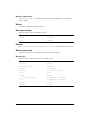
directToStage
sendEvent
loadFile()
setCollisionCallback()
registerForEvent()
unregisterAllEvents
registerScript()
revertToWorldDefaults
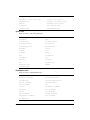
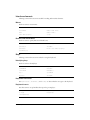
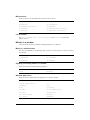
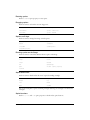
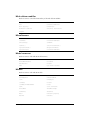
Model resources
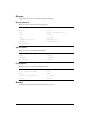
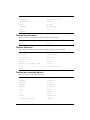
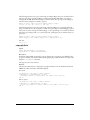
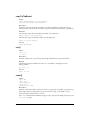
Use these terms to work with 3D model resources:
count
newModelResource
deleteModelResource
resolution
modelResource
resource
name
type (model resource)
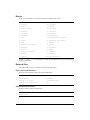
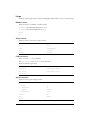
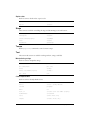
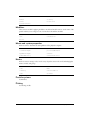
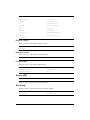
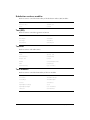
Models
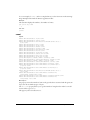
Use these terms to work with 3D models:
36
addToWorld
position (transform)
boundingSphere
removeFromWorld
clone
renderStyle
cloneDeep
resource
cloneModelFromCastmember
rotate
count
scale (transform)
deleteModel
shadowPercentage
isInWorld()
shaderList
model
transform (property)
modifier
translate
Chapter 2