1
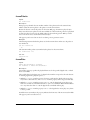
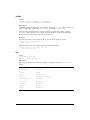
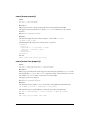
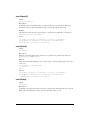
While the playhead is in the same sprite, setting the sprite channel’s puppet sprite property to
FALSE resets the sprite’s properties to those set in the Score.
Making the sprite channel a puppet lets you control many sprite properties, such as member,
locH, and width, from Lingo after the playhead exits from the sprite.
Setting the puppet sprite property is equivalent to using the puppetSprite command. For
example, the following statements are equivalent: set the puppet of sprite 1 to TRUE and
puppetSprite 1, TRUE.
This property can be tested and set.
Examples
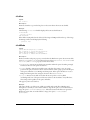
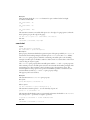
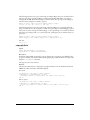
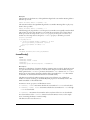
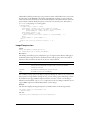
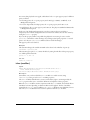
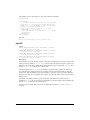
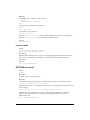
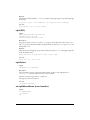
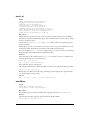
This statement makes the sprite numbered i + 1 a puppet:
sprite(i + 1).puppet = TRUE
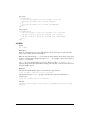
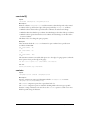
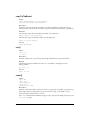
The following statement records whether sprite 5 is a puppet by assigning the value of the puppet
sprite property to the variable. When sprite 5 is a puppet, isPuppet is set to TRUE. When sprite 5
is not a puppet, isPuppet is set to FALSE.
isPuppet = sprite(5).puppet
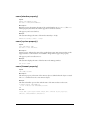
See also
puppetSprite
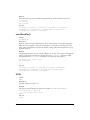
puppetPalette
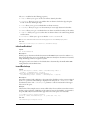
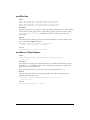
Syntax
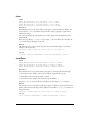
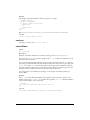
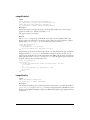
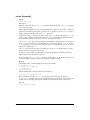
puppetPalette whichPalette {, speed} {,nFrames}
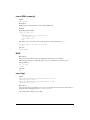
Description
Command; causes the palette channel to act as a puppet and lets Lingo override the palette setting
in the palette channel of the Score and assign palettes to the movie.
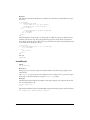
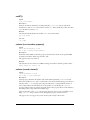
The puppetPalette command sets the current palette to the palette cast member specified by
whichPalette. If whichPalette evaluates to a string, it specifies the cast name of the palette. If
whichPalette evaluates to an integer, it specifies the member number of the palette.
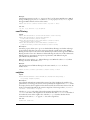
For best results, use the puppetPalette command before navigating to the frame on which the
effect will occur so that Director can map to the desired palette before drawing the next frame.
You can fade in the palette by replacing speed with an integer from 1(slowest) to 60 (fastest). You
can also fade in the palette over several frames by replacing nFrames with an integer for the
number of frames.
A puppet palette remains in effect until you turn it off with the command puppetPalette 0. No
subsequent palette changes in the Score are obeyed when the puppet palette is in effect.
Note: The browser controls the palette for the entire Web page. Thus, Shockwave and the Director player for Java
always uses the browser’s palette.
For the most reliable color when authoring a movie for playback as a Director player for Java, use
the default palette for the authoring system.
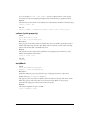
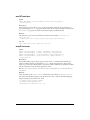
Examples
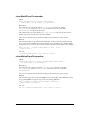
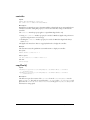
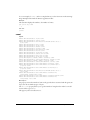
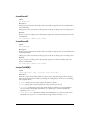
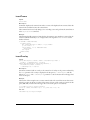
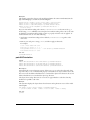
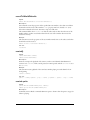
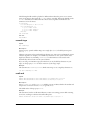
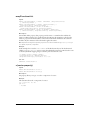
This statement makes Rainbow the movie’s palette:
puppetPalette "Rainbow"
510