1
AT-S62 Management Software Menus Interface User’s Guide
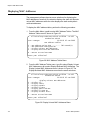
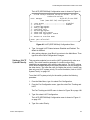
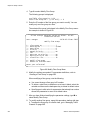
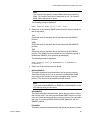
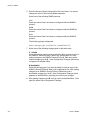
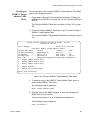
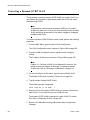
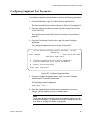
To view the contents of a configuration file, perform the following
procedure:
1. From the File Operations menu, type 7 to select View File.
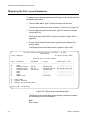
The following prompt is displayed:
Enter file name:
2. Enter the name of the configuration file you want to view.
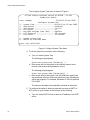
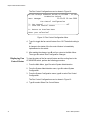
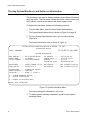
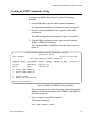
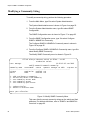
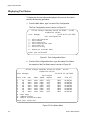
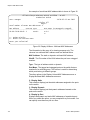
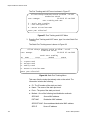
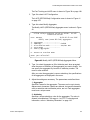
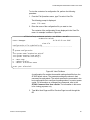
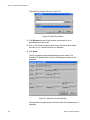
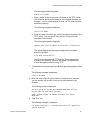
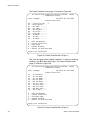
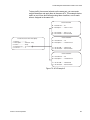
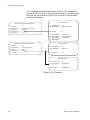
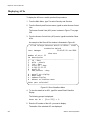
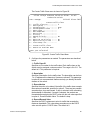
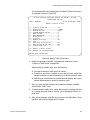
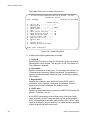
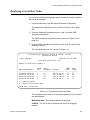
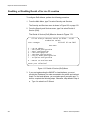
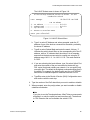
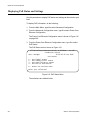
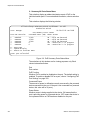
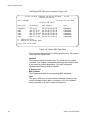
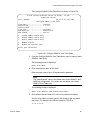
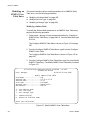
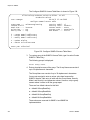
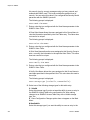
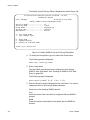
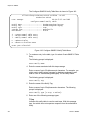
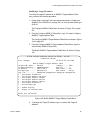
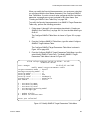
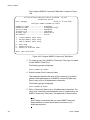
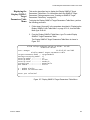
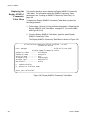
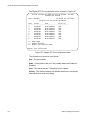
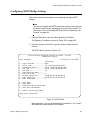
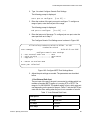
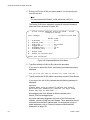
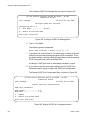
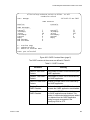
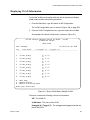
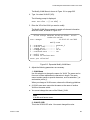
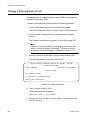
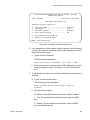
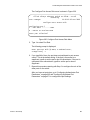
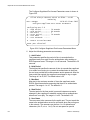
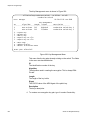
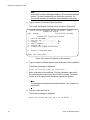
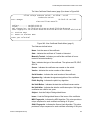
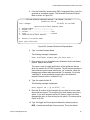
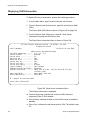
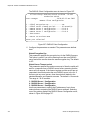
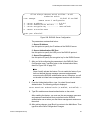
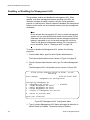
The contents of the configuration file are displayed in the View File
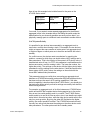
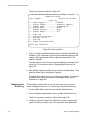
menu. An example is shown in Figure 49.
Allied Telesyn Ethernet Switch - AT-8524M - AT-S62
Production Switch
User: Manager
11:20:02 02-Jan-2006
View File
Configuration File: mydefault.cfg
------------------------------------------------------------------#
# System Configuration
#
set system name="Production Switch"
set system contact="Jane Smith"
set system location="Building 5"
N - Next Page
U - Update Display
R - Return to Previous Menu
Enter your selection?
Figure 49. View File Menu
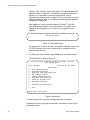
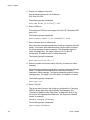
A configuration file contains those switch settings that differ from the
AT-S62 default values. The parameter settings are shown in their
command line equivalents. The switch executes the commands in the
boot configuration file to configure its settings when it is reset or power
cycled. For information on command line commands, refer to the
AT-S62 Command Line User’s Guide. The information in this menu
is for viewing purposes only.
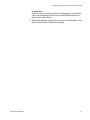
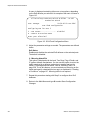
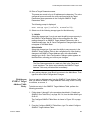
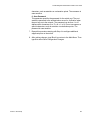
3. Type N for Next Page and P for Previous Page to scroll through the
file.
Section II: Advanced Operations
181