1
Chapter 3: Basic Switch Parameters
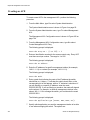
Setting the Baud Rate of the RS-232 Terminal Port
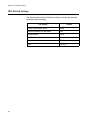
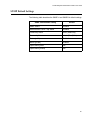
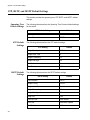
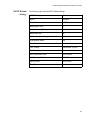
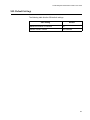
The default baud rate of the RS-232 Terminal Port on the switch is 9600
bps. To change the baud rate, do the following:
1. From the Main Menu, type 5 to select System Administration.
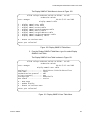
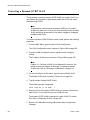
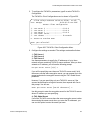
The System Administration menu is shown in Figure 4 on page 52.
2. From the System Administration menu, type 3 to select Console
(Serial/Telnet) Configuration.
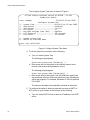
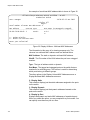
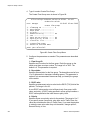
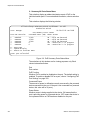
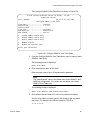
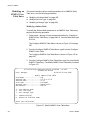
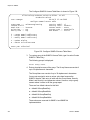
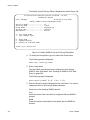
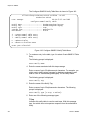
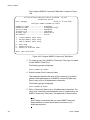
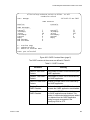
The Console (Serial/Telnet) Configuration menu is shown in Figure 9
on page 65.
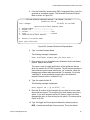
3. From the Console (Serial/Telnet) Configuration menu, type 3 to select
Console Baud Rate.
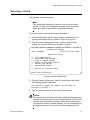
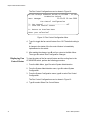
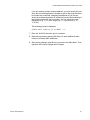
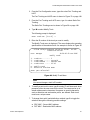
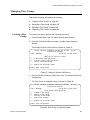
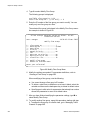
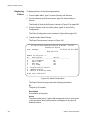
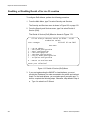
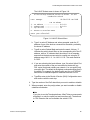
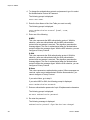
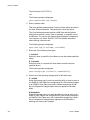
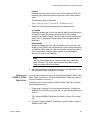
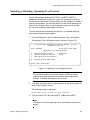
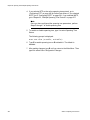
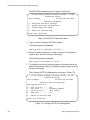
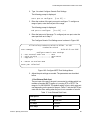
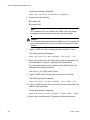
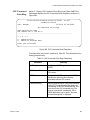
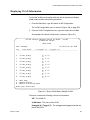
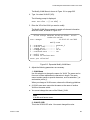
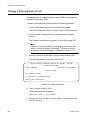
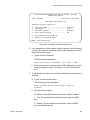
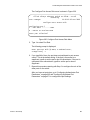
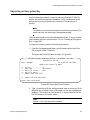
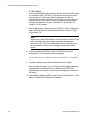
The following message is displayed:
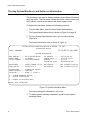
Supported baud rates are:
1200, 2400, 4800, 9600, 19200, 38400, 57600, or 115200
Enter new baud rate value --> [1200 to 115200]
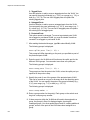
4. Type the desired baud rate value and press Return.
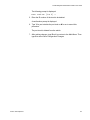
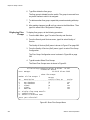
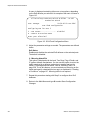
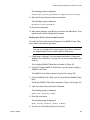
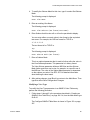
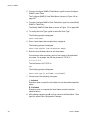
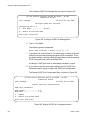
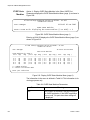
The following message is displayed:
Baud rate changed to [baud rate you typed] bps.
Please change your terminal baud rate correspondingly.
Press <Enter> to continue.
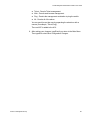
Note
If you are running a local management session, be sure to change
your terminal’s baud rate.
A change to the baud rate is automatically saved to permanent
memory in the switch. You do not need to use the Save Configuration
Changes option in the Main Menu to permanently save this change.
68
Section I: Basic Operations