1
Chapter 3: Basic Switch Parameters
Configuring an IP Address and Switch Name
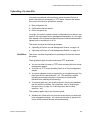
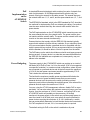
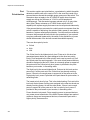
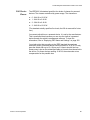
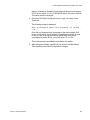
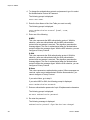
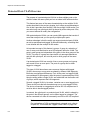
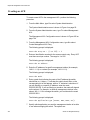
The procedure in this section explains how to manually assign an IP
address, subnet mask, and gateway address to the switch from a local or
Telnet management session. (If you want the switch to obtain its IP
configuration from a DHCP or BOOTP server on your network, go to the
procedure “Activating the BOOTP or DHCP Client Software” on page 55.)
This procedure also explains how to assign a name to the switch, along
with the name of the administrator responsible for maintaining the unit and
the location of the switch.
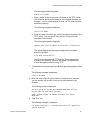
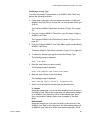
To manually set a switch’s IP address, perform the following procedure:
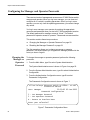
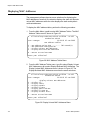
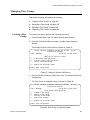
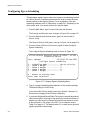
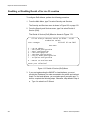
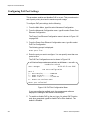
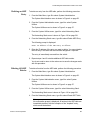
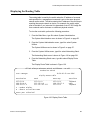
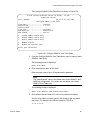
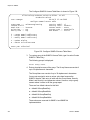
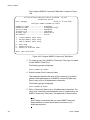
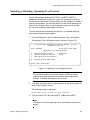
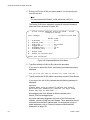
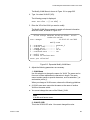
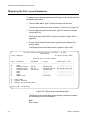
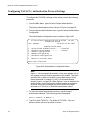
1. From the Main Menu, type 5 to select System Administration.
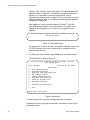
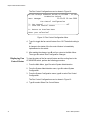
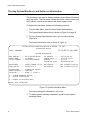
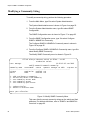
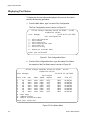
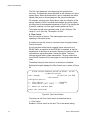
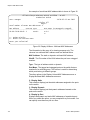
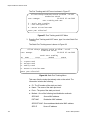
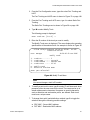
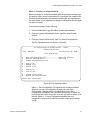
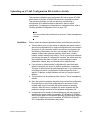
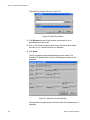
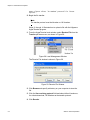
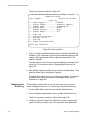
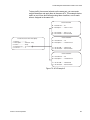
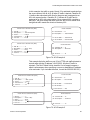
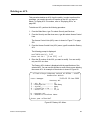
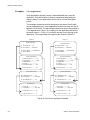
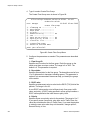
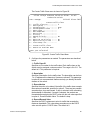
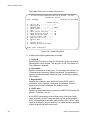
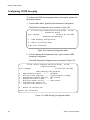
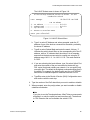
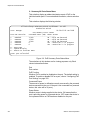
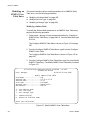
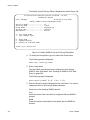
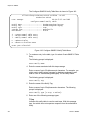
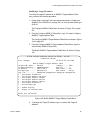
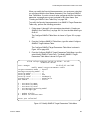
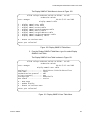
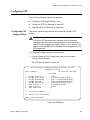
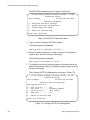
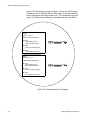
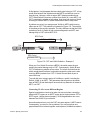
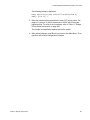
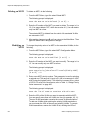
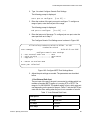
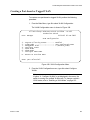
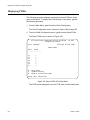
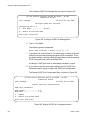
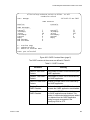
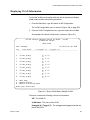
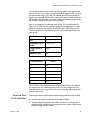
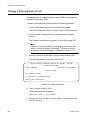
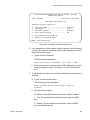
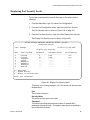
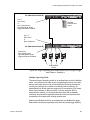
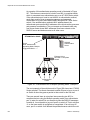
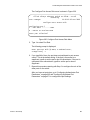
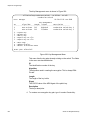
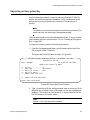
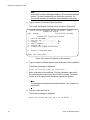
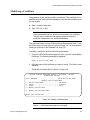
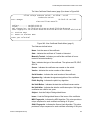
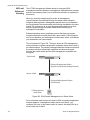
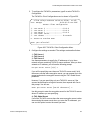
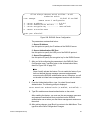
The System Administration menu is shown in Figure 4.
Allied Telesyn Ethernet Switch AT-8524M - AT-S62
Production Switch
User: Manager
11:20:02 02-Jan-2006
System Administration
1
2
3
4
5
6
7
8
9
-
System Information
System Configuration
Console (Serial/Telnet) Configuration
Web Server Configuration
SNMP Configuration
Authentication Configuration
Management ACL
Event Log
System Utilities
R - Return to Previous Menu
Enter your selection?
Figure 4. System Administration Menu
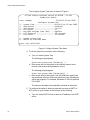
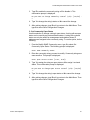
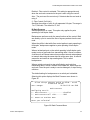
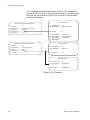
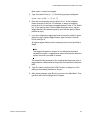
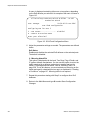
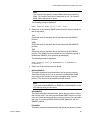
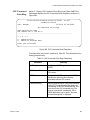
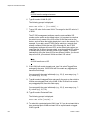
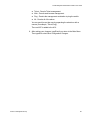
2. From the System Administration menu, type 2 to select System
Configuration.
52
Section I: Basic Operations