1
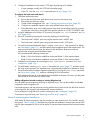
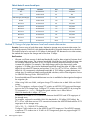
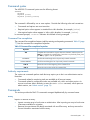
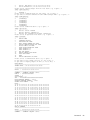
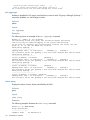
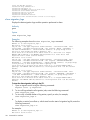
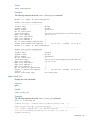
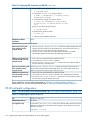
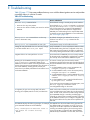
Table 17 Configuring HP PVLinks on HP-UX (continued)
Multipath installation
verification
Verify that the volume group created has multiple PVs. Each PV is a path to the same
disk. The first path for each LUN is treated as the primary path, while all other paths
are treated as alternate PVLinks, which are used to failover I/O in case of primary path
failure.
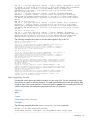
Validations during router insertion process
Removing first direct path
from controller port (for
example, Port A)
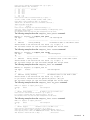
On the HP-UX host before zoning out the controller (for example, Port A), issue the
following command:
vgreduce /dev/vg1 /dev/dsk/c1t0d1
where /dev/vg1 is the volume group and /dev/dsk/c1t0d1 corresponds to the
PV device entry for the controller port that is removed from being directly accessed by
the host.
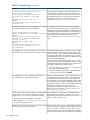
Adding router path for the
removed controller port (for
example, Port A)
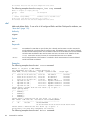
On the HP-UX host after zoning in the router presented target con-troller (for example,
Port A), issue the following commands:
ioscan
insf -e
vgextend /dev/vg1 /dev/dsk/c3t0d1
where /dev/vg1 is the volume group and /dev/dsk/c3t0d1 corresponds to the
PV device entry for the newly created PV device from the disk presented by the router.
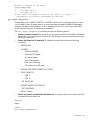
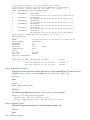
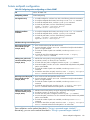
Removing second direct path On the HP-UX host before zoning out the controller (for example, Port B), issue the
from controller port (for
following command:
example, Port B)
vgreduce /dev/vg1 /dev/dsk/c2t0d1
where /dev/vg1 is the volume group and /dev/dsk/c2t0d1 corresponds to the
PV device entry for the controller port that is removed from direct access by the host.
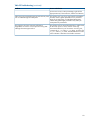
Adding router path for the
removed controller port (for
example, Port B)
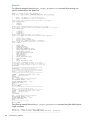
On the HP-UX host after zoning in the router presented target con-troller (for example,
Port B), issue the following commands:
ioscan
insf -e
vgextend /dev/vg1 /dev/dsk/c4t0d1
where /dev/vg1 is the volume group and /dev/dsk/c4t0d1 corresponds to the
PV device entry for the newly created PV device from the disk presented by the router.
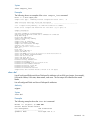
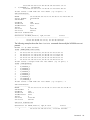
The entire host I/O must flow through the router. To verify, ensure that the show perf
byte command shows I/O is flowing through the router.
These validations use the method described in “Zoning in presented targets: Method 1”.
Alternatively, you can use the method described in “Zoning in presented targets: Method 2”.
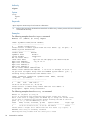
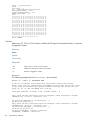
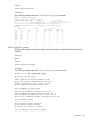
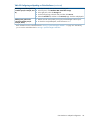
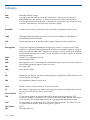
Table 18 Configuring EMC PowerPath on HP-UX
OS
HP-UX 11.23 and 11.31
Multipathing software
EMC PowerPath
Pre-migration setup
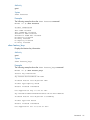
1. Install the PowerPath.
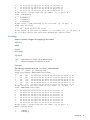
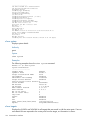
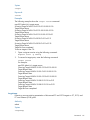
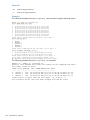
2. Issue the powermt display dev=all command and verify that it shows all of
the active paths to the LUNs.
3. Create a volume group using any of the direct path disks.For example:
vgcreate vg1 /dev/dsk/c4t0d1
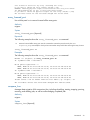
Multipath installation
verification
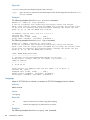
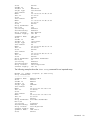
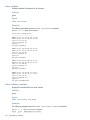
Verify that the powermt display dev=all command shows all the active paths to
the LUNs.
Validations during router insertion process
Removing first direct path
from controller port (for
example, Port A)
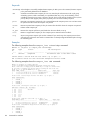
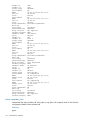
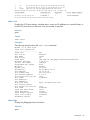
It is not necessary to perform vgreduce on the direct path. The powermt display
dev=all command displays the path state as dead. The other active and alive path
continues the I/O.
HP-UX multipath configuration
157