1
4.
5.
6.
7.
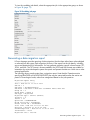
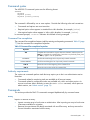
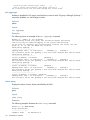
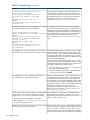
To see a summarized view of all completed jobs, click the Completed Data Migration Jobs
tab in the right pane.
To view a list of all jobs, click Data Migration Jobs in the left pane.
To view a list of all jobs belonging to a specific migration group, click the migration group
name in the left pane.
To view a list of all jobs that are currently being synchronized, click the Synchronizing tab in
the right pane.
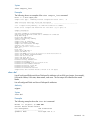
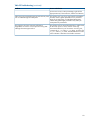
Jobs are placed in a synchronized state pending acknowledgement of completed online data
migration. Synchronizing occurs until all of the DRLs associated with the job are flushed to the
destination array.
nl
Viewing job details and controlling job actions
HP mpx Manager provides a view of the details of data migration jobs. From the detailed view,
you can also control job actions, including pausing, stopping, deleting, resuming, and restarting
the job.
To view data migration job details:
1. In the left pane, click the Services tab
2. In the left pane, expand a blade node, and then click the Data Migration Jobs node.
3. In the left pane, under the Data Migration Jobs node, expand a Group x node, and then select
a migration job by clicking the appropriate JobID.
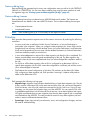
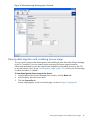
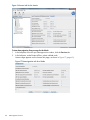
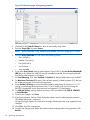
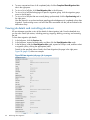
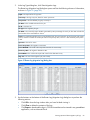
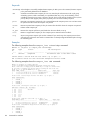
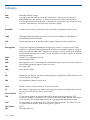
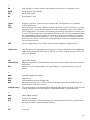
Details for the specified job are listed in the Data Migration Job page in the right pane.
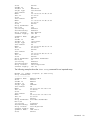
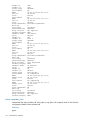
Figure 28 (page 62) shows an example.
Figure 28 Data migration job page: job in progress
62
Performing data migration