1
9
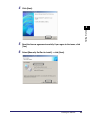
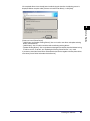
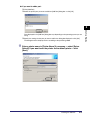
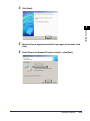
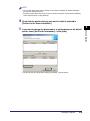
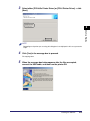
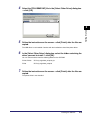
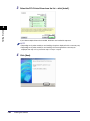
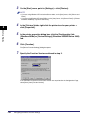
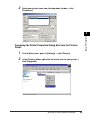
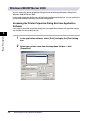
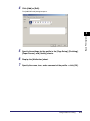
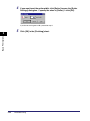
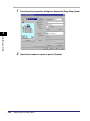
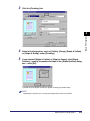
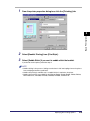
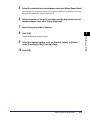
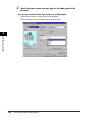
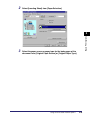
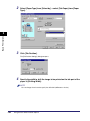
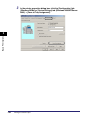
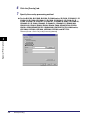
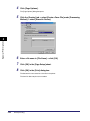
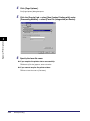
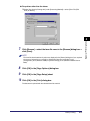
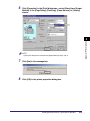
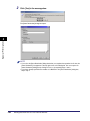
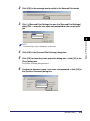
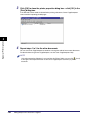
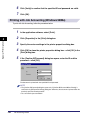
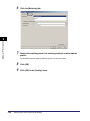
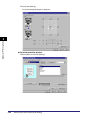
Click [OK] in the [Print] dialog box.
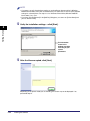
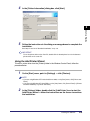
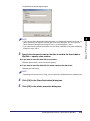
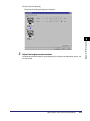
The [Store Destination] dialog box opens.
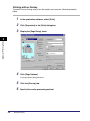
Special Print Options
4
10
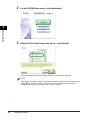
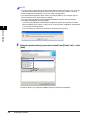
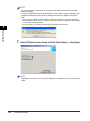
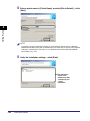
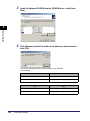
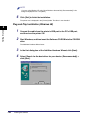
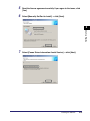
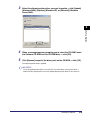
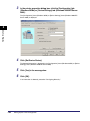
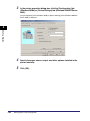
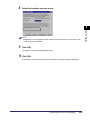
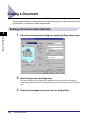
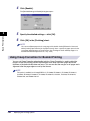
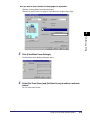
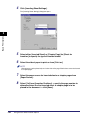
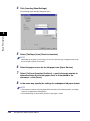
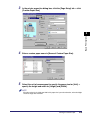
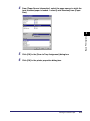
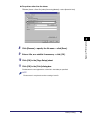
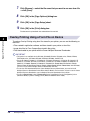
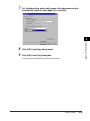
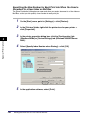
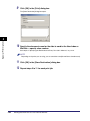
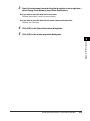
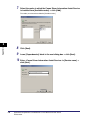
Specify the document name for the data to send to the User Inbox or
Mail Box ➞ specify a box number.
See step 3 of "Specifying the Box Number for Every Print Job in Advance," on p. 4-24.
NOTE
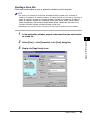
Depending on the printer you are using, you can send data to multiple mail boxes simultaneously.
4-28
11
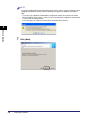
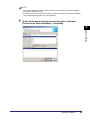
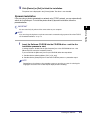
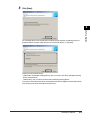
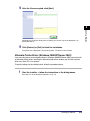
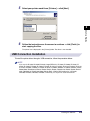
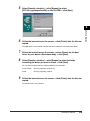
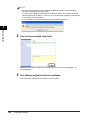
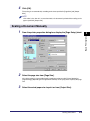
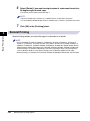
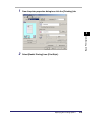
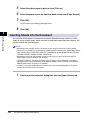
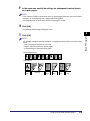
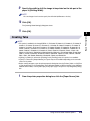
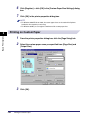
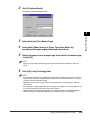
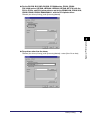
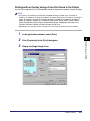
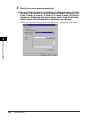
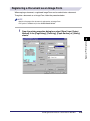
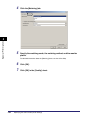
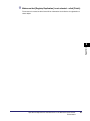
Click [OK] in the [Store Destination] dialog box.
12
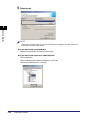
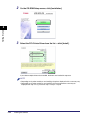
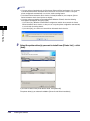
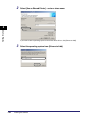
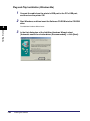
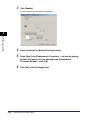
Repeat steps 5 to 11 for each print job.
Sending Document Data to a User Inbox or Mail Box