1
Registering a Document as an Image Form
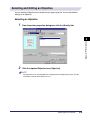
When copying a document, a registered Image Form can be overlaid onto a document.
To register a document as an Image Form, follow the procedure below.
NOTE
• Only the first page of the document is registered as an Image Form.
• This option is available only for the GP605/GP605P/GP555.
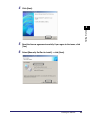
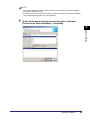
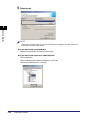
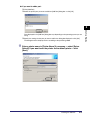
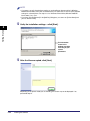
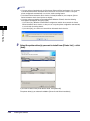
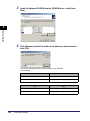
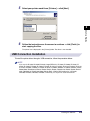
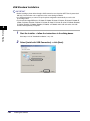
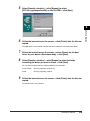
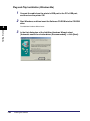
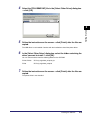
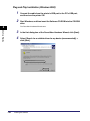
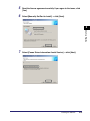
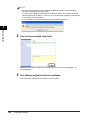
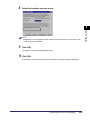
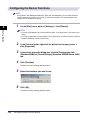
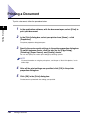
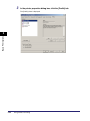
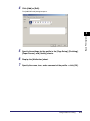
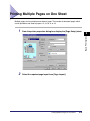
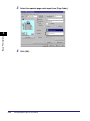
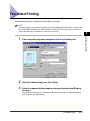
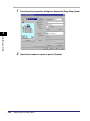
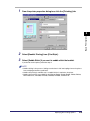
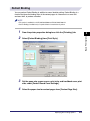
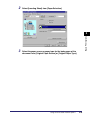
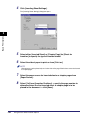
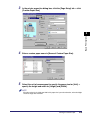
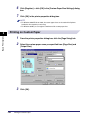
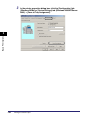
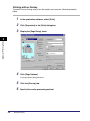
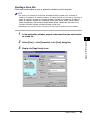
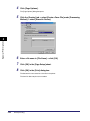
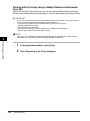
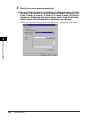
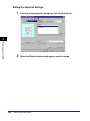
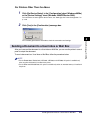
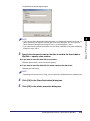
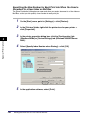
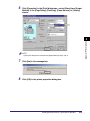
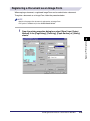
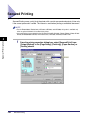
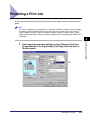
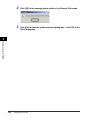
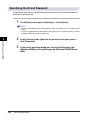
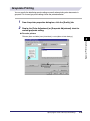
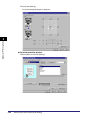
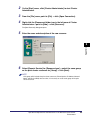
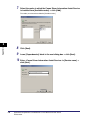
From the printer properties dialog box, select [Store] from [Output
Method] in the [Page Setup], [Finishing], [Paper Source], or [Quality]
sheets.
4
Special Print Options
1
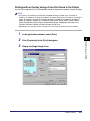
Sending Document Data to a User Inbox or Mail Box
4-29