1
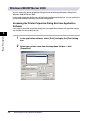
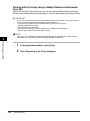
Specifying the ID and Password
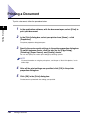
In order to print documents using the Job Accounting feature, follow the procedure below to
specify the ID and password
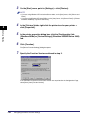
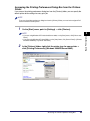
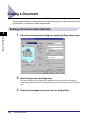
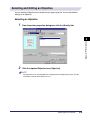
1
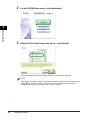
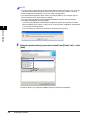
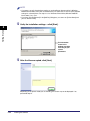
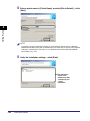
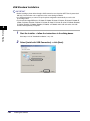
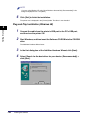
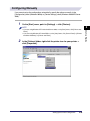
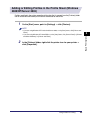
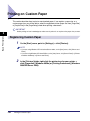
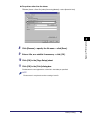
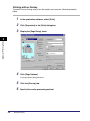
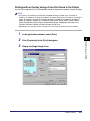
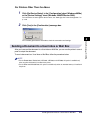
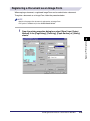
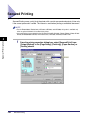
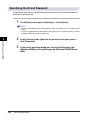
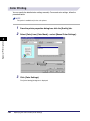
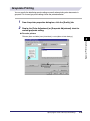
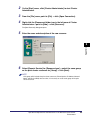
On the [Start] menu, point to [Settings] ➞ click [Printers].
NOTE
• If you are using Windows XP Professional/Server 2003, on the [Start] menu, click [Printers and
Faxes].
• If you are using Windows XP Home Edition, on the [Start] menu, click [Control Panel] ➞ [Printers
and Other Hardware] ➞ [Printers and Faxes].
2
Special Print Options
4
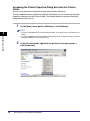
3
4-40
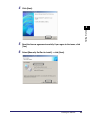
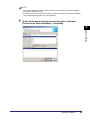
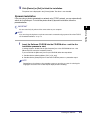
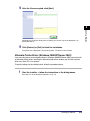
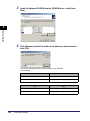
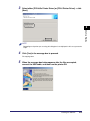
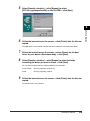
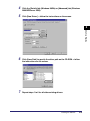
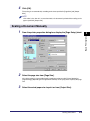
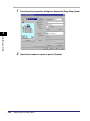
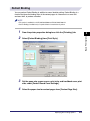
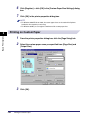
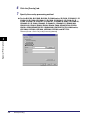
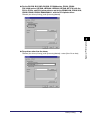
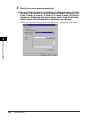
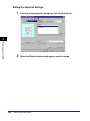
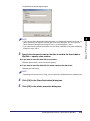
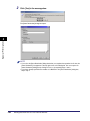
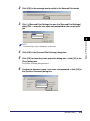
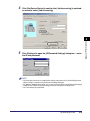
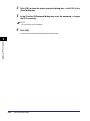
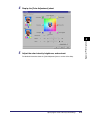
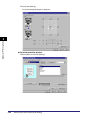
In the [Printers] folder, right-click the printer icon for your printer ➞
click [Properties].
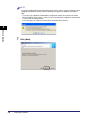
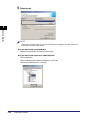
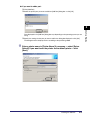
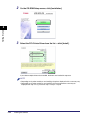
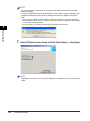
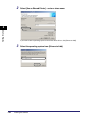
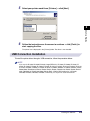
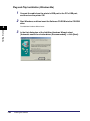
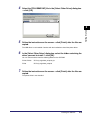
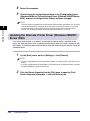
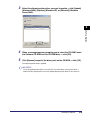
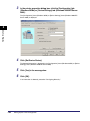
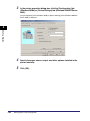
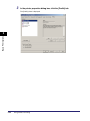
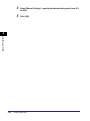
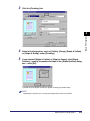
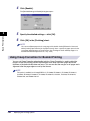
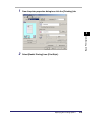
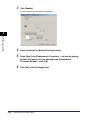
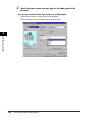
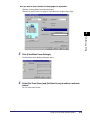
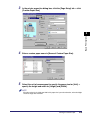
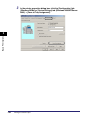
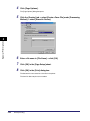
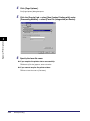
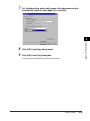
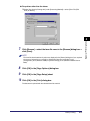
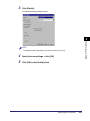
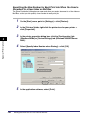
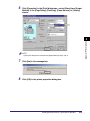
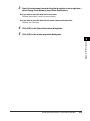
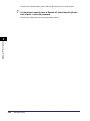
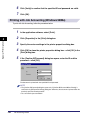
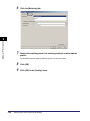
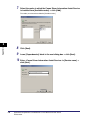
In the printer properties dialog box, click the [Configuration] tab
(Windows 98/Me) or [Device Settings] tab (Windows 2000/XP/Server
2003).
Job Accounting Feature