1
7
Disassembly and Repair
Mechanical Disassembly
Front panel removal
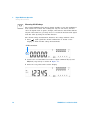
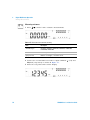
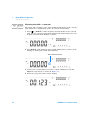
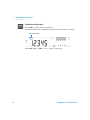
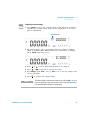
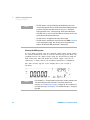
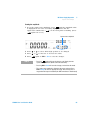
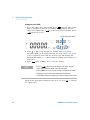
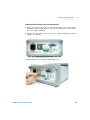
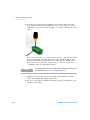
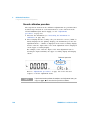
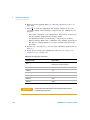
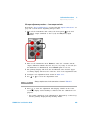
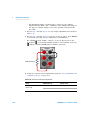
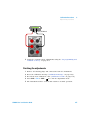
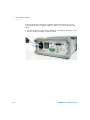
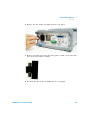
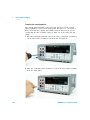
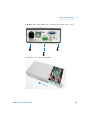
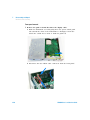
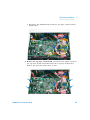
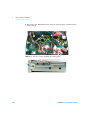
7 Remove the push rod and disconnect the display cable.
a Turn the instrument over and gently move the power switch push
rod towards the front of the instrument to disengage it from the
switch. Be careful not to twist or bend the push rod.
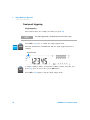
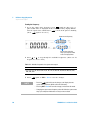
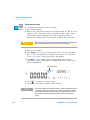
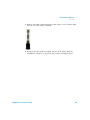
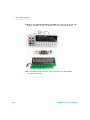
b Disconnect the two ribbon cable connectors from the front panel.
230
U3606A User’s and Service Guide