1
3
DC Power Supply Operation
Enabling the Output
Enabling the Output
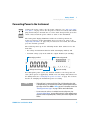
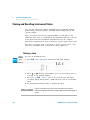
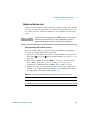
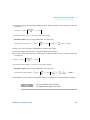
The
OUT
S BY
key controls turn the U3606A output on or off.
With the output off, adjustments can be made to the U3606A or the load
without shutting off power to the instrument.
UT
The OS BY
key can be pressed at any time to enable or disable the U3606A
output.
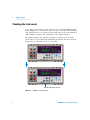
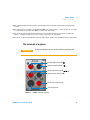
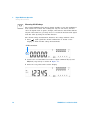
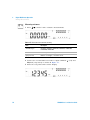
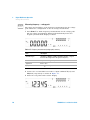
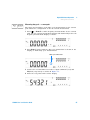
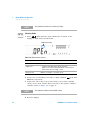
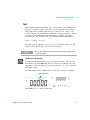
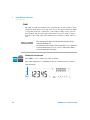
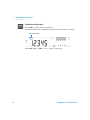
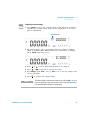
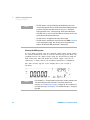
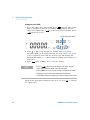
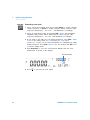
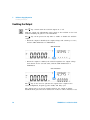
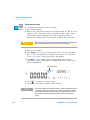
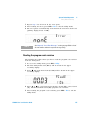
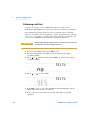
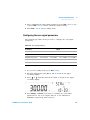
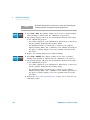
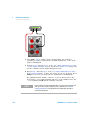
• When the output is disabled, the output voltage and current go to zero,
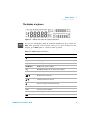
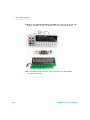
and the SBY annunciator is illuminated.
SBY annunciator
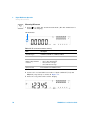
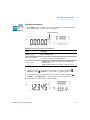
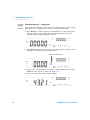
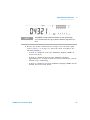
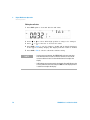
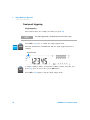
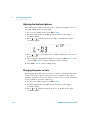
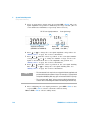
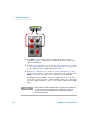
• When the output is enabled, the U3606A regulates the output voltage
and current at the selected value, and the OUT annunciator is
illuminated.
OUT annunciator
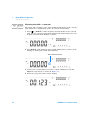
UT
The OS BY
key is also used to generate the square- wave output at the
selected amplitude, frequency, pulse width, and duty cycle.
The output state is stored in volatile memory; the output is always
disabled when power has been turned off or after a remote interface reset.
98
U3606A User’s and Service Guide