1
Section 4 — Material Screen
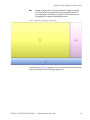
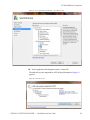
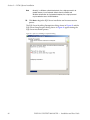
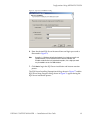
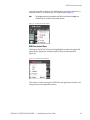
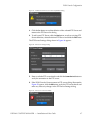
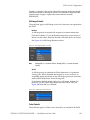
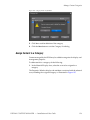
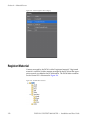
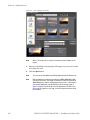
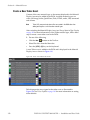
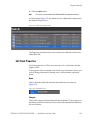
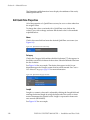
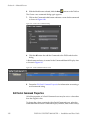
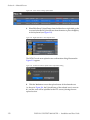
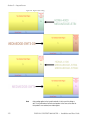
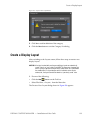
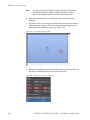
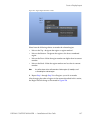
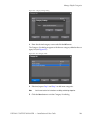
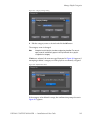
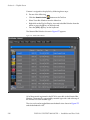
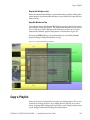
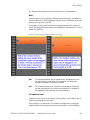
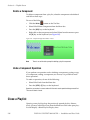
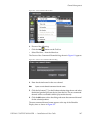
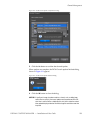
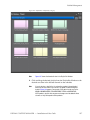
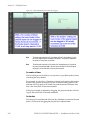
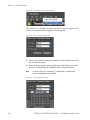
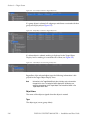
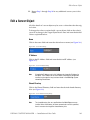
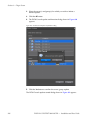
See Figure 159 for an example. The choices that appear in this list are
dependent upon the Category names that have been created. See Create a
New Material Category on page 115 for more information.
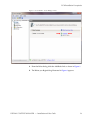
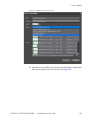
Figure 159. Flash Category Selection
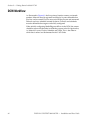
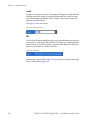
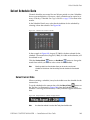
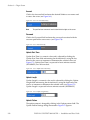
Length
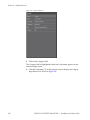
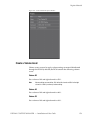
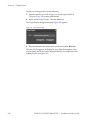
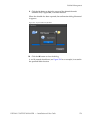
Length is a numeric value and is adjusted by clicking the Length field and
entering the desired length by using the keyboard or the arrows to increment or decrement the selected value. Length is expressed in hours:minutes:seconds (HH:MM:SS).
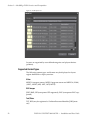
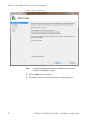
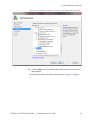
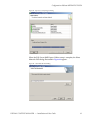
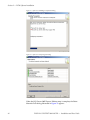
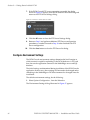
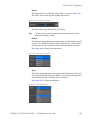
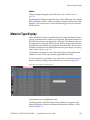
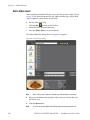
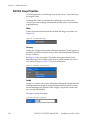
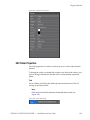
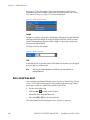
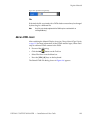
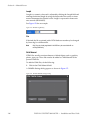
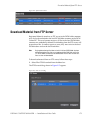
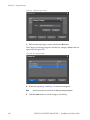
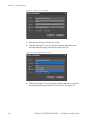
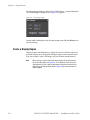
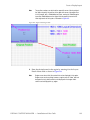
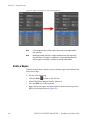
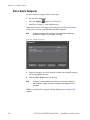
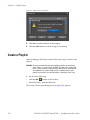
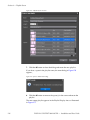
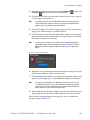
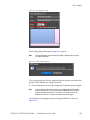
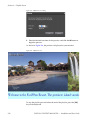
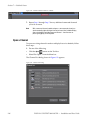
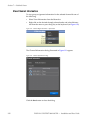
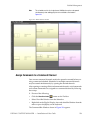
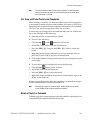
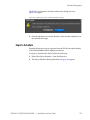
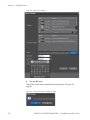
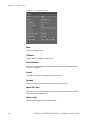
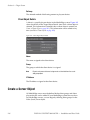
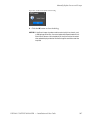
See Figure 160 for an example.
Figure 160. Flash Length Entry
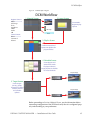
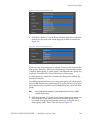
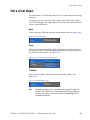
File
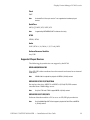
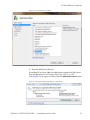
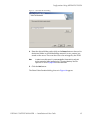
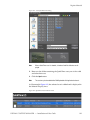
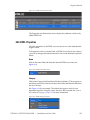
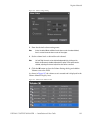
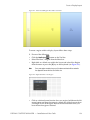
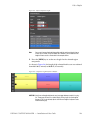
If desired, the file associated with a DCM database record may be changed
by browsing for a different file.
Note
Only files not already registered in the DCM may be associated with an
existing DCM entry.
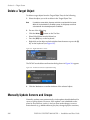
Add a QuickTime Asset
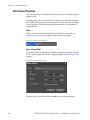
After switching the Material Display Area (see Change Material Type Display
on page 111 for more information) to the QuickTime material type, follow
these steps to add new QuickTime content to the DCM:
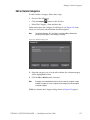
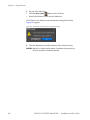
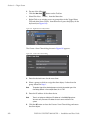
1. Do one of the following:
•
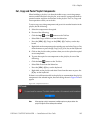
Click the New
button on the Tool bar.
•
Select File>New from the Menu bar.
•
Press the [CTRL]+[N] keys on the keyboard.
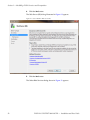
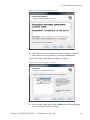
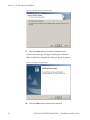
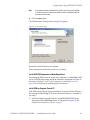
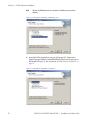
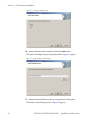
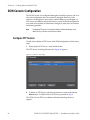
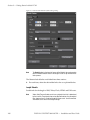
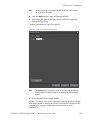
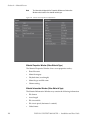
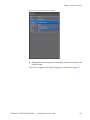
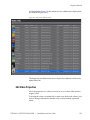
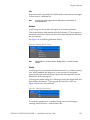
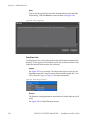
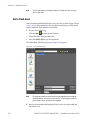
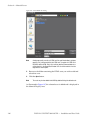
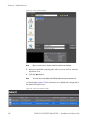
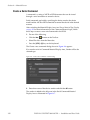
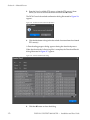
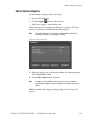
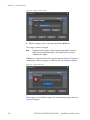
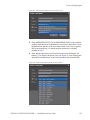
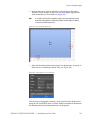
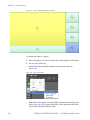
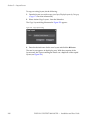
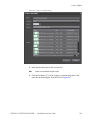
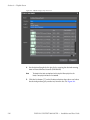
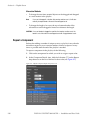
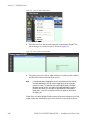
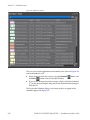
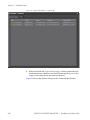
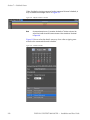
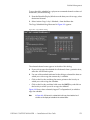
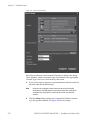
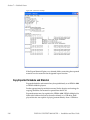
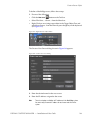
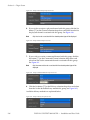
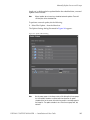
The Select QuickTime File dialog shown in Figure 161 appears.
140
DISPLAY CONTENT MANAGER — Installation and User Guide