1
Section 4 — Material Screen
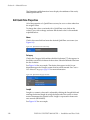
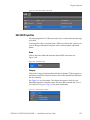
Name
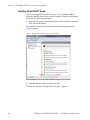
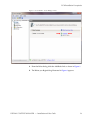
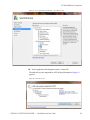
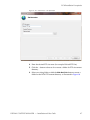
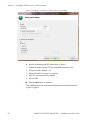
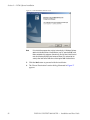
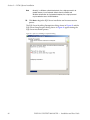
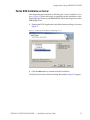
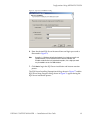
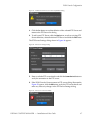
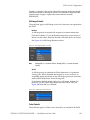
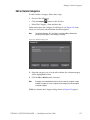
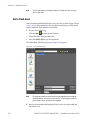
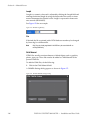
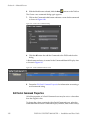
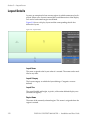
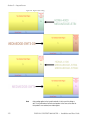
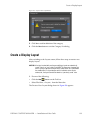
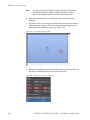
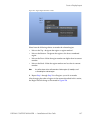
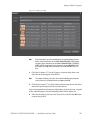
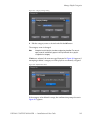
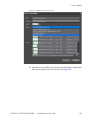
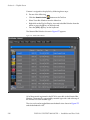
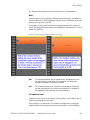
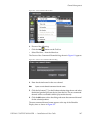
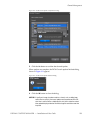
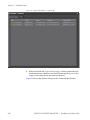
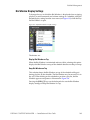
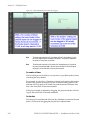
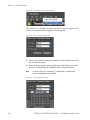
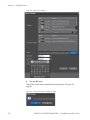
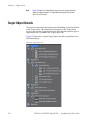
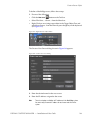
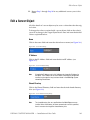
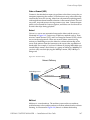
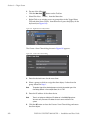
Click in the name field and enter the desired video file name (see
Figure 131).
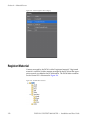
Figure 131. Video Name Entry
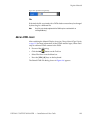
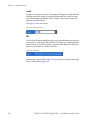
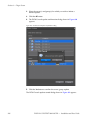
Category
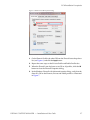
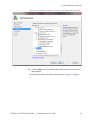
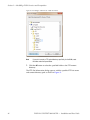
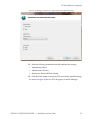
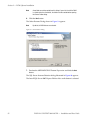
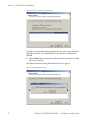
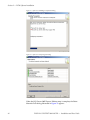
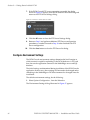
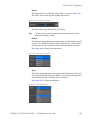
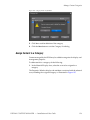
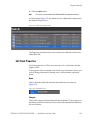
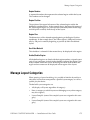
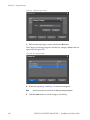
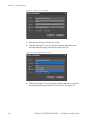
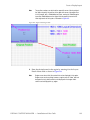
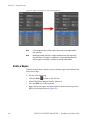
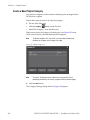
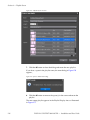
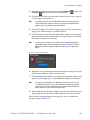
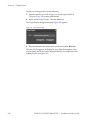
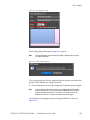
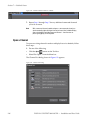
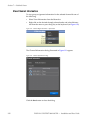
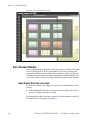
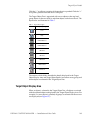
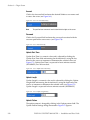
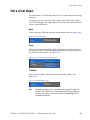
Click in the Category field and then click the list button [V] that appears in
the field to see the list of choices for that value. Select the desired value from
the list of choices.
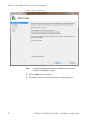
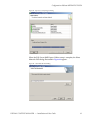
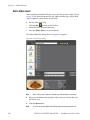
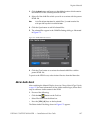
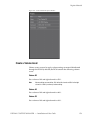
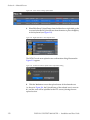
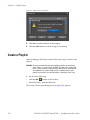
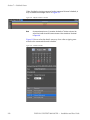
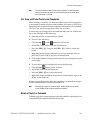
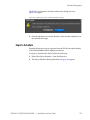
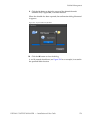
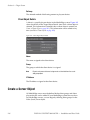
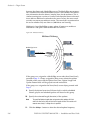
See Figure 132 for an example. The choices that appear in this list are
dependent upon the Category names that have been created. See Create a
New Material Category on page 115 for more information.
Figure 132. Video Category Selection
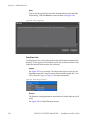
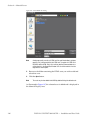
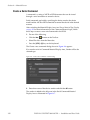
Playback Time
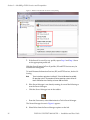
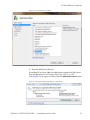
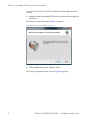
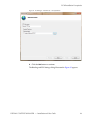
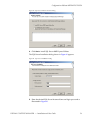
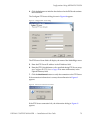
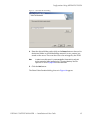
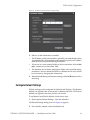
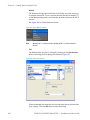
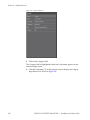
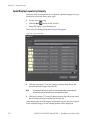
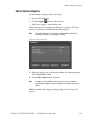
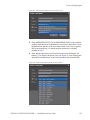
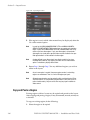
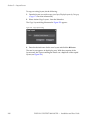
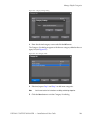
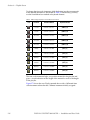
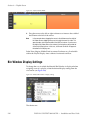
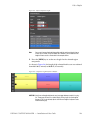
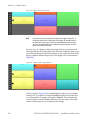
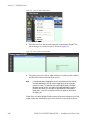
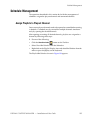
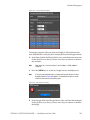
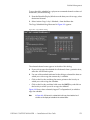
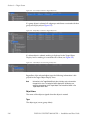
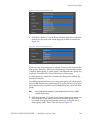
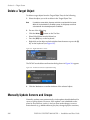
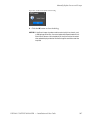
Playback time is a numeric value and is adjusted by clicking the Playback
Time field and entering the desired playback time by using the keyboard or
the arrows to increment or decrement the selected value. Playback time is
expressed in hours:minutes:seconds (HH:MM:SS).
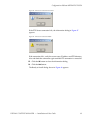
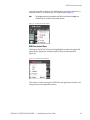
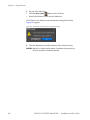
Note
In the case of a video file which has an original playback time based on the
length of the video file, the playback time may only be shortened. The specified playback time cannot exceed the original playback time.
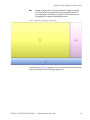
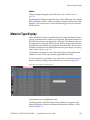
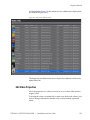
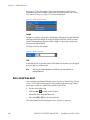
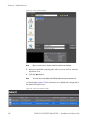
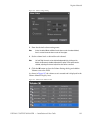
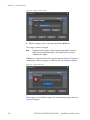
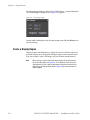
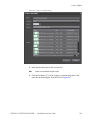
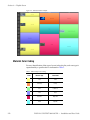
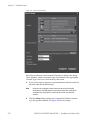
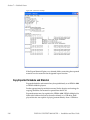
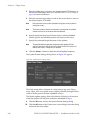
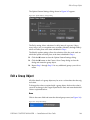
See Figure 133 for an example.
Figure 133. Video Playback Time Entry
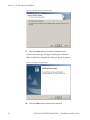
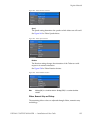
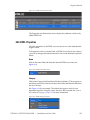
File
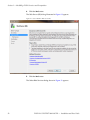
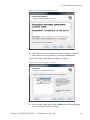
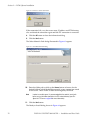
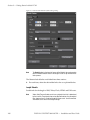
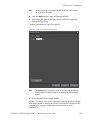
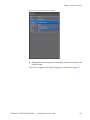
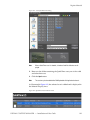
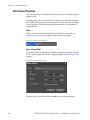
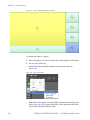
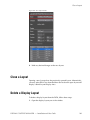
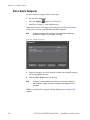
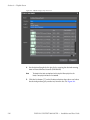
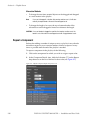
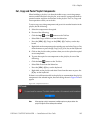
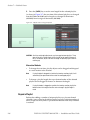
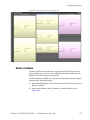
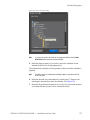
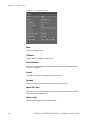
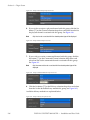
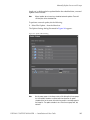
If desired, the file associated with a DCM database record may be changed
by browsing for a different file.
126
DISPLAY CONTENT MANAGER — Installation and User Guide