1
Section 6 — Playlist Screen
Delete a Component
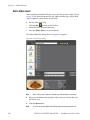
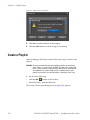
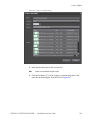
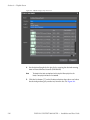
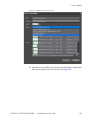
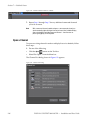
To delete a component from a playlist, select the component to be deleted
and follow these steps:
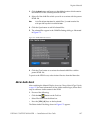
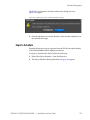
Do one of the following:
button on the Tool bar.
•
Click the Delete
•
Select Edit>Delete>Component from the Menu bar.
•
Press the [DEL] key on the keyboard.
•
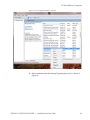
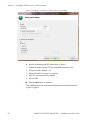
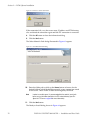
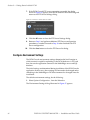
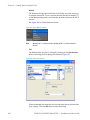
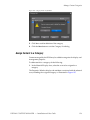
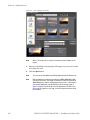
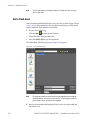
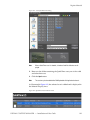
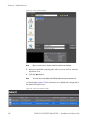
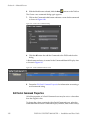
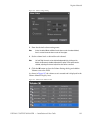
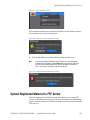
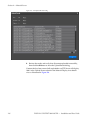
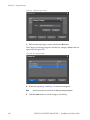
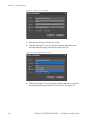
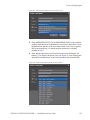
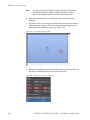
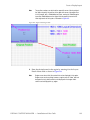
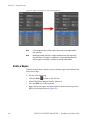
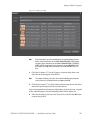
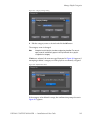
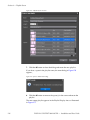
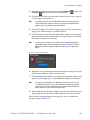
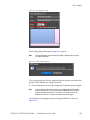
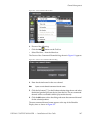
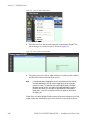
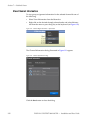
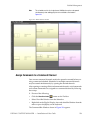
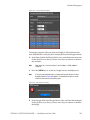
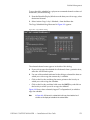
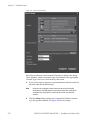
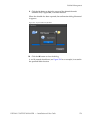
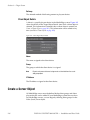
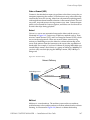
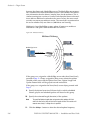
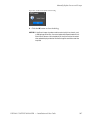
Right click on the component and select Delete from the menu or press
the [D] key on the keyboard (see Figure 295).
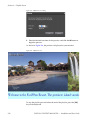
Figure 295. Component Right Click Menu - Delete
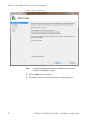
Note
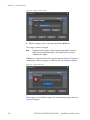
There is no confirmation prompt for deleting a playlist component.
Undo a Component Operation
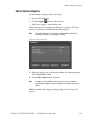
If you perform an operation such as deleting a component, pasting a copy
of a component, cutting a component, etc. in error, it is possible to undo
these operations.
To undo an operation, do one of the following:
•
Select Edit>Undo from the Menu bar.
•
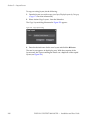
Press the [CTRL]+[Z] keys on the keyboard.
Operations are undone in reverse order with the most recent operation being reversed first.
There are 10 levels of undo.
Close a Playlist
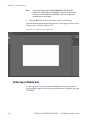
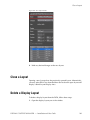
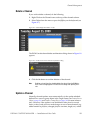
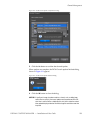
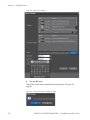
Opening a new playlist closes the previously opened playlist. Alternatively, you may select File>Close from the Menu bar to close the open playlist and display a blank Playlist Display Area.
236
DISPLAY CONTENT MANAGER — Installation and User Guide