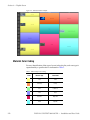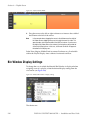
1
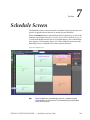
Section 7 — Schedule Screen
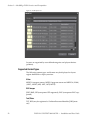
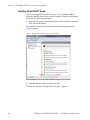
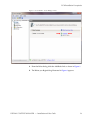
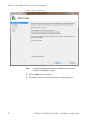
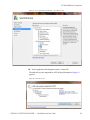
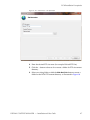
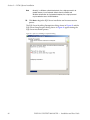
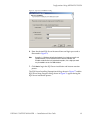
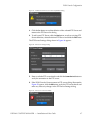
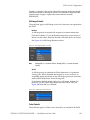
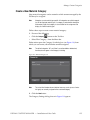
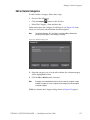
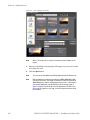
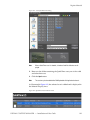
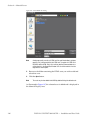
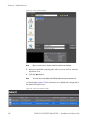
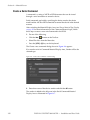
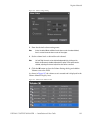
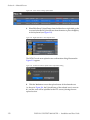
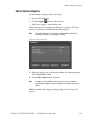
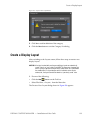
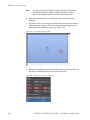
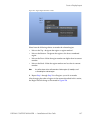
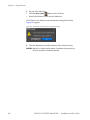
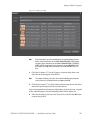
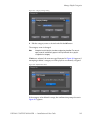
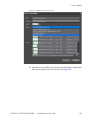
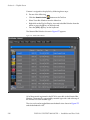
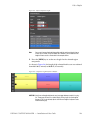
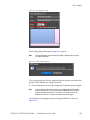
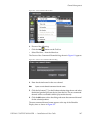
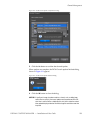
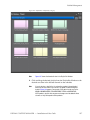
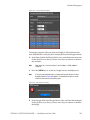
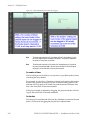
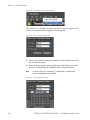
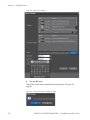
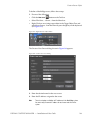
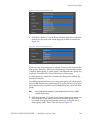
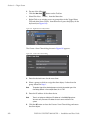
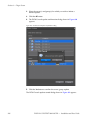
Figure 349. Export Schedule Dialog
Both Playout Channels and Command Channels are listed in the dialog.
Those channels which are currently open and selected in the appropriate
Channel Type view have a check mark by their name.
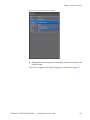
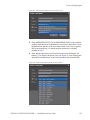
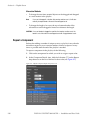
3. If you wish to export a playout or command channel other than the one
selected, select the desired channel.
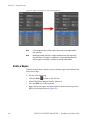
Note
A maximum of one playout and one command channel may be selected
simultaneously. If multiple playout or command channels exist, selecting one
will deselect any other playout or command channel that may have been
selected.
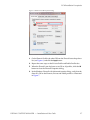
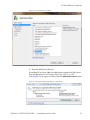
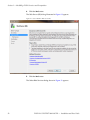
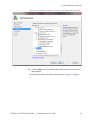
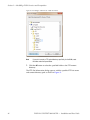
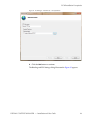
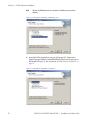
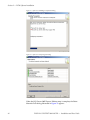
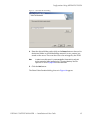
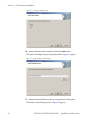
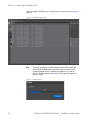
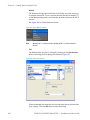
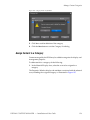
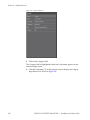
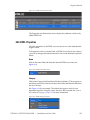
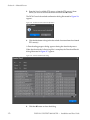
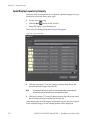
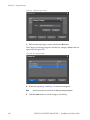
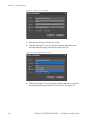
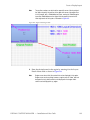
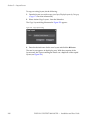
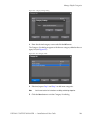
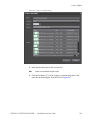
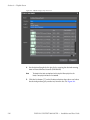
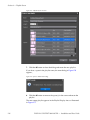
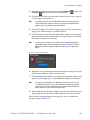
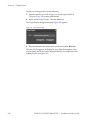
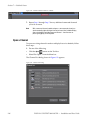
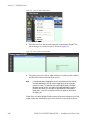
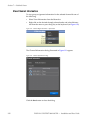
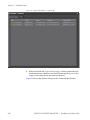
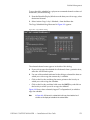
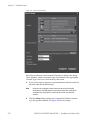
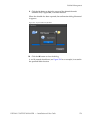
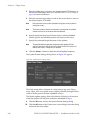
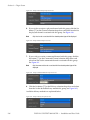
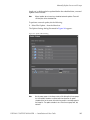
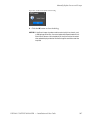
4. Click the Settings button and browse to the desired folder in which to
save the exported schedule. See Figure 350 for an example.
276
DISPLAY CONTENT MANAGER — Installation and User Guide