1
Section
7
Schedule Screen
The Schedule screen is where channels are defined for playout devices and
playlist assigned to those channels to create playout schedules.
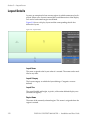
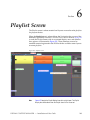
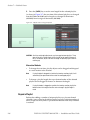
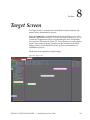
When the Schedule button is selected from the Navigation bar, or, one of the
methods explained in Alternative Function Screen Access Methods on page 92
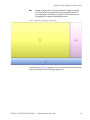
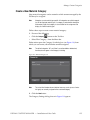
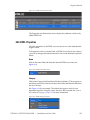
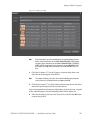
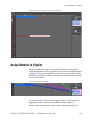
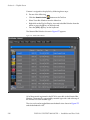
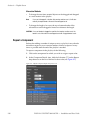
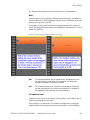
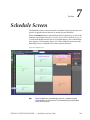
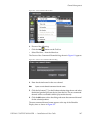
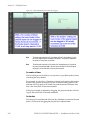
is used, the Schedule Screen with its associated display areas and function
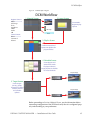
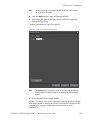
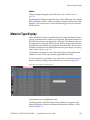
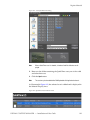
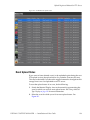
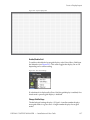
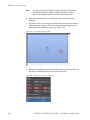
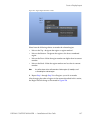
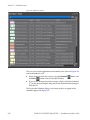
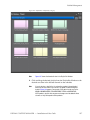
bars appears as illustrated in Figure 299. These elements are used to add
defined playlists to schedules for various playout channels.
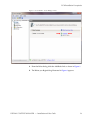
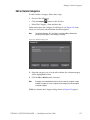
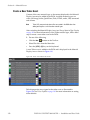
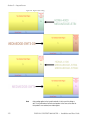
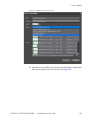
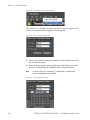
Figure 299. Playlist Screen
Note
Figure 299 depicts the Schedule Display Area with a schedule created by
assigning playlists to three channels. The Schedule Display Area will be blank
when it is first accessed.
DISPLAY CONTENT MANAGER — Installation and User Guide
239