1
Section 7 — Schedule Screen
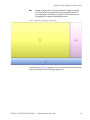
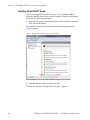
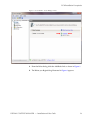
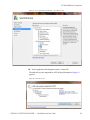
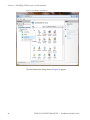
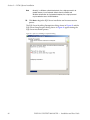
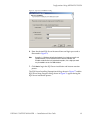
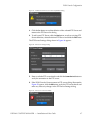
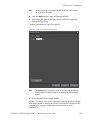
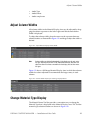
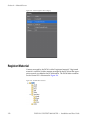
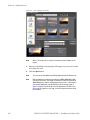
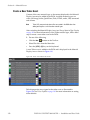
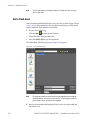
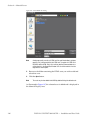
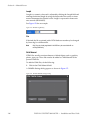
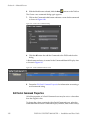
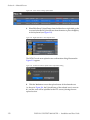
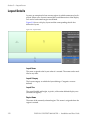
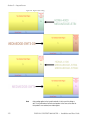
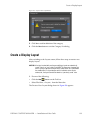
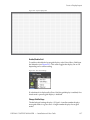
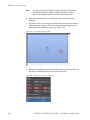
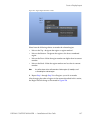
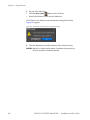
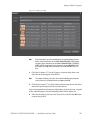
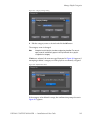
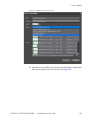
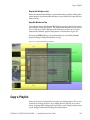
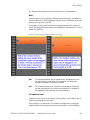
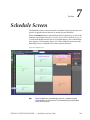
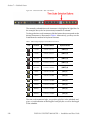
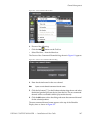
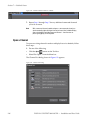
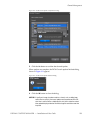
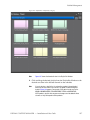
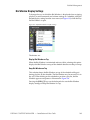
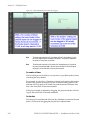
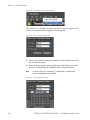
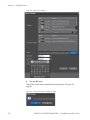
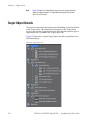
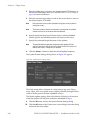
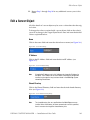
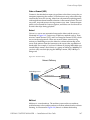
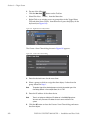
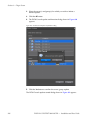
Figure 334. Transparent Playlist Bin Window
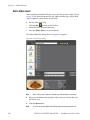
Edit a Channel Schedule
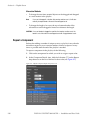
After assigning playlists to channel, it may be necessary to adjust the length
of one or more playlists. It may be desirable to have some playlists play
repeatedly until the end of the schedule is reached or to play a playlist, for
example, three times before moving to the next playlist in the schedule. You
may wish to delete a playlist or assign additional playlists to the schedule.
Adjust Playlist Start Time and Length
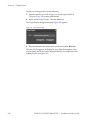
To increase or decrease the length of a playlist in the schedule, do the following:
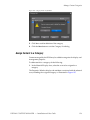
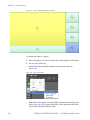
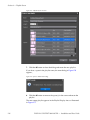
1. In the Schedule Display Area, click on the channel playlist for which
you wish to adjust start time or length.
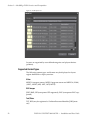
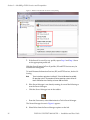
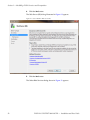
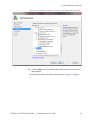
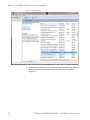
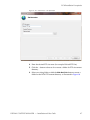
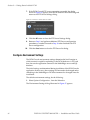
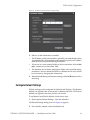
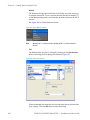
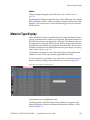
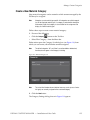
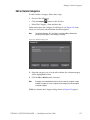
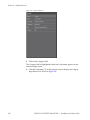
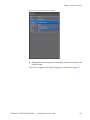
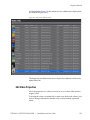
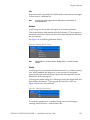
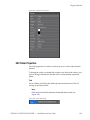
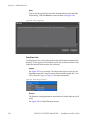
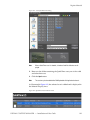
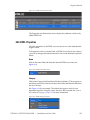
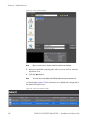
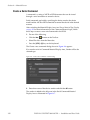
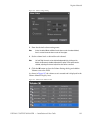
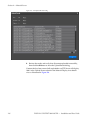
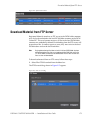
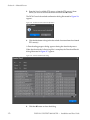
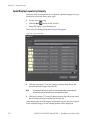
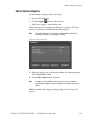
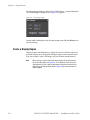
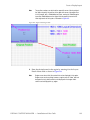
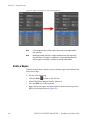
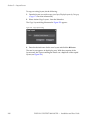
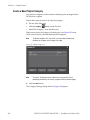
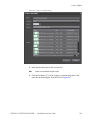
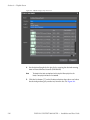
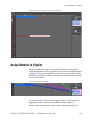
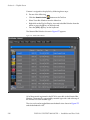
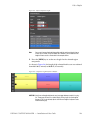
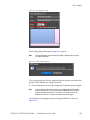
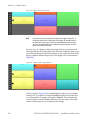
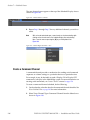
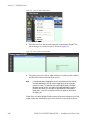
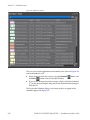
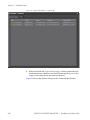
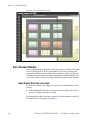
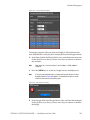
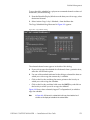
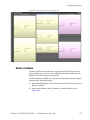
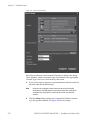
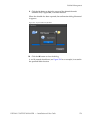
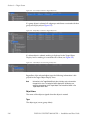
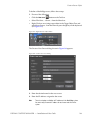
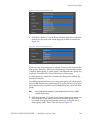
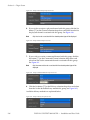
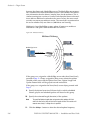
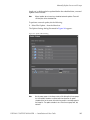
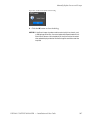
All of the playlists that have been assigned to a channel appear in the Playlists Detail Area as illustrated in Figure 335.
264
DISPLAY CONTENT MANAGER — Installation and User Guide