1
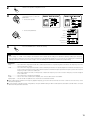
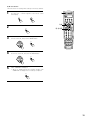
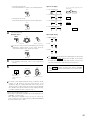
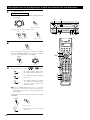
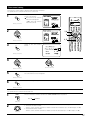
After completing system setup
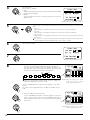
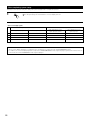
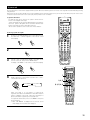
This button can be pressed at any time during the system setup process to complete the process.
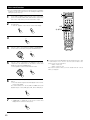
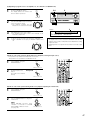
1
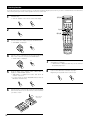
At the System Setup Menu, press the SYSTEM SETUP button.
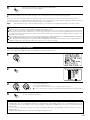
The changed settings are entered and the on-screen display turns off.
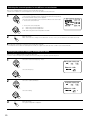
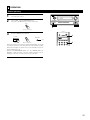
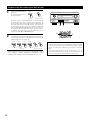
SETUP
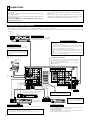
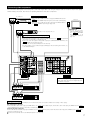
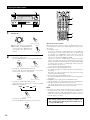
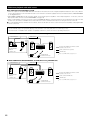
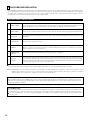
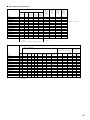
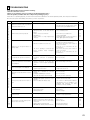
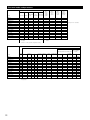
• On-screen display signals
Signals input to the AVR-3802
On-screen display signal output
VIDEO signal input jack (yellow)
S-video signal input jack
VIDEO MONITOR OUT video
signal output jack (yellow)
S-video MONITOR OUT video
signal output jack
1
E
E
C
C
2
C
E
C
E
3
E
C
E
C
4
C
C
E
C
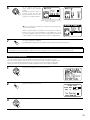
(C: Signal
E: No signal)
(C: On-screen signals output
E: On-screen signals not output)
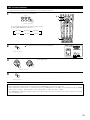
NOTES:
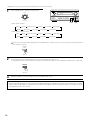
• The on-screen display signals are not output from the color difference (component) video signal MONITOR OUT jacks.
• For 4 above, the on-screen display signals are output to the VIDEO MONITOR OUT video signal output jack (yellow) if the monitor TV is not
connected to the S-video MONITOR OUT video signal output jack.
28