1
Scribble Strips
Mute and Solo Functions
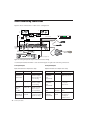
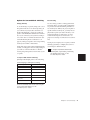
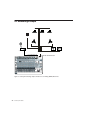
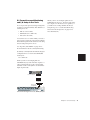
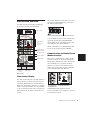
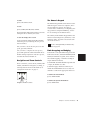
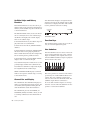
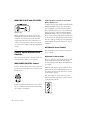
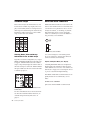
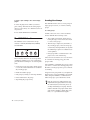
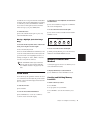
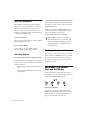
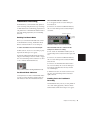
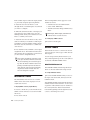
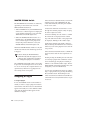
Each of the twenty-four channels has its own
four-character scribble strip display. These displays often identify names or settings related to
their respective channel strip. In certain modes,
information will be spread across the scribble
strips of more than one channel.
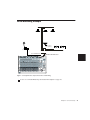
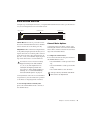
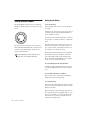
MUTE and SOLO switches are located above the
fader on each channel. The on-screen mute and
solo functions are equivalent to those on Control|24, are additive, or “latching,” by default.
This means that when you press the SOLO
switch on a channel, it is soloed in addition to
any previously soloed channels.
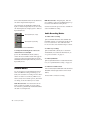
Kik2
Snar
Room
Scribble Strips
Channel Select, Solo and Mute
Showing Name, Value and Group
Information in the Scribble Strips
Solo can be changed to non-latching in the
Pro Tools preferences, but the mute function
cannot be rendered non-latching.
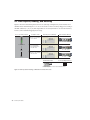
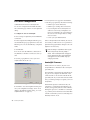
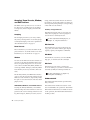
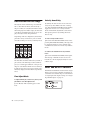
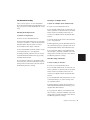
Regardless of current configuration, if you press
SHOW CHANNEL NAMES the track name will
(re)appear. SHOW VALUE causes the scribble
strips to temporarily display the current value of
the fader setting for each track. SHOW GROUP
will put a small letter in front of the track name
to indicate groups a–z.
L<>R
Implicit and Explicit Mute/Solo Display
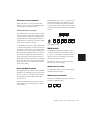
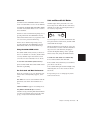
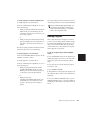
A flashing MUTE LED indicates an implied or
implicit mute. The channel is muted because
other channels are soloed. See “Solo and Record
Safe Modes” on page 63 for a description of how
to protect a track from implied muting.
The MUTE switch LEDs on channels that are explicitly muted are lit continuously (do not
flash).
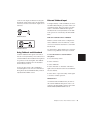
To mute or solo a channel:
■
Showing Name, Value and Group Information in the
Scribble Strips
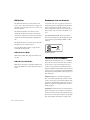
For more information about various Show Values and Show Channel Names functions, see
“Scribble Strips and Rotary Encoders” on
page 50.
62
Control|24 Guide
Press the channel MUTE or SOLO switch.