1
Installation Tasks
2
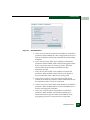
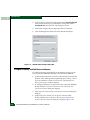
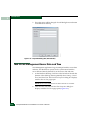
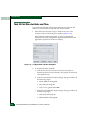
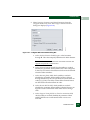
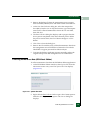
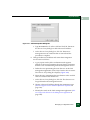
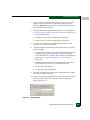
4. At the Computer Name field, change the name to MGMTSERVER.
Click (select) the Workgroup radio button, change the name to
WORKGROUP, and click OK. The dialog box closes.
5. Record the computer and workgroup names for reference.
6. Close all dialog boxes and return to the Windows desktop.
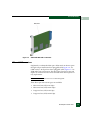
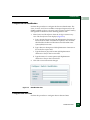
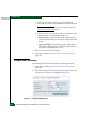
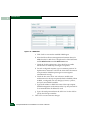
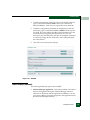
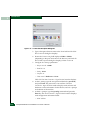
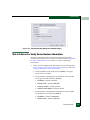
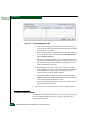
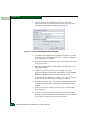
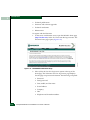
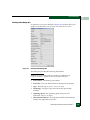
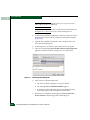
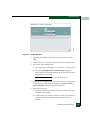
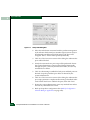
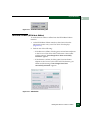
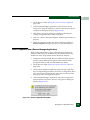
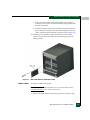
Figure 2-17
Identification Changes Dialog Box
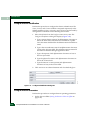
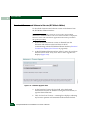
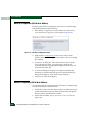
Configure Gateway and DNS Server Addresses
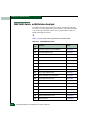
To configure gateway and DNS server IP addresses for the private
LAN connection (LAN 2) and public LAN connection (LAN 1):
1. At the Windows desktop, click Start at the left side of the task bar
(bottom of the desktop), then sequentially select Settings, Control
Panel, and Network and Dial-up Connections. The Network and
Dial-up Connections window displays.
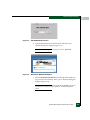
2. To configure addresses for the private LAN connection (LAN 2),
double-click the Local Area Connection 2 icon. The Local Area
Connection 2 Status dialog box displays.
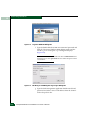
3. Click Properties. The Local Area Connection 2 Properties dialog box
displays.
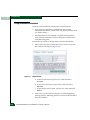
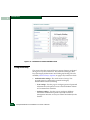
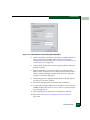
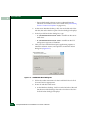
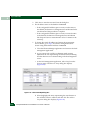
4. In the Components checked are used by this connection field,
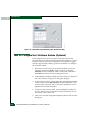
double-click the Internet Protocol (TCP/IP) entry. The Internet
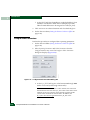
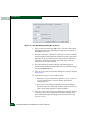
Protocol (TCP/IP) Properties dialog box displays (Figure 2-18).
2-40
Intrepid® 6140 Director Installation and Service Manual