1
Removal and Replacement Procedures (RRPs)
5
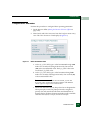
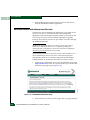
8. Perform one of the following to verify SBAR operation:
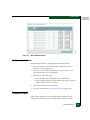
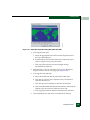
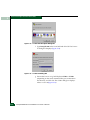
— If at the management server, open the Hardware View and
observe the SBAR graphic to ensure no alert symbols appear
that indicate a failure (yellow triangle or red diamond). If a
problem is indicated, go to Chapter 3, Maintenance Analysis
Procedures (MAPS) to isolate the problem.
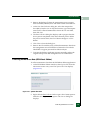
— If at a web browser connected to the EFCM Basic Edition
interface, open the Switch tab at the View panel and ensure no
amber LEDs illuminate that indicate an SBAR failure. If a
problem is indicated, go to Chapter 3, Maintenance Analysis
Procedures (MAPS) to isolate the problem.
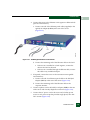
9. Replace the RFI shield (RRP: RFI Shield on page 5-28).
10. Perform the data collection procedure (Collecting Maintenance
Data on page 4-32).
11. If the customer requests the replacement SBAR assembly be set as
the active SBAR, perform a FRU switchover. At the Hardware
View, right-click the graphic representing the replacement
assembly to open a pop-up menu, then select Switchover.
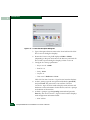
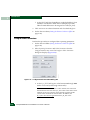
12. Perform one of the following to clear the system error (ERR) LED:
— If at the management server, open the Hardware View and:
a. Right-click the front panel bezel graphic (away from a
FRU) to open a menu.
b. Click the Clear System Error Light menu selection.
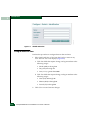
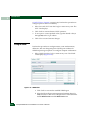
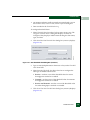
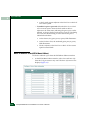
— If at a web browser connected to the EFCM Basic Edition
interface:
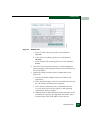
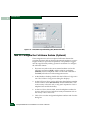
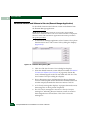
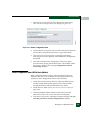
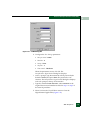
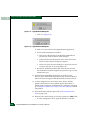
a. Click the Switch tab at the Operations panel. The Operations
panel opens with the Switch page displayed.
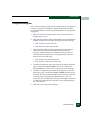
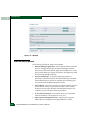
b. Click the Sys Err Light tab. The Switch page displays with
the Sys Err Light tab selected. A System Error Light is ON
message displays on the page.
c. Click Clear Light.
13. If necessary, close and lock the equipment cabinet door.
5-32
Intrepid® 6064 Director Installation and Service Manual