1
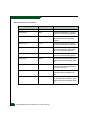
Maintenance Analysis Procedures (MAPS)
3
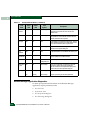
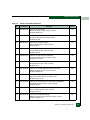
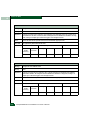
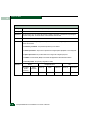
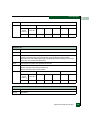
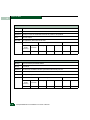
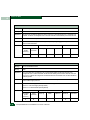
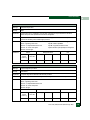
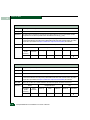
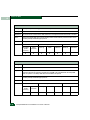
Is the product powered on?
YES
↓
NO
A power distribution problem is indicated. Go to MAP 0100:
Power Distribution Analysis. Exit MAP.
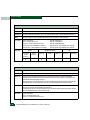
4
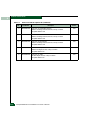
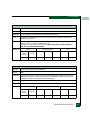
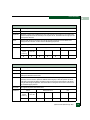
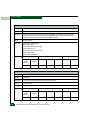
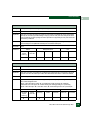
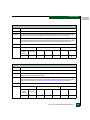
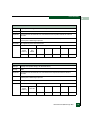
A product-to-PC link problem (Internet too busy or IP address typed
incorrectly) or an Ethernet port failure is indicated.
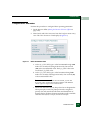
a. Wait approximately five minutes, then attempt to login to the
product.
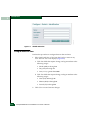
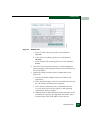
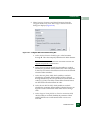
b. At the Netsite field (Netscape Navigator) or Address field
(Internet Explorer), type http://xxx.xxx.xxx.xxx, where
xxx.xxx.xxx.xxx is the product IP address obtained in MAP
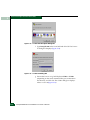
0000: Start MAP. The Username and Password Required dialog
box appears.
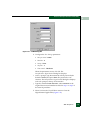
c. Type the user name and password obtained in MAP 0000: Start
MAP and click OK. If the EFCM Basic Edition interface does not
open, wait five minutes and perform this step again.
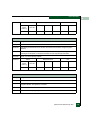
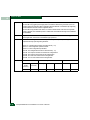
Is the EFCM Basic Edition interface operational?
NO
↓
YES
The Internet connection is restored. Exit MAP.
Failure of the Ethernet port is indicated. Replace the CTP card (RRP:
CTP Card on page 5-6). Exit MAP.
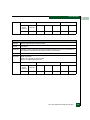
5
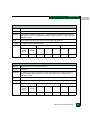
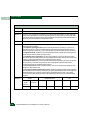
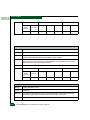
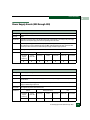
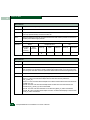
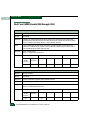
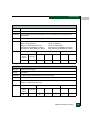
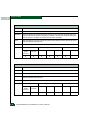
A status icon (grey square with yellow exclamation mark) appears at
the SAN management application, indicating the management server
cannot communicate with the product because:
•
The server-to-PC Internet link could not be established.
•
AC power distribution for the product failed or AC power was
disconnected.
•
The director CTP card failed.
Continue.
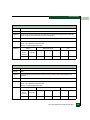
6
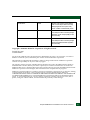
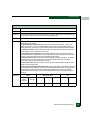
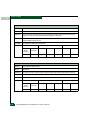
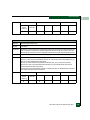
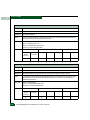
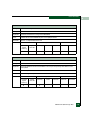
Ensure the product is connected to facility power. Inspect the product
for indications of being powered on, such as:
MAP 0300: Loss of Server Communication
3-21