1
Maintenance Analysis Procedures (MAPS)
3
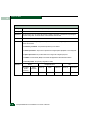
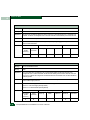
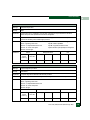
•
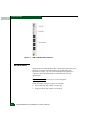
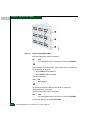
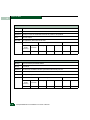
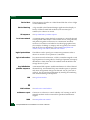
An illuminated PWR LED (green) or ERR LED (amber).
•
Illuminated LEDs adjacent to Fibre Channel ports.
•
Audio emanations and airflow from fans.
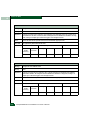
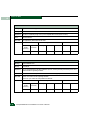
Is the product powered on?
YES
↓
NO
A power distribution problem is indicated. Go to MAP 0100:
Power Distribution Analysis. Exit MAP.
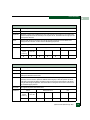
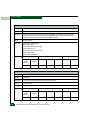
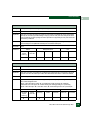
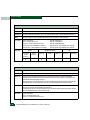
7
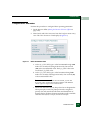
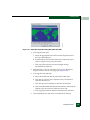
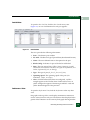
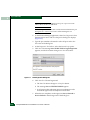
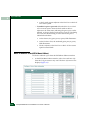
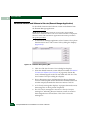
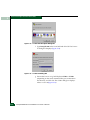
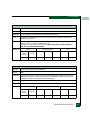
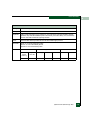
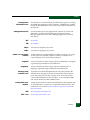
At the SAN management application’s physical map, right-click the
status icon for the product reporting the problem and select Element
Manager from the pop-up menu. The Element Manager opens and
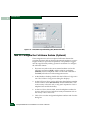
the Hardware View displays:
•
A grey square appears at the alert panel.
•
No product FRUs are visible.
•
The Status table is yellow, the Status field displays No Link, and
the Reason field displays an error message listed in Table 3-7.
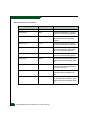
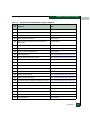
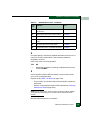
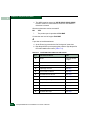
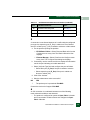
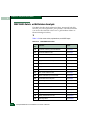
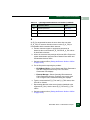
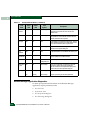
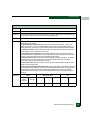
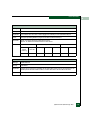
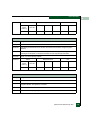
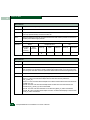
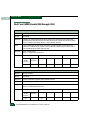
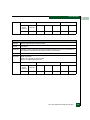
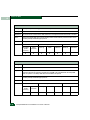
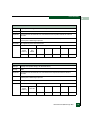
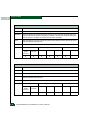
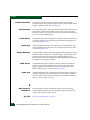
Table 3-7
MAP 300 Error Messages
Error Message
Action
Never connected.
Go to step 8.
Link timeout.
Go to step 8.
Protocol mismatch.
Go to step 15.
Duplicate session.
Go to step 18.
Unknown network address.
Go to step 21.
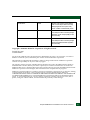
Incorrect product type.
Go to step 23.
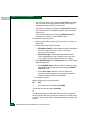
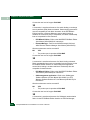
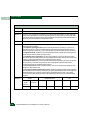
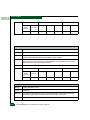
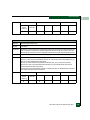
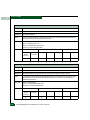
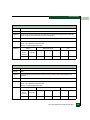
8
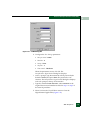
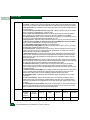
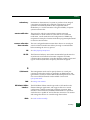
Transmit or receive errors for the Ethernet adapter exceeded a
threshold, the link was not connected, or the link timed out. A problem
with the Ethernet cable, Ethernet hubs, or other LAN-attached device
is indicated. Verify the product is connected to the management
server through one or more Ethernet hubs:
3-22
Intrepid® 6064 Director Installation and Service Manual